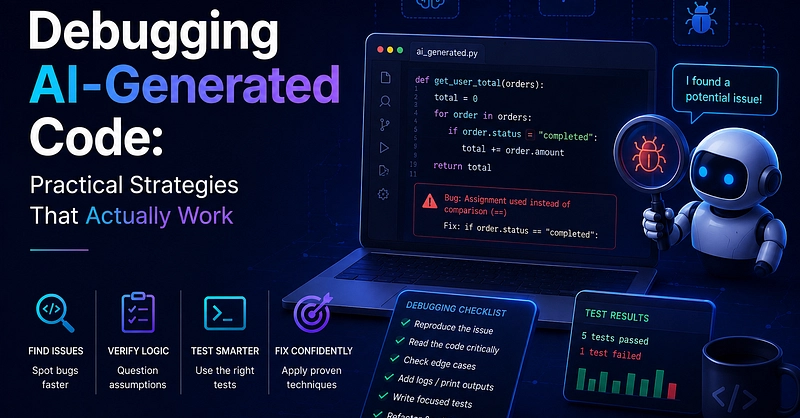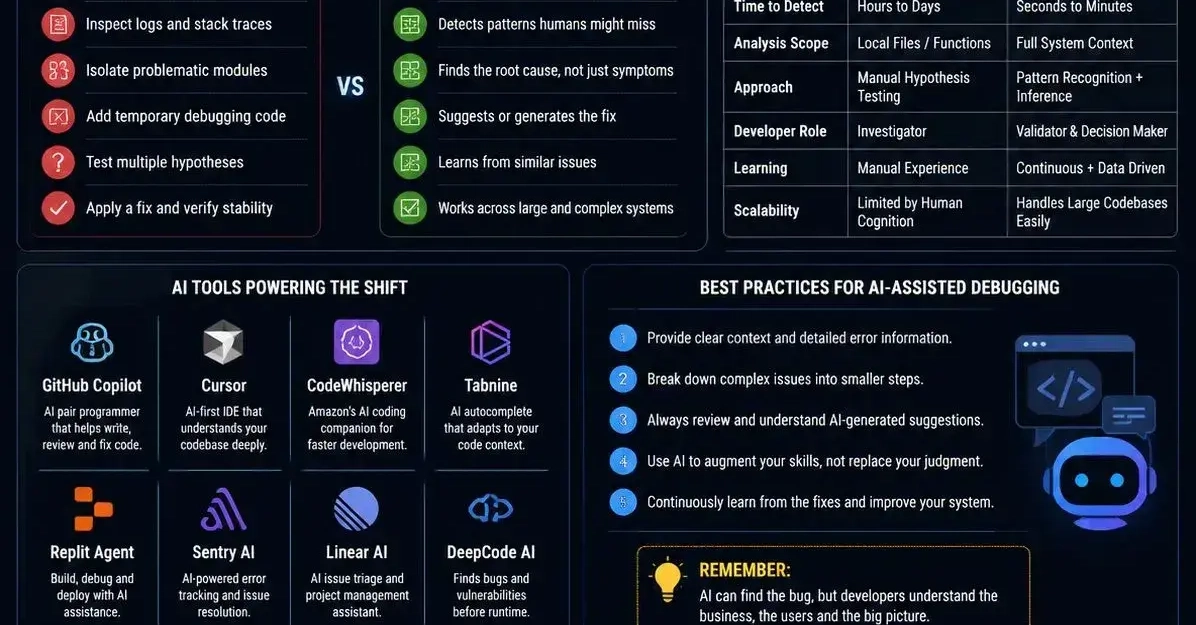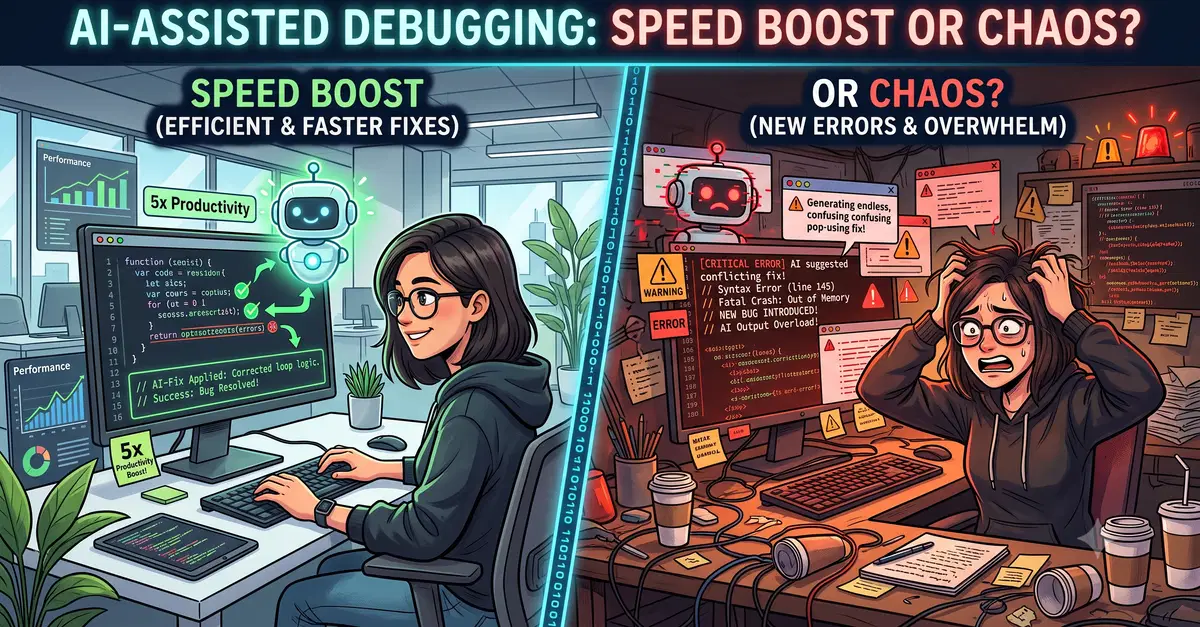
AI-assisted debugging has gone from novelty to daily habit for a meaningful share of working developers. You paste a stack trace into ChatGPT, describe unexpected behavior to Copilot Chat, or let Cursor highlight a suspicious function — and within seconds you have a hypothesis, sometimes even a working fix. It sounds like exactly what developers have always needed. But the closer you look at how these tools actually perform under real conditions, the more complicated the picture becomes.
This isn't a verdict on whether AI debugging tools are "good" or "bad." It's a closer look at where they genuinely save time, where they introduce new categories of risk, and how to structure your workflow so you get the speed without the chaos.
What AI Debugging Tools Are Actually Doing
When you hand a bug to an AI assistant, it isn't running your code or analyzing runtime behavior the way a traditional debugger does. It's doing pattern matching — drawing on enormous amounts of training data to recognize symptoms that resemble patterns it's seen before. That's both the source of its power and its most significant limitation.
A function that throws ZeroDivisionError on an empty list is a pattern the model has encountered thousands of times. Consider this: