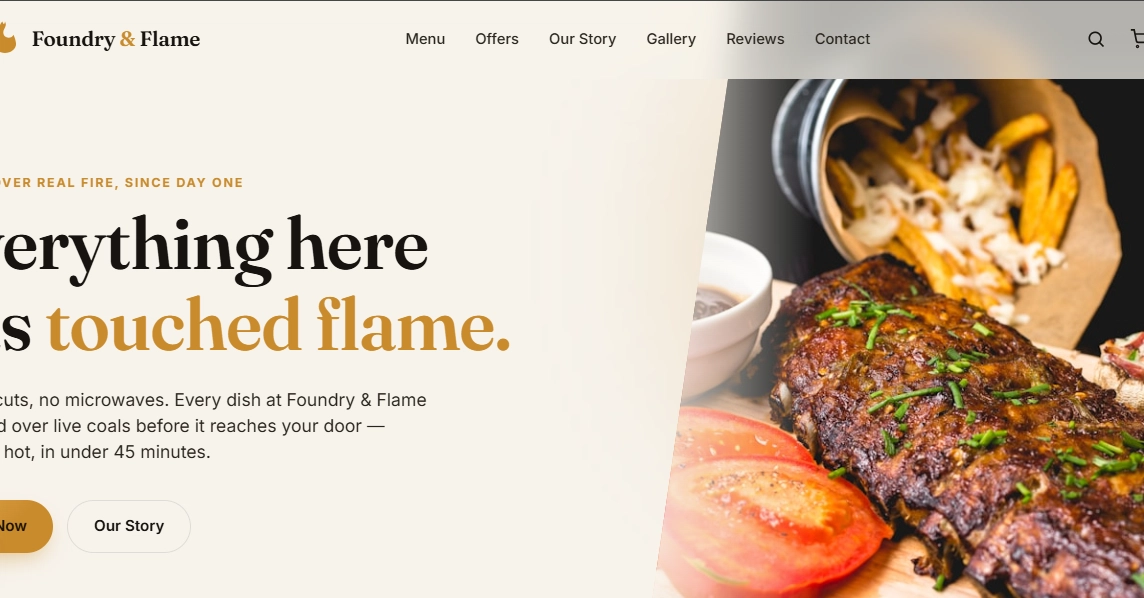
Restaurant websites look simple on the surface — a menu, some photos, a reservation button — but they come with a surprisingly tricky set of constraints: heavy image galleries, mobile-first ordering flows, and owners who need to update content themselves without touching code.
I recently built Dinecraft, a free WordPress theme aimed at restaurants, and wanted to share a few technical decisions that made the biggest difference — plus a couple of mistakes I'd avoid next time.
Menus are content, not just markup
Most restaurant theme demos hardcode the menu into the template. That looks great in a screenshot but breaks the moment a real owner needs to swap out a seasonal dish.
Instead, I structured menu items as a custom post type with taxonomies for category (starters, mains, desserts) and dietary tags (vegan, gluten-free). This meant: