When I need a short product demo or a visual explanation for a README, the slow part is rarely the idea. The slow part is leaving the terminal, opening another tool, and translating a developer task into a video-editing workflow.
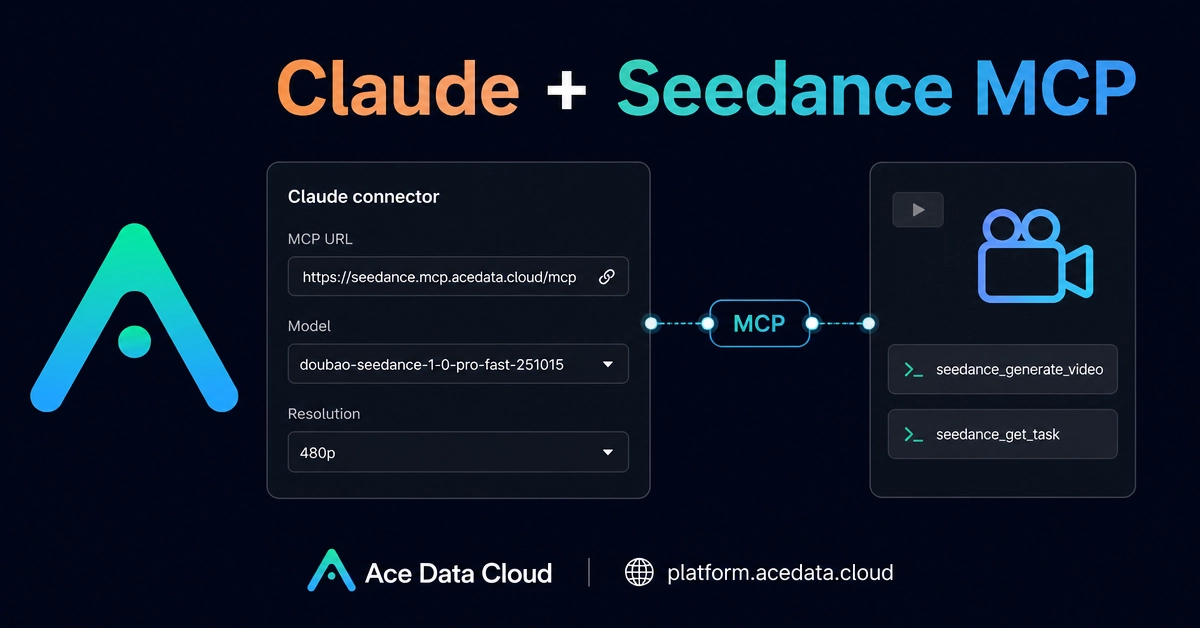
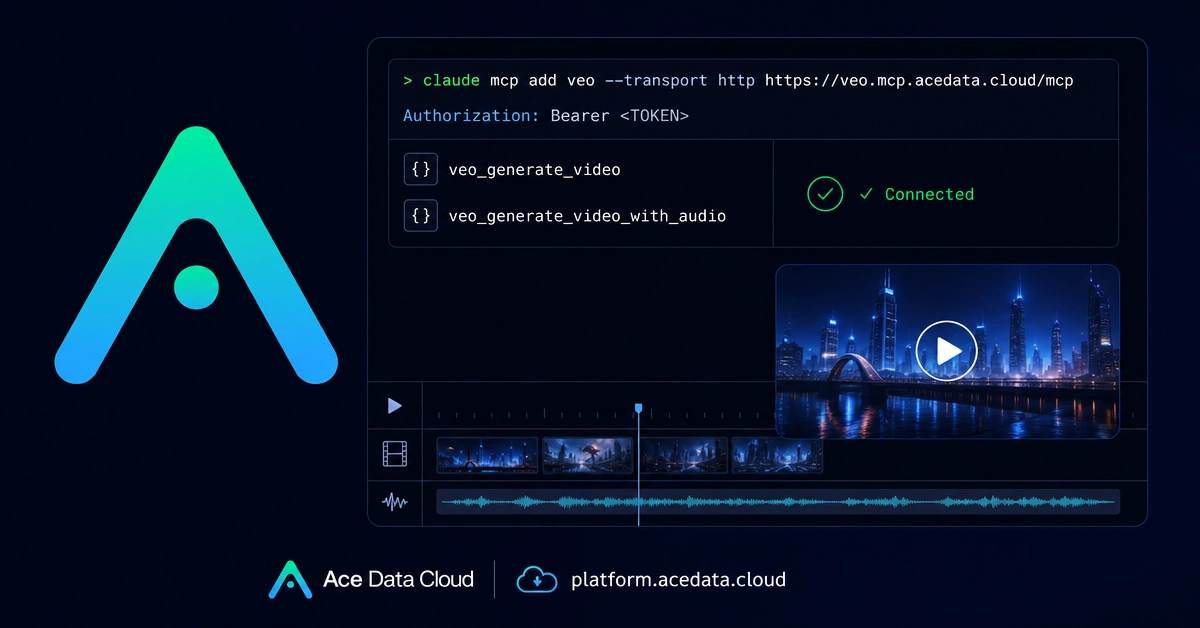
This guide walks through a terminal-first setup: connecting Claude Code to the Veo MCP server so you can ask for short AI-generated videos in plain language while staying inside your project workspace.
The source workflow comes from the Ace Data Cloud documentation for Claude Code + Veo MCP. Veo is described there as an AI video generation model from Google, with support for 1080p output and video generation with accompanying audio. In practice, the interesting part for builders is not just the model. It is the MCP layer: Claude Code can call a video tool directly from a coding session.
What you can do
After the MCP server is connected, Claude Code can use two Veo tools: