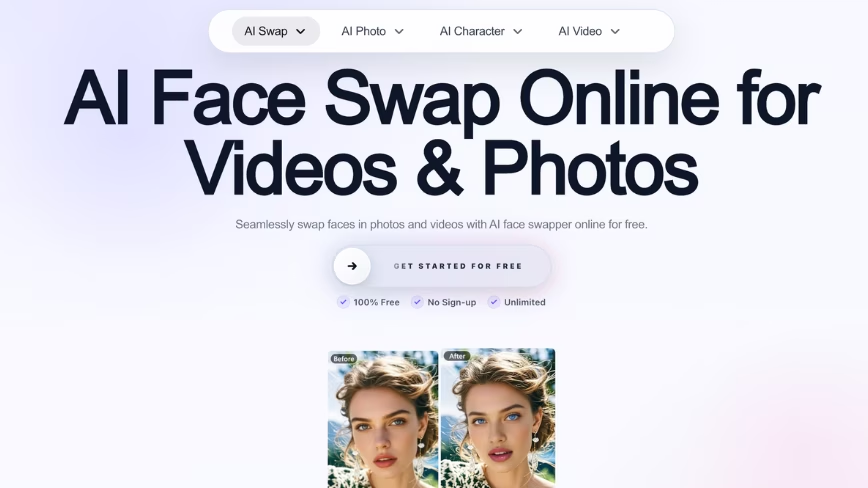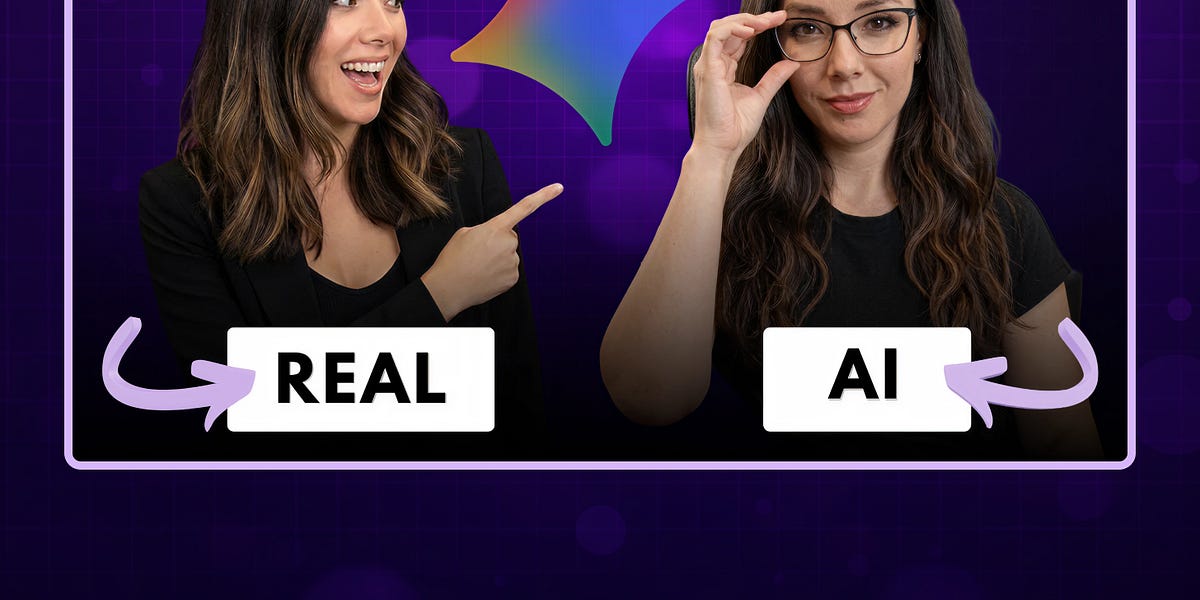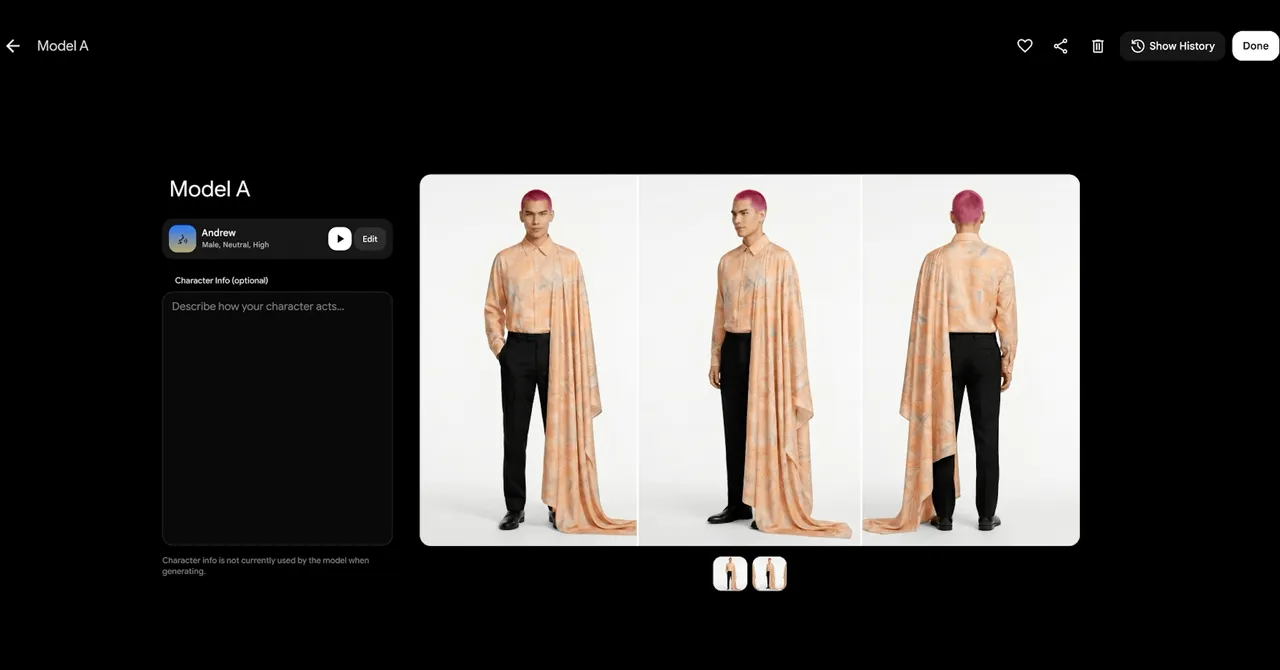
To swap faces in real time, you need a reference portrait, a webcam, and a live AI preview. The portrait supplies the new face; your webcam supplies the movement and expressions. Here is the shortest workflow using Vivify Realtime Face Swap.
The shortest browser workflow
Face Swap mode and a sample portrait are already selected.
Keep the sample or upload an authorized face, check the displayed rate, then click Start live preview.
Allow camera access when the browser asks.