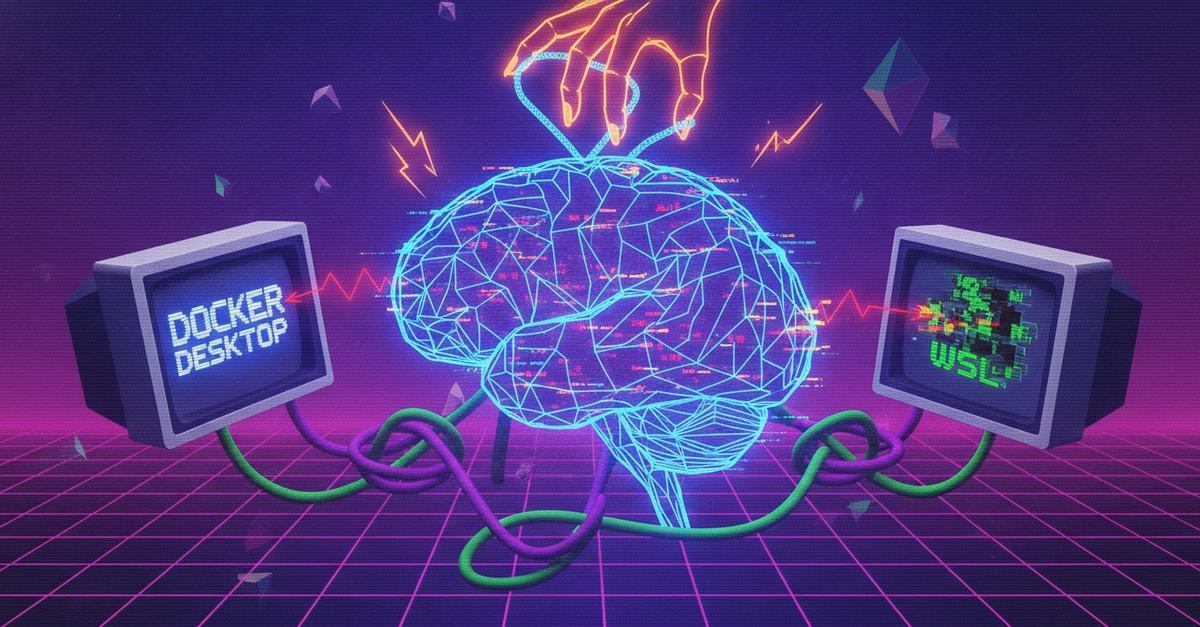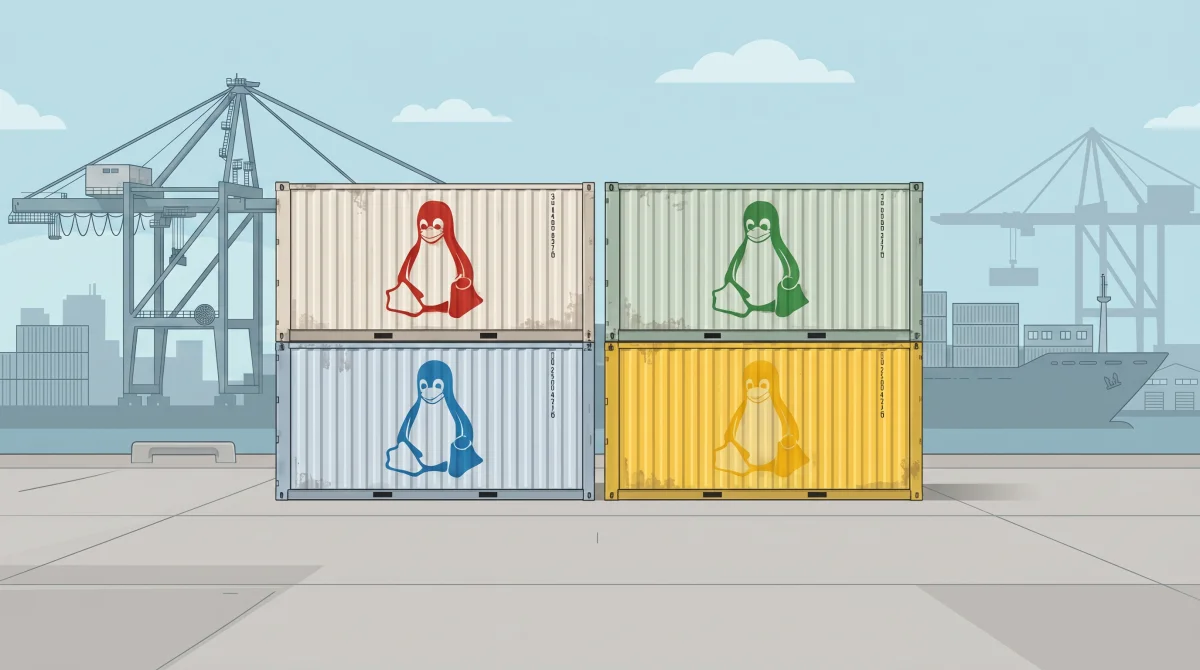
Running containers on Windows has never been as easy as it should be. While there are versions of Docker Desktop and Podman that work with both the Windows Subsystem for Linux (WSL) and Hyper-V, I’ve found both overly complex and unstable. Where they have worked, it’s turned out that Hyper-V has been the best option, using a Linux virtual machine to host my containers. That all adds up to overhead, layers of virtual infrastructure that get in the way of work and that need to be rebuilt every time I restart my PC.
Part of the problem is WSL. It’s a good tool, but WSL2’s file-system integration is slow, and you’re left having to work with code using Visual Studio Code’s remote integration, which means putting a VS Code Server in every container you’re building and testing. If you’re working with Kubernetes, that’s even more complexity that needs to be managed, dragging you away from code.
I ended up running most of my container testing and development from a separate machine, a Linux server running containerd. But though it worked (and had all the resources of workstation-class device), it wasn’t portable, and for some reason I’ve yet to uncover, Ubuntu’s remote desktop access doesn’t work for me.