Here in this high-tech era of 2026, keeping important info backed up and synced should be effortless and something that just happens on its own, automatically, without any actual thought or ongoing human effort.
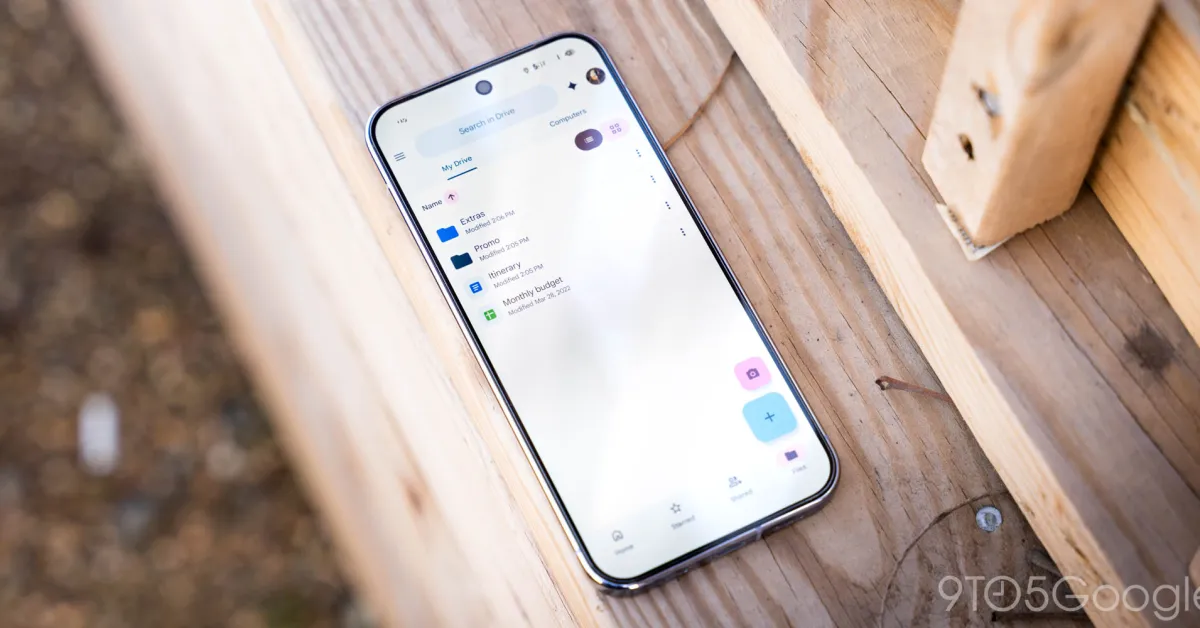
In many areas of our digital life, that mercifully does Just Work™ in exactly that way. Fire up an email in most modern mail services, and you can stop at any point and find your in-progress draft in that same app on any other device. The same applies to any file you’re finessing within Google Drive or other cloud storage services or document you’re dawdling over in Docs.
One area where seamless syncing somehow still doesn’t occur, though, is in the domain of downloaded documents on Android. If someone sends you a PDF or a Word file and you save it to your phone, that file exists in an archaic-seeming silo — only locally, on that one gadget. And that, of course, means (a) you can’t access it from any other device, and (b) if you misplace your phone or move into a new one at some point along the way, the file will be left behind in time and entirely unavailable.
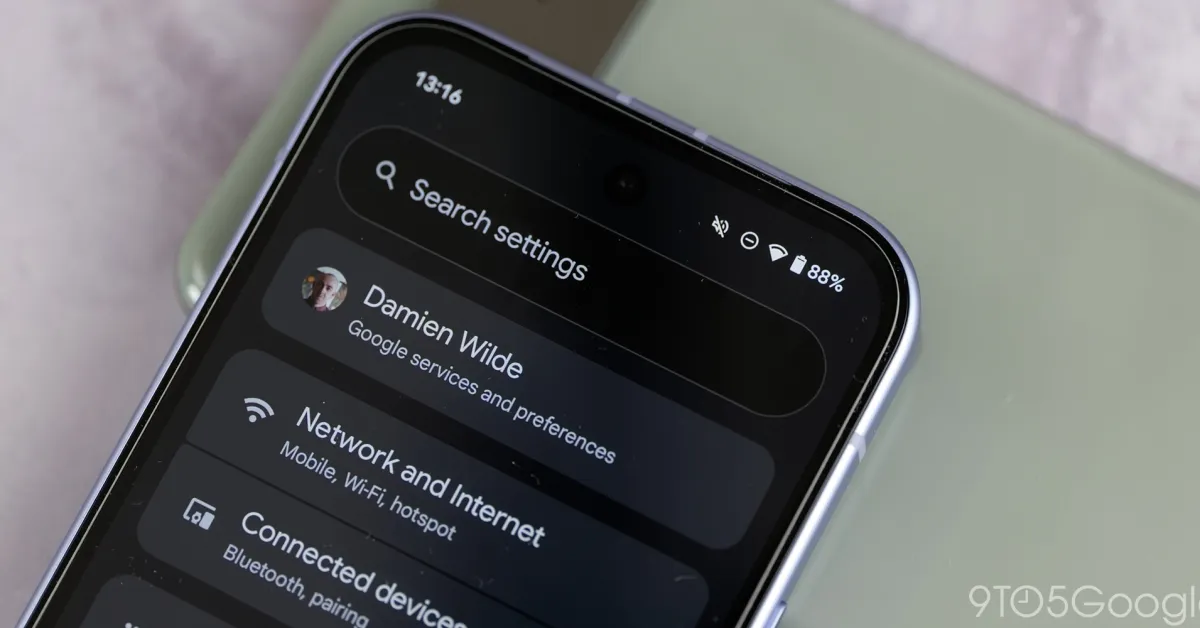
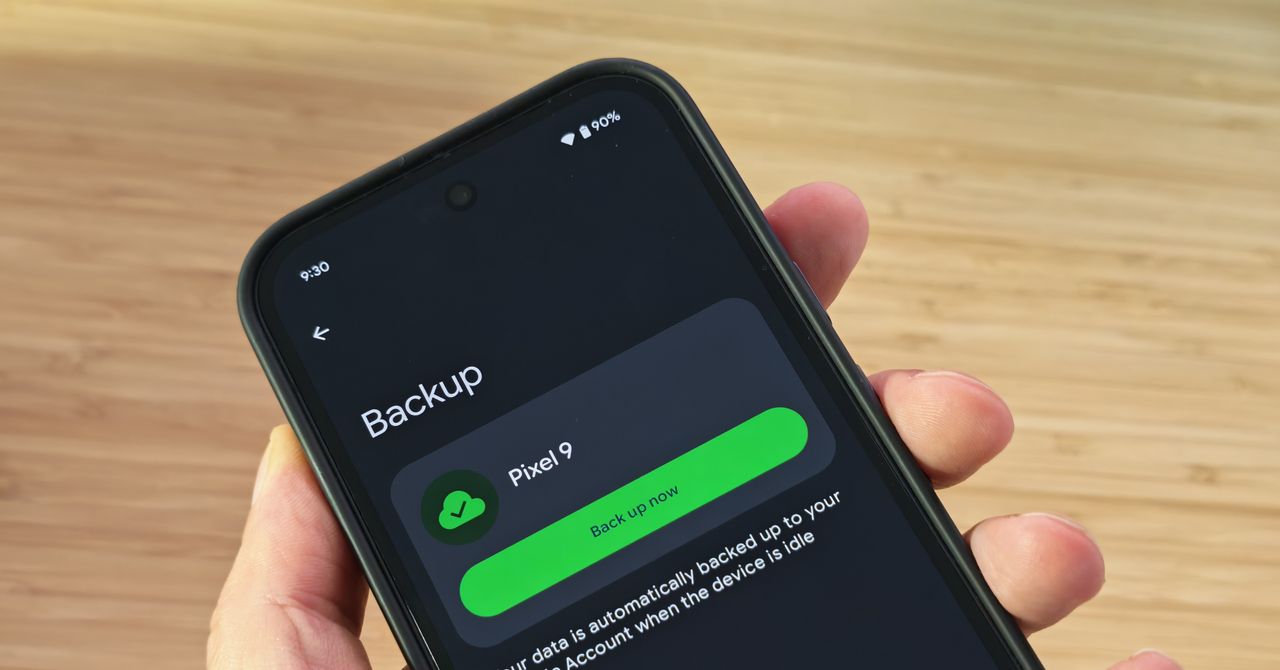
Well, take a moment to join me in celebration: Amidst all the Gemini gobbledegook that no one asked for (and that often falls somewhere between “pointless” and “actively counterproductive”), Google’s giving us a major upgrade to Android’s backup capabilities right now. It’s a simple-seeming switch buried in your system settings, and it’s up to you to find and activate it.