I used to have over six tabs open just to confirm one deploy went well. PageSpeed Insights for performance, SSL Labs for certificates, Postman for API checks, and a terminal for DNS lookups. Every small task meant switching context and losing momentum. As a developer, that friction adds up fast, especially when you are shipping client work on a deadline.
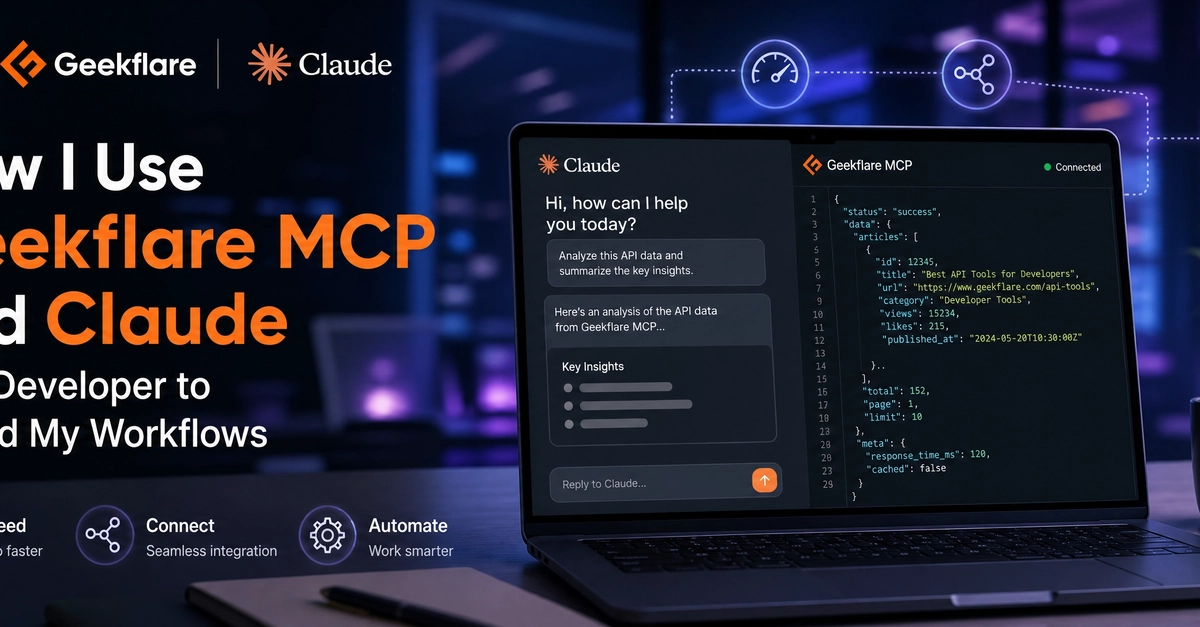
That workflow changed once I connected Geekflare MCP to Claude Desktop. I now run the same checks through plain-English prompts in one chat window. This article covers the specific tools I reach for through the Geekflare MCP as a developer.
Connecting Geekflare MCP to Claude Desktop
Geekflare MCP is a managed MCP server that connects Geekflare tools to AI assistants such as Claude. After you connect Claude with Geekflare MCP, you can access Geekflare tools for actions such as web scraping, screenshot-taking, meta scraping, and DNS lookup right from your Claude chatbot.
Ensure you have the following first: