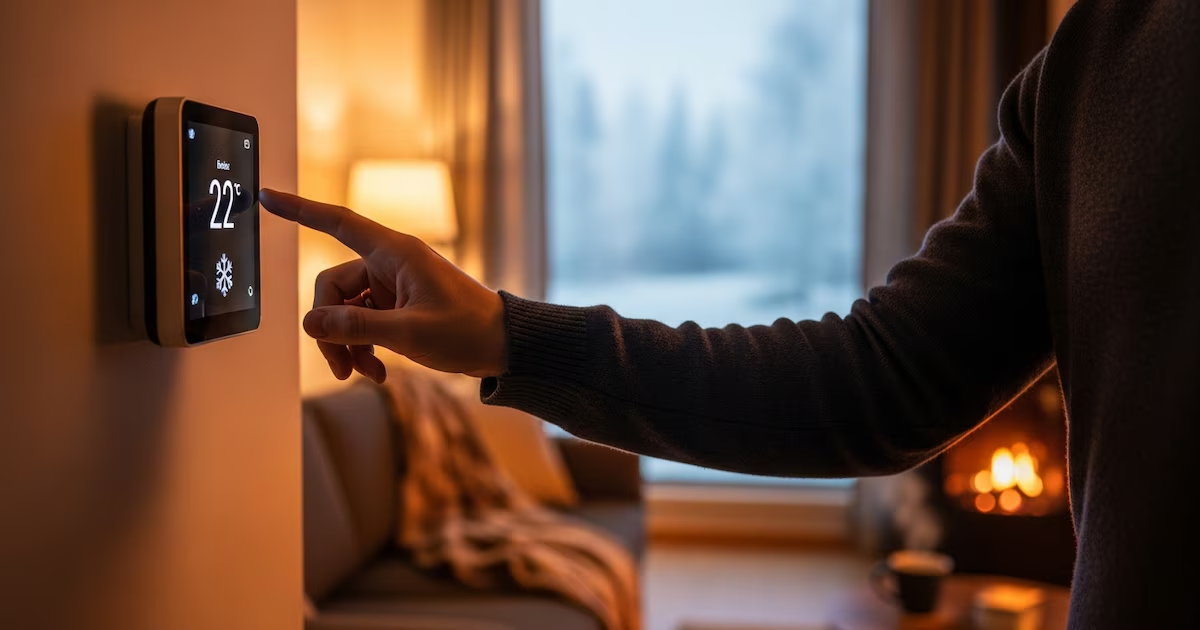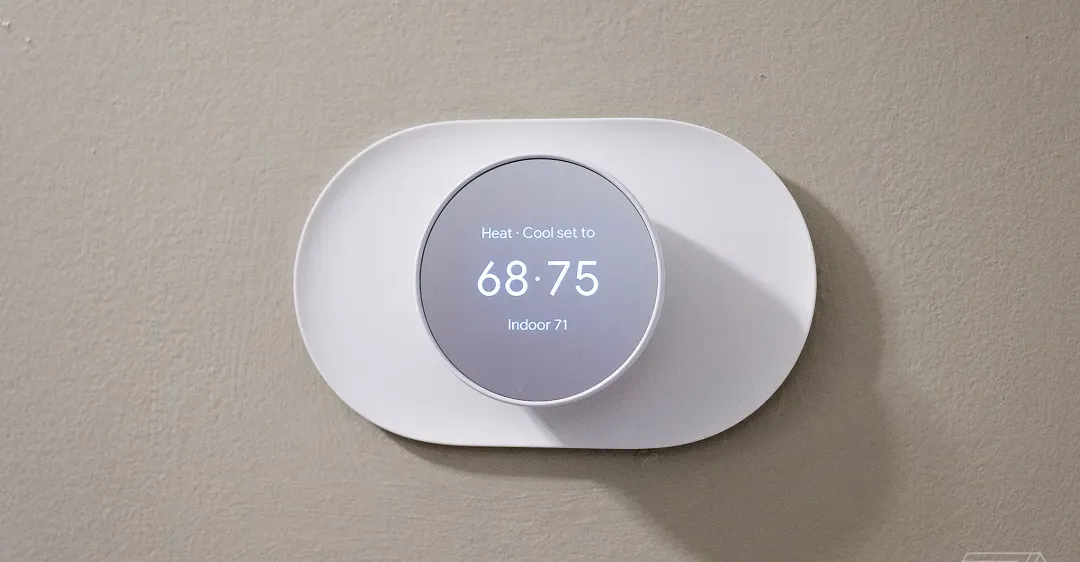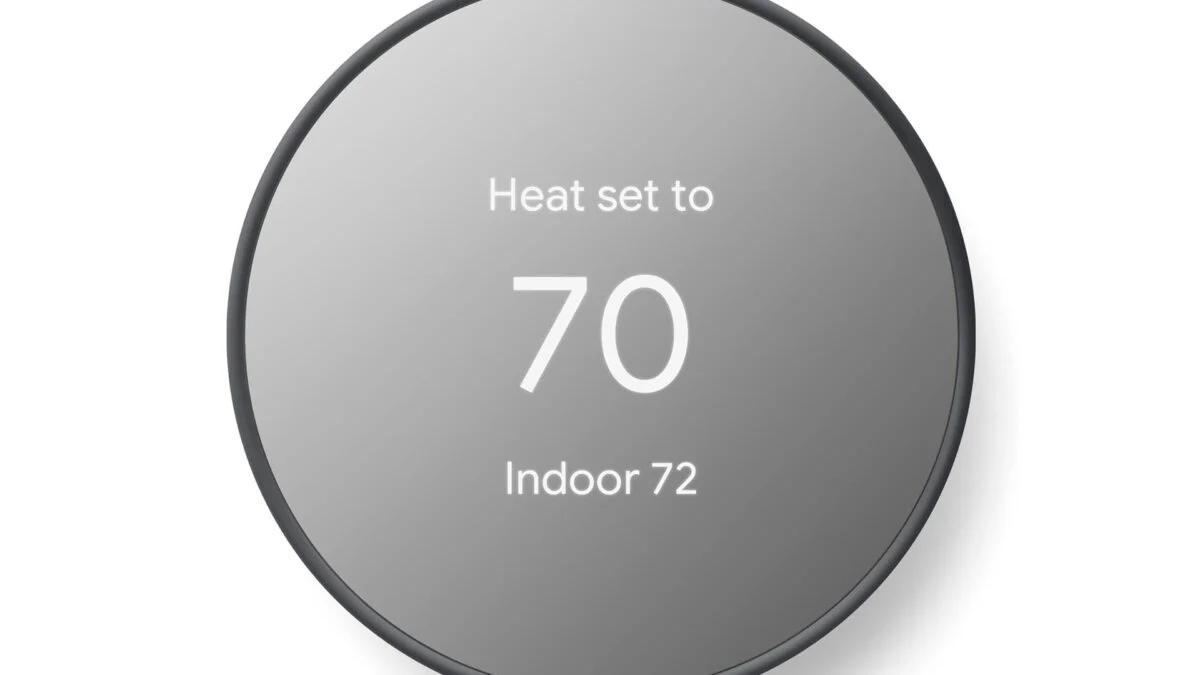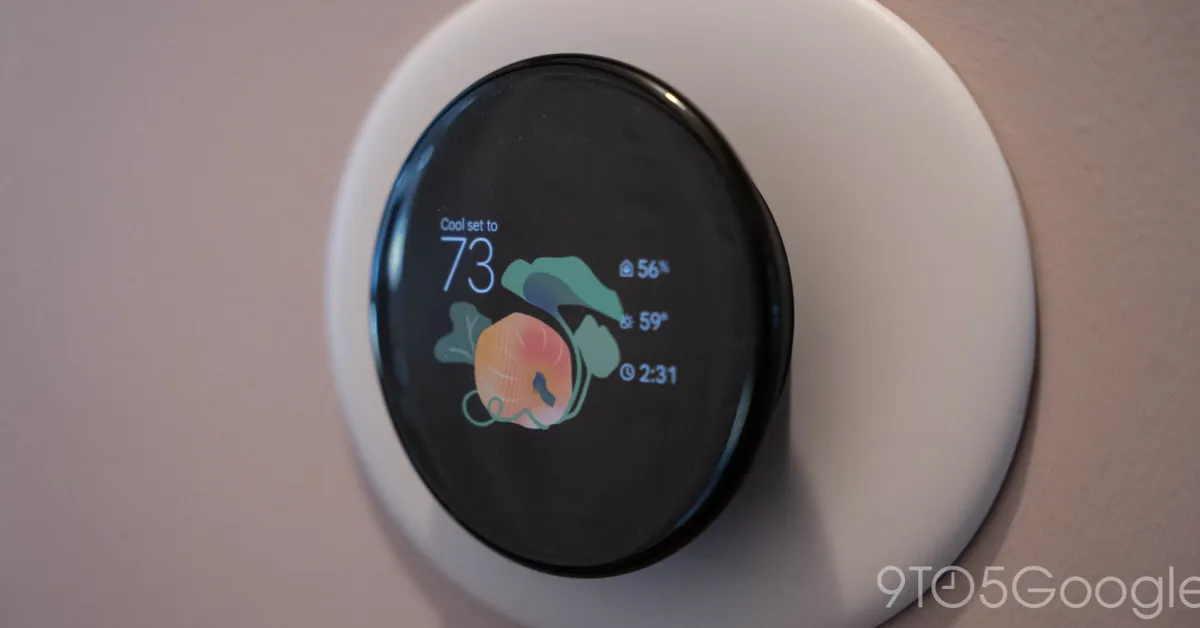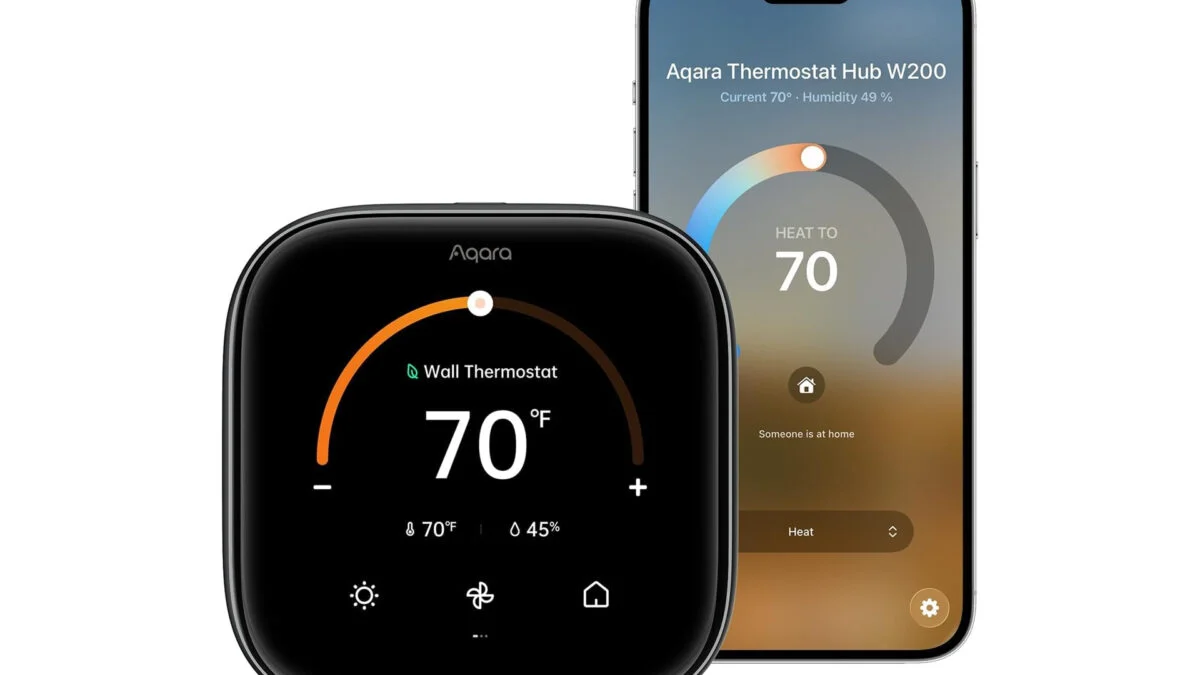
This smart thermostat is adaptive to your needs and lifestyle. Using the Apple Home app on your iPhone, you can have the temperature in your home adjust intuitively based on what it is you’re doing. Set activity states such as ‘home’, ‘sleep’, and ‘away’. Now the Aqara thermostat can adjust the temperature up or down based on your preferences during those statuses. Maybe you like to bundle up under the covers at night. You can have the temperature automatically go down when you hit the sack. Then when you’re out for the day, you can turn off the heat or AC to save energy while you don’t need it going with no one home.
See at Amazon
With the help of the Apple Home app, the thermostat and make use of Apple Clean Energy Guidance. This intelligently makes small adjustments to the temperatures throughout the day during times when electricity may cost less in order to maintain comfort while saving you money on your monthly electric bill. It forecasts these predictions bases on your home location.
Control Your Climate Your Way
You can make adjustments to the temperature on your own in the moment to best suite how you’re feeling right then and there. If you have a voice assistant like Alexa or Siri, you can simply ask it to turn down the temperature a degree or two without having to get yourself up from the couch. You can also make these fine tuned adjustments within the app on your phone.