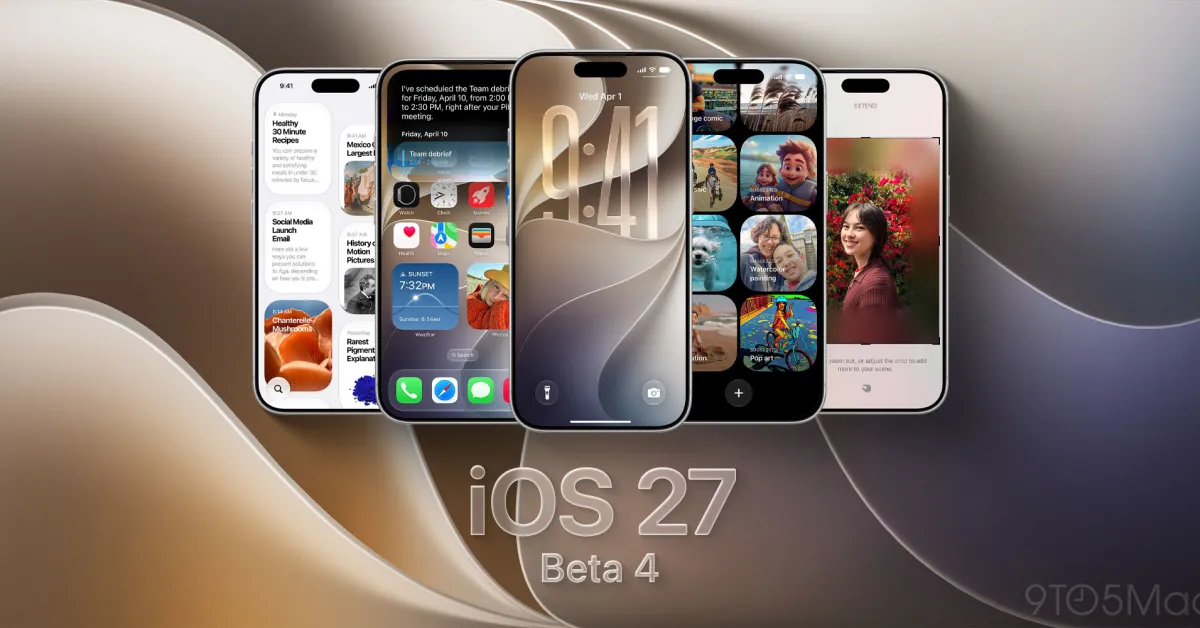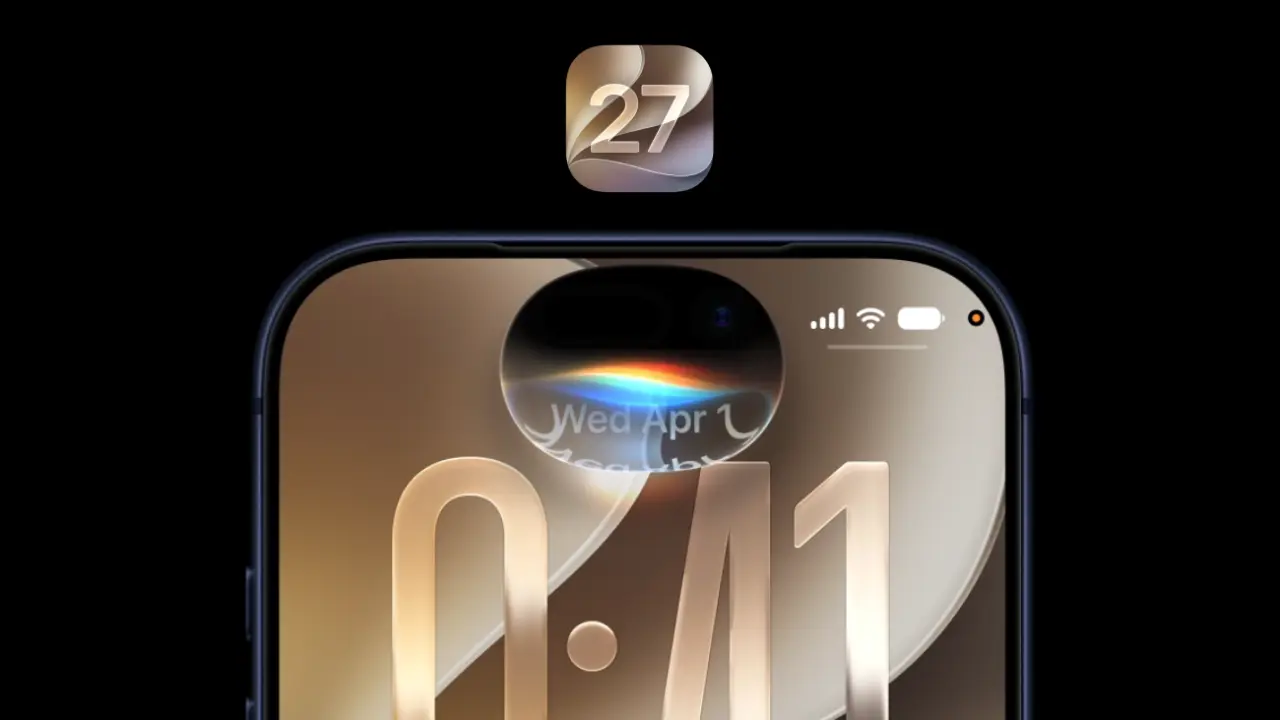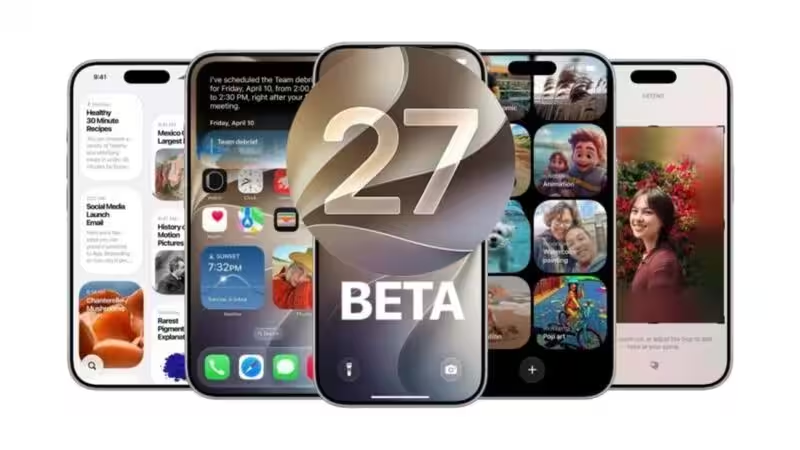
Apple has launched the fourth developer beta of iOS 27 for developers and beta testers who would like to see what new features Apple has in store for them in their next update on the iPhone platform. Unlike earlier developer betas that showcased the main functionalities that were expected to be included in the update, iOS 27 beta 4 seems to concentrate mainly on making the experience better with improvements made to Siri, Photos, Camera, Apple TV and system controls among others. Another point that should be mentioned is the removal of the feature that was added in the previous version of beta released by Apple.At the moment, this particular beta version can only be accessed by those who belong to the Apple Developer Program. In general, as it happens with all pre-release software, it is recommended to back up your device prior to updating.About The AuthorJournalist and a writer with a strong interest in news, culture, technology, and human-interest stories. Passionate about making complex topics accessible and engaging.Apple TV app gets smarter offline downloadsThe major updates that have been made available in iOS 27 beta 4 include an option known as "Automatic Downloads," which is part of the Apple TV application. This feature provides the capability to automatically download the following two episodes of the TV show listed as "Continue Watching." Once an episode has been played, it is automatically deleted from the storage system by iOS.Although not a very big change, the Automatic Downloads feature will be quite useful for people who like to watch shows in the process of traveling or where there is limited access to the Internet.Siri receives another round of improvementsSiri continues to get improvements in beta 4 as Apple plans to roll out Apple Intelligence improvements throughout the year.New additions include a revamped voice selection page, which makes it easier for users to go through all the available Siri voices. Future beta versions will bring even more Siri voice options from Apple.Also included is an option to select how many lines of text will be shown in the preview of Siri messages, allowing for more customization in the appearance of responses.There are improvements in accessibility too - a new "Always Show Request" setting was introduced, where Siri shows a live transcription of everything said in the conversation.More articles by AuthorTrending StoriesA new splash screen has also been added when using Siri Search and Ask Siri after swiping down from the top of the display.Photos and Camera receive useful refinementsPhotos app will get another minor update that is useful too.New Zoom Photos to Fill automatically zooms up photos when they are nearly full-screen on the iPhone display, making the photos fill the screen naturally, without having to do anything manually. This feature comes by default but can be turned off in Photos settings.For people shooting professional videos, Apple introduced a new ProRes configuration in the Camera app. Once Apple ProRes video recording is turned on, there will be two new choices for encoding format in the ProRes Log Video Encoding settings – Log and Log 2. The additional control offers greater flexibility for creators who colour-grade footage during post-production.More control over connectivity and AirPodsBesides the new applications, iOS 27 beta 4 comes with quite a few other changes at the system level.In the first place, Apple introduced Connectivity Assist support, which enables users to set connection options not across the whole device but separately for each Wi-Fi network.Besides, the AirPods support feature got an upgrade; the AirPods section of the Control Centre now provides access to Adaptive Audio, which means that you can change your listening mode without going to Settings.Finally, Apple has gotten rid of the wallpaper effect that was added in beta 3 of iOS 27.Which iPhones can install iOS 27 beta 4?For those who are registered under the Developer Program of Apple, you can upgrade your phone to iOS 27 Beta 4 on any device which can support iOS 27. This new update will be available for iPhone 11 series and all new generations after that, up until the latest release of iPhone 17 series along with the latest versions of iPhone SE (2nd gen and onwards).How to install iOS 27 beta 4People who are subscribed to the Apple Developer Program are able to download the update through the following steps (Settings -> General -> Software Update -> Beta Updates -> iOS 27 Developer Beta -> Download & Install after beta 4).Before downloading the update, Apple recommends backing up the phone on iCloud or Mac. This is because any beta software may include bugs or some incompatibilities which may influence the work of the phone in everyday life.Beta 4 focuses on polishing iOS 27Whereas previous beta releases came with a number of significant updates to iOS 27's features, beta 4 will be largely focused on perfecting what already exists. This means Apple will not introduce any new functionalities but will focus on improving the existing functions in Siri, Photos, Camera, Apple TV, and system settings.Apple is expected to keep releasing beta versions in the next few weeks leading to the stable launch of iOS 27. FAQsWhat's new in iOS 27 beta 4?The update adds Automatic Downloads in Apple TV, Siri improvements, a new Photos zoom option, ProRes Log controls, updated AirPods controls and Connectivity Assist refinements while removing the Notification Center wallpaper effect.Which iPhones can get iOS 27 beta 4?iOS 27 beta 4 can be installed on the iPhone 11 and above devices.How do I install iOS 27 beta 4?For qualified users, you can install iOS 27 beta 4 by signing up for Apple’s Developer Program and then updating from Settings > General > Software Update > Beta Updates.Should you install iOS 27 beta 4?As the name implies, it is the developer beta software; hence, there might be some bugs in the update. The update suits developers and enthusiasts the most, and one must make sure to backup device before installation.When will iOS 27 be out?Apple is scheduled to launch the stable version of iOS 27 in the fall season.end of article
Apple Rolls Out iOS 27 Beta 4: Here's What's New, Eligible iPhones and How to Install
Apple has released the fourth developer beta for iOS twenty-seven. This update concentrates on improving existing features like Siri and Photos. The Apple TV app now offers automatic downloads for continued viewing. New connectivity options and AirPods enhancements are also included in this beta. Developers can access this latest beta version for testing purposes.
1,011 words~5 min read