You've deployed your app to Kubernetes. The pod starts — then it gets killed. Or it's running but no traffic reaches it. Or it takes 90 seconds to initialize and gets restarted in a loop. Every one of these problems traces back to the same root cause: misconfigured or missing health probes.
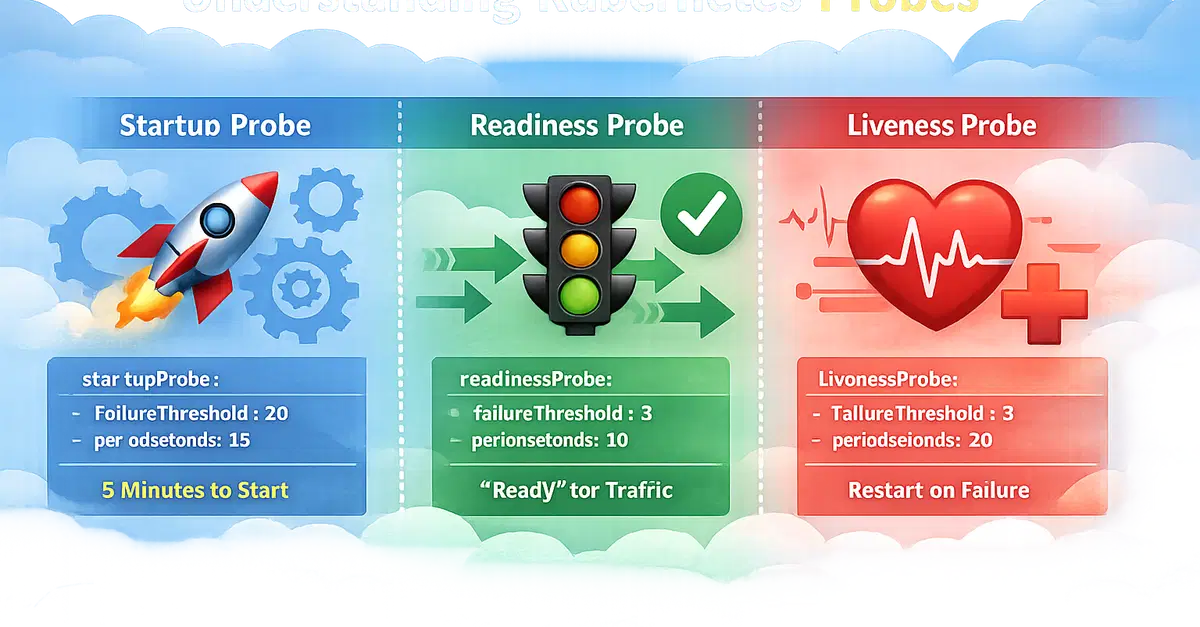
Kubernetes gives you three types of probes: livenessProbe, readinessProbe, and startupProbe. Each serves a different purpose. Mix them up and your pods restart in infinite loops. Get them right and your deployments self-heal, scale correctly, and handle rolling updates without a single dropped request.
Here's what each probe does, when to use it, and how to configure it for a real production service.
1. Liveness Probe: Is the Container Alive?
The liveness probe answers one question: "Is this container still running correctly?" If the probe fails, kubelet kills the container and restarts it.