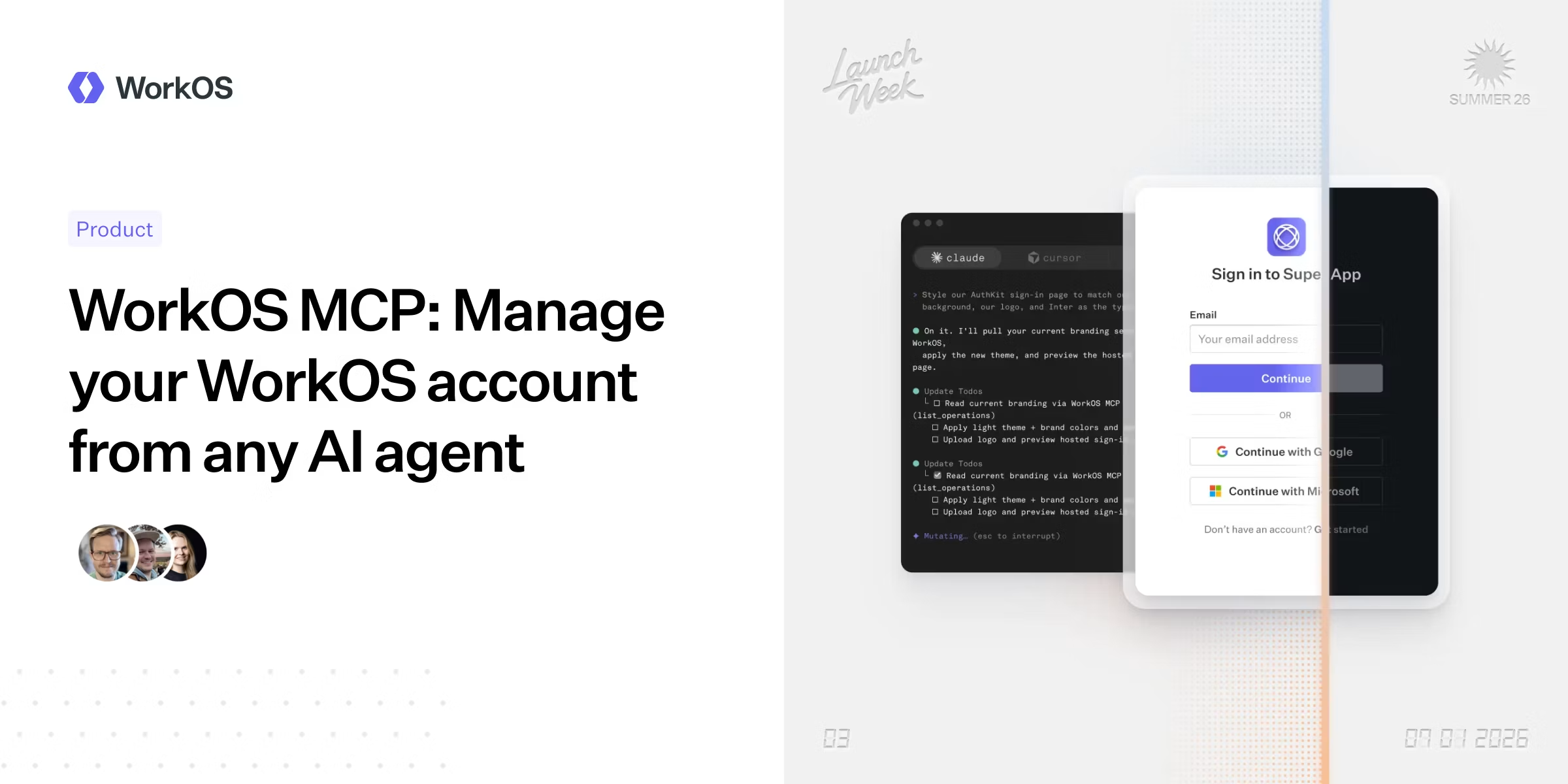
Most configuration tasks in WorkOS have always required a trip to the dashboard. Setting up a domain, adjusting auth policies, managing users and roles, debugging a sign-in issue for a customer: all of it has lived behind a UI that only a human can drive.Dashboards were built with a human on the other end. Someone with a mouse, a browser tab, and the patience to click through nested menus. That assumption made sense for a long time. It makes less sense now that agents are increasingly the ones doing the setup work, wiring up integrations, configuring services, debugging issues. An agent can write code at the speed of thought, but when it hits a dashboard, it stops.Today that changes. The WorkOS MCP server exposes the full management surface of your WorkOS account as tools your agent can use, and it works from anywhere you can run an agent.What is the WorkOS Management MCP ServerThe WorkOS MCP server is a remote, hosted server your agent connects to over OAuth. Once connected, it authenticates as you and inherits exactly the roles and permissions your dashboard login has. If your account is read-only in production, the agent is too. If you have full admin access, the agent does. There is nothing extra to configure and no separate permission model to maintain.This is not a narrow slice of the API. The server exposes hundreds of operations across the full WorkOS product surface: organizations, SSO connections, Directory Sync, AuthKit users and sessions, roles and permissions, audit logs, webhooks, API keys, feature flags, environments, branding, and more. What the server does not expose is equally deliberate. Credential-minting operations, user impersonation, billing flows, and account-level administration are excluded entirely. Secret fields like API keys, client secrets, and webhook signing secrets are stripped from responses before they reach the agent's context. Nine irreversible deletes require a two-call confirmation before they execute. The agent can do everything you would do in the dashboard for day-to-day management, and nothing you would not.How agents interact with itRather than exposing one tool per endpoint, the server uses a discover-then-execute design with four tools: whoami, list_operations, query, and mutate. This matters because every tool gets loaded into the LLM's context window, so exposing hundreds of operations as individual tools would consume the context budget before the agent even starts working. Instead, an agent uses list_operations to find what it needs, then calls query or mutate by operation name with the relevant variables.Here is what that looks like in practice. A support engineer gets a report that a customer cannot sign in:
WorkOS MCP: Manage your WorkOS account from any AI agent — WorkOS
We are launching a remote MCP server that gives AI agents the same access to WorkOS as your dashboard login.
1,113 words~5 min read