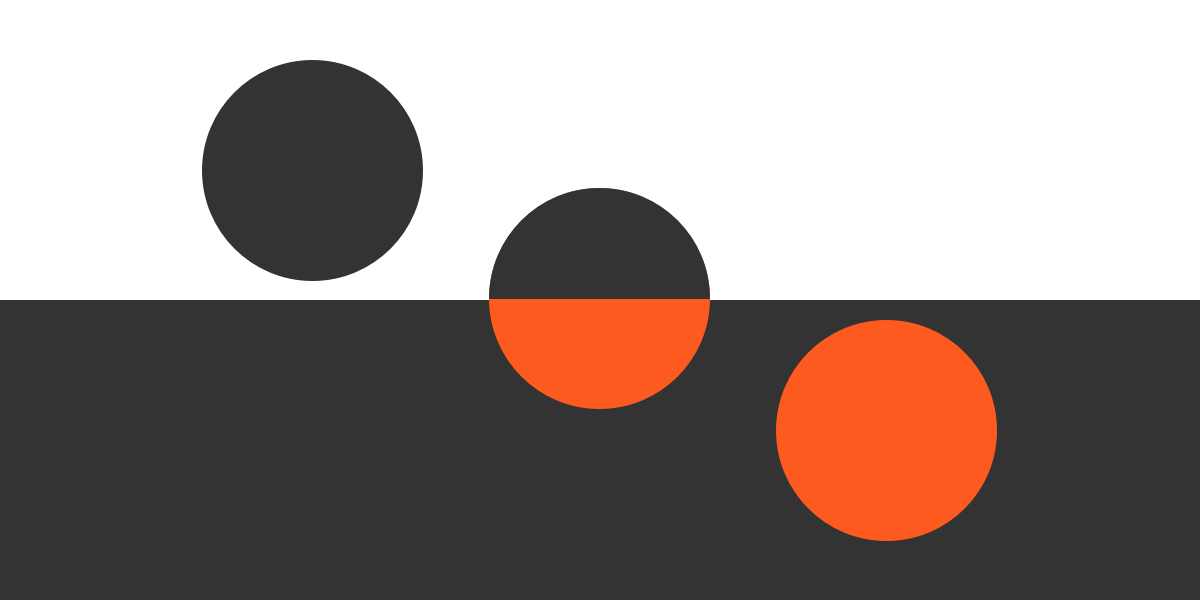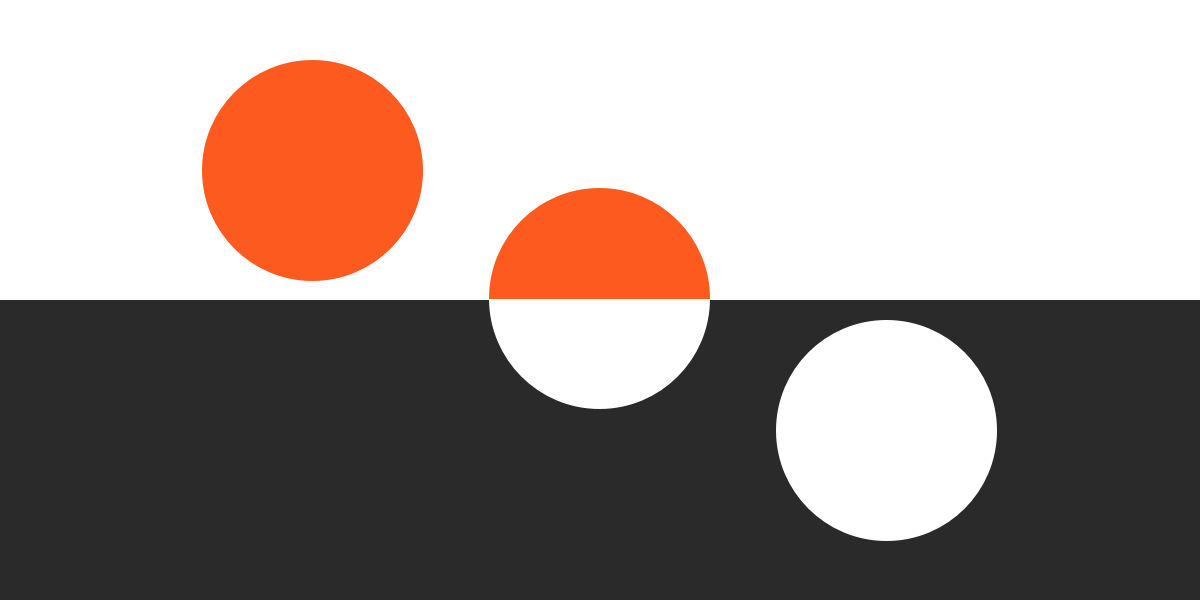
Headline: The View Transitions API animates the change between two DOM states — you call document.startViewTransition(), and the browser cross-fades or morphs the old page into the new one. In a Next.js App Router app I added smooth page and element transitions with a few lines of CSS and no animation library, and the only real trap was giving two elements the same view-transition-name.
Key takeaways
The View Transitions API animates between two DOM states via document.startViewTransition(updateDOM); the browser snapshots the page before and after your callback and animates the difference.
The default transition is a full-page cross-fade named root; assign view-transition-name to any element to animate it independently.
For Next.js App Router client navigations, wrap router.push in document.startViewTransition, or set experimental.viewTransition to use React's <ViewTransition> component.