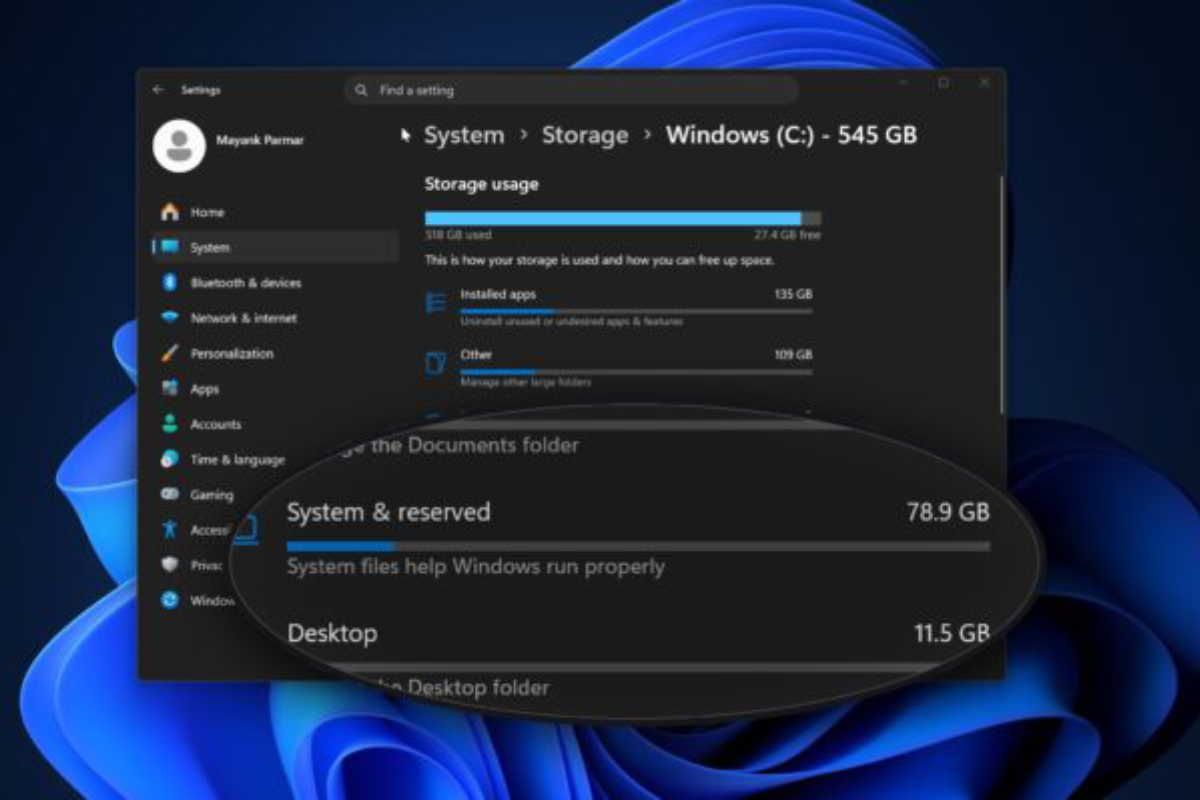
I opened System Settings → General → Storage and stared at the screen for a second.
macOS: 47 GB. Fine.
System Data: 300 GB.
No delete button. No info icon. Just a giant mystery bucket eating my disk.
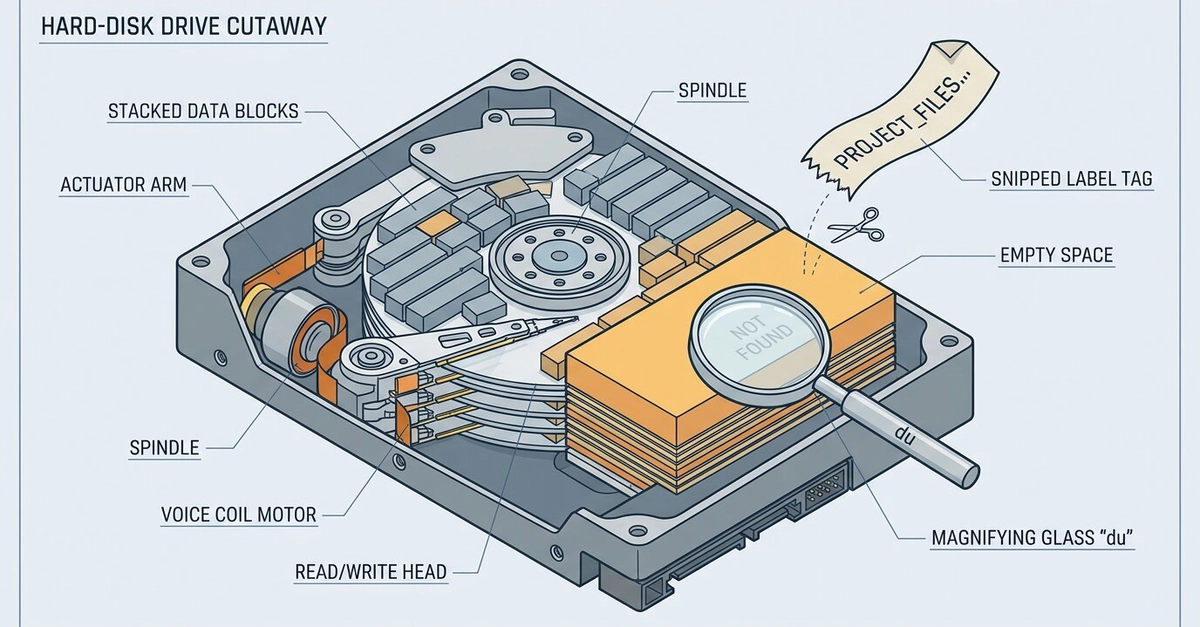
If you’ve hit the same wall: you’re not alone, and no — Apple doesn’t let you “delete System Data” from that screen. You have to find what’s hiding inside it and clear that yourself.