Originally published on hexisteme notes.
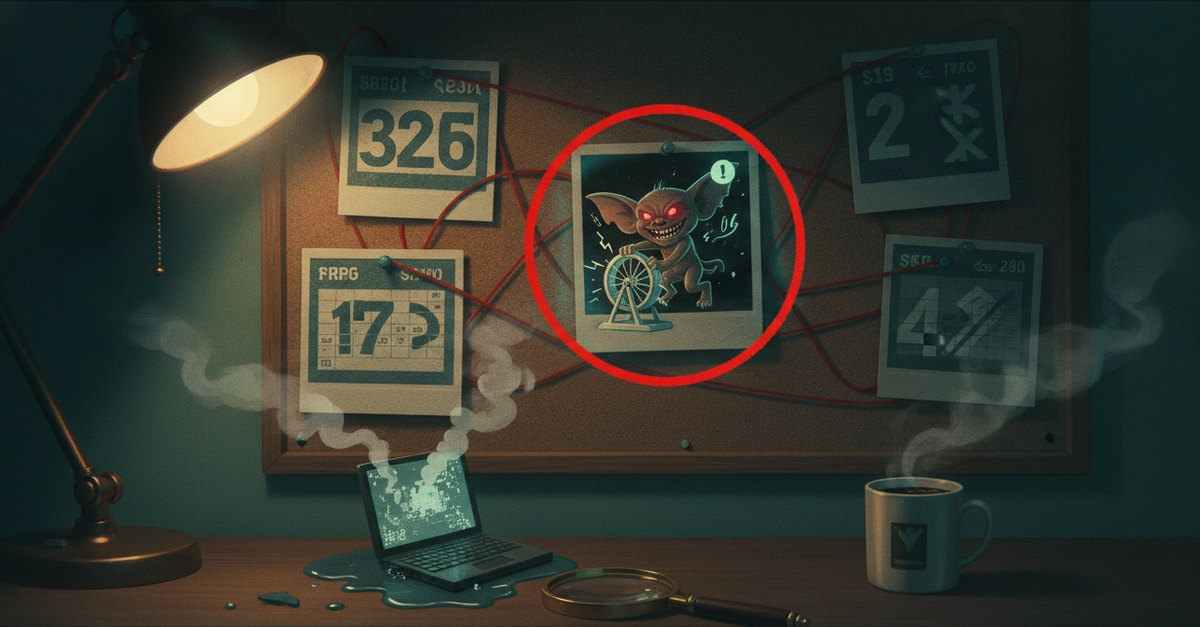
I run a small fleet of local agents on a Mac Mini M4 with 24 GB of unified memory. One afternoon it went down hard — no wake from sleep, no boot chime past the logo, and in recovery mode an APFS volume that refused to mount. The unsettling part: I hadn't asked it to do anything heavy. Something had quietly started a large language model in the background, on a disk already nearly full, and by the time I noticed, the filesystem was past saving. Recovery took more than a day. This is the postmortem — and the fix, which turned out to be a single False and a checklist, not a note to myself.
A background LLM server, built on Apple's MLX, loaded a 14B and an 8B model on a Mac whose disk was already nearly full. Unified memory overflowed; macOS tried to swap; the disk had no room; the failed writes became I/O errors, and the boot volume's APFS metadata came out corrupt enough that the machine wouldn't boot — a 24-hour recovery. The durable fix was not a "don't run this" note — a note is a soft default, and defaults get flipped. It was a code-level hard block, plus a revival checklist. The lesson underneath: on a unified-memory Mac, free disk space is your memory safety net.