First published on the Accreditly blog.
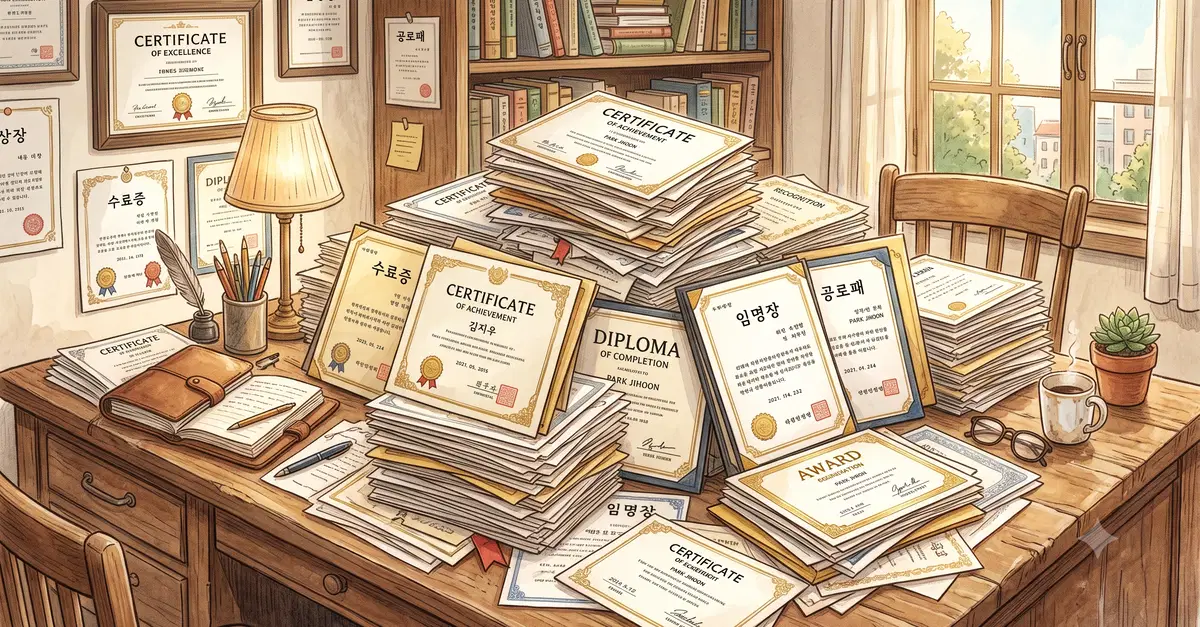
When someone finishes a course in your Laravel app they want proof: a certificate they can download, print and show off on LinkedIn. The usual ways of producing one are awkward. DomPDF mangles any CSS more adventurous than a table, and standing up a headless Chrome on your server is a maintenance job you did not sign up for. There is a cleaner route. You design the certificate as an ordinary Blade view, send the rendered HTML to an image API and store the PNG against the user. By the end of this article you will have a CertificateService that turns a course completion into a branded, verifiable certificate image.
Keep the design in Blade
A certificate is just a styled HTML document. The hard part was never the design, it is turning that design into a file that looks identical everywhere it is opened. So keep the design where you already work, in Blade, and hand the rendering to a service that runs the page through real Chromium and gives you a PNG back. This guide uses the HTML to Image API, which is built for exactly this. If you would rather start from a finished layout than build one, there is a ready-made certificate of completion template you can pass values into instead.