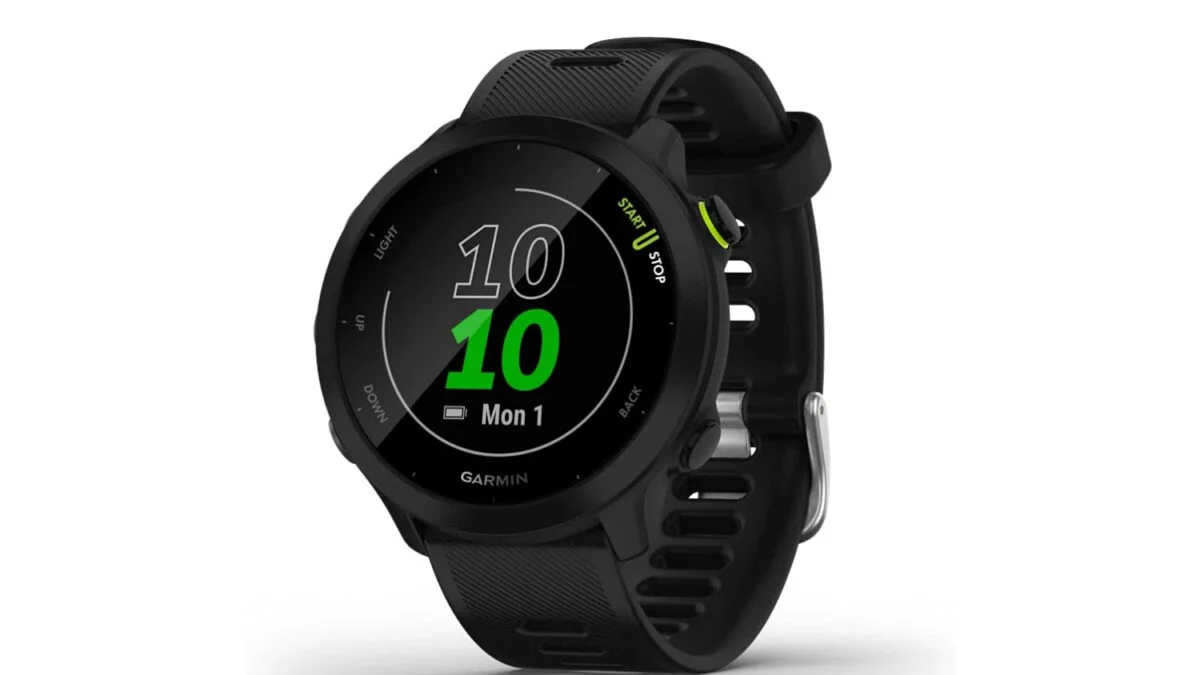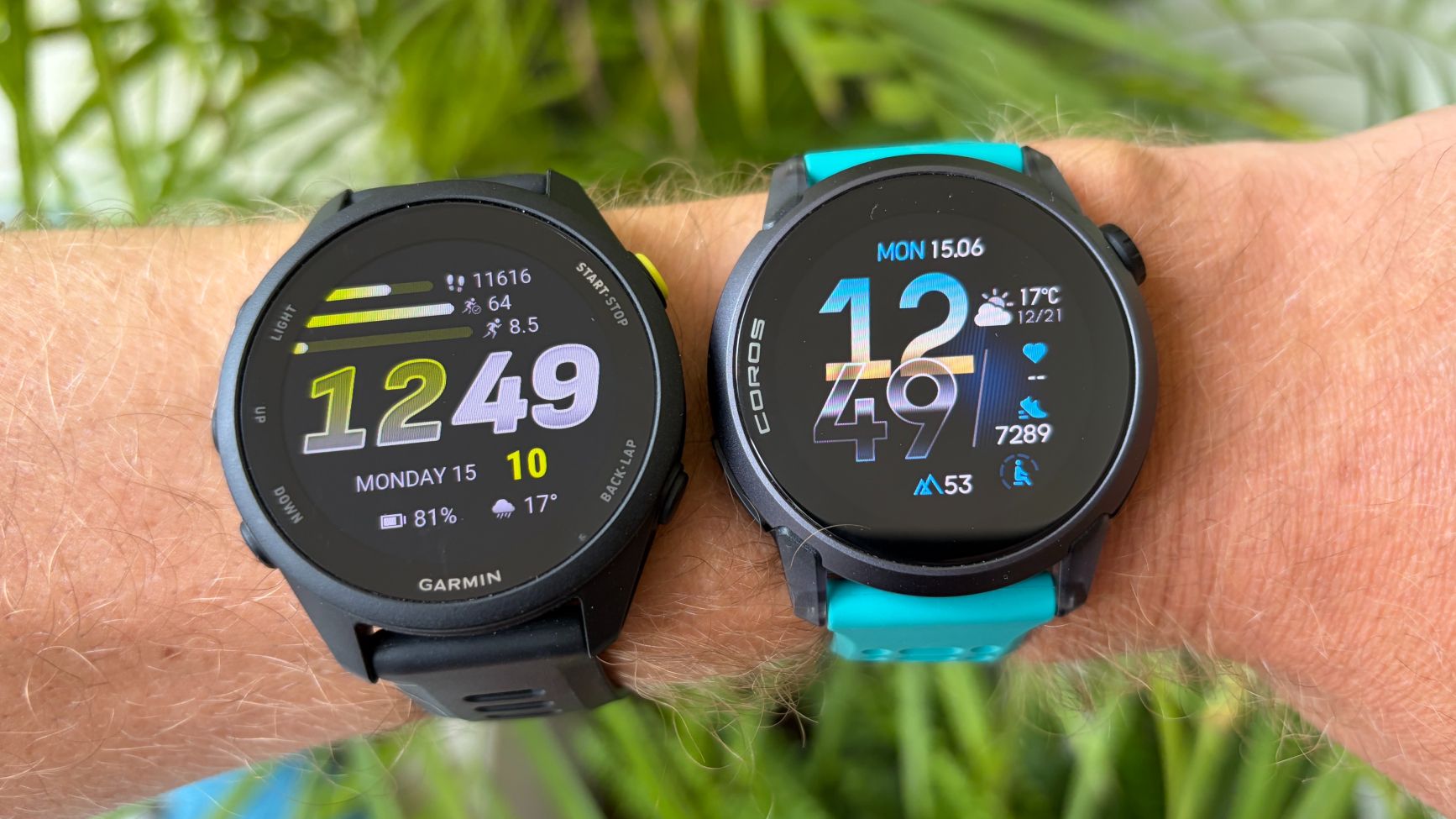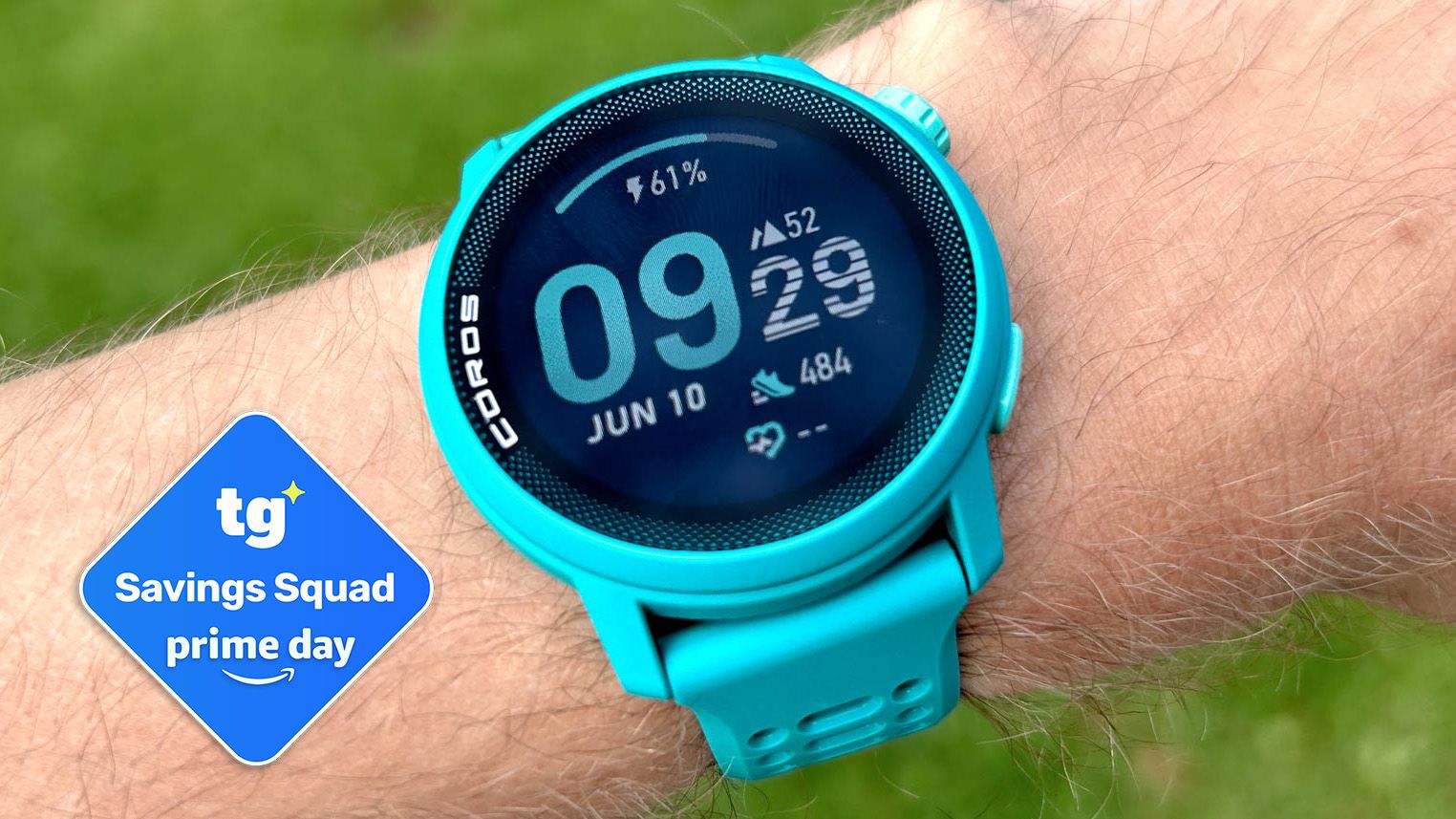
Coros makes great running watches that are seriously underrated. You'll recall that I ranked the Pace 4 as the best running watch under $250, and I think the Pace Pro (with its larger screen and offline maps) is excellent, too. And while Coros watches do the basics quite well, they also have a surprising number of useful yet often hidden features. Here are 10 of my best tips and tricks for getting the most out of your Coros running watch.
Use the Extender for detailed maps while you’re running
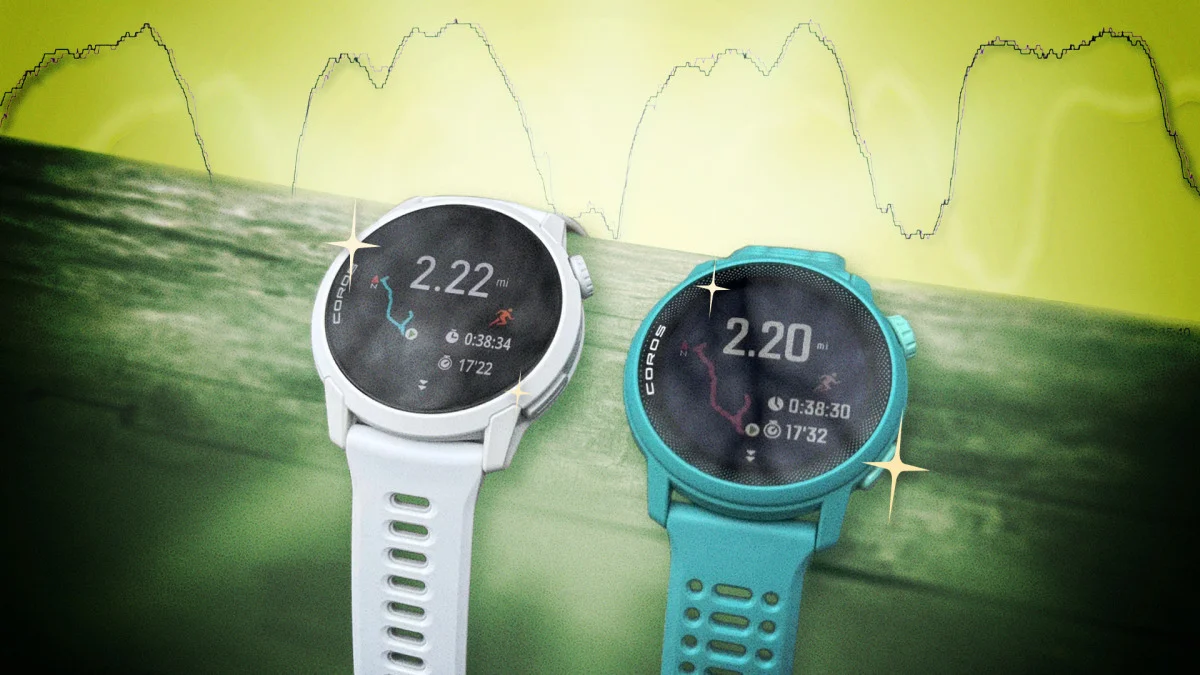
One of these gives more information than the other!
The Pace Pro watch has maps built in; the Pace 4 just has basic navigation without maps. You probably already knew that. But whichever you have on your wrist, you may not have realized you can pull out your phone during a run to see a detailed map (with satellite view!) right on your phone. Instead of fiddling with the controls on your tiny watch screen, you can zoom on your phone as it updates in real time with your location and the path you’ve run so far. To use this feature, just open the Coros app on your phone while you’re running. Right at the top of the main screen, you’ll see a card with your current live activity. Tap that card and you’re in what Coros calls the Extender, a tool that lets you view data from the activity and even update some information directly to the watch.