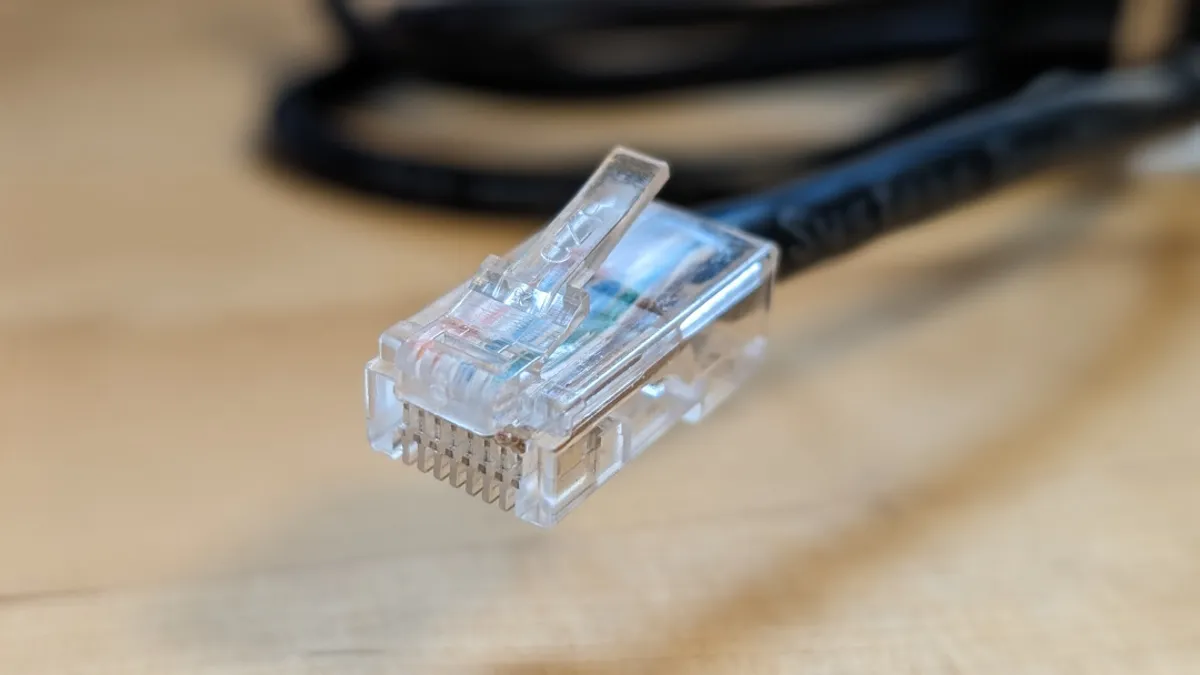
Bridging the Gap: Your Ultimate Guide to Linux Network Bridges
Ever found yourself tangled in the wires of your home network, wishing for a simpler, more elegant way to connect devices? Or perhaps you're a budding system administrator, diving headfirst into the magical world of virtual machines and containers, and you've stumbled upon this mysterious "bridge networking"? Fear not, intrepid explorer of the digital realm! Today, we're going to demystify the concept of network bridges in Linux. Think of it as building a sophisticated, invisible ethernet switch within your operating system, allowing your virtual and physical devices to play nicely together.
We'll embark on a journey, uncovering what bridges are, why you'd want to use them, how to set them up, and some of the nitty-gritty details that make them so powerful. So, grab a coffee (or your beverage of choice), settle in, and let's bridge the gap to understanding!
Introduction: What Exactly IS a Network Bridge?
Imagine you have two separate networks. Maybe one is your physical home network (your router, your laptops, your smart TV), and the other is a virtual network running inside your computer for a virtual machine (VM). Normally, these two worlds are isolated. Your VM can't directly see your TV, and your TV can't ping your VM.