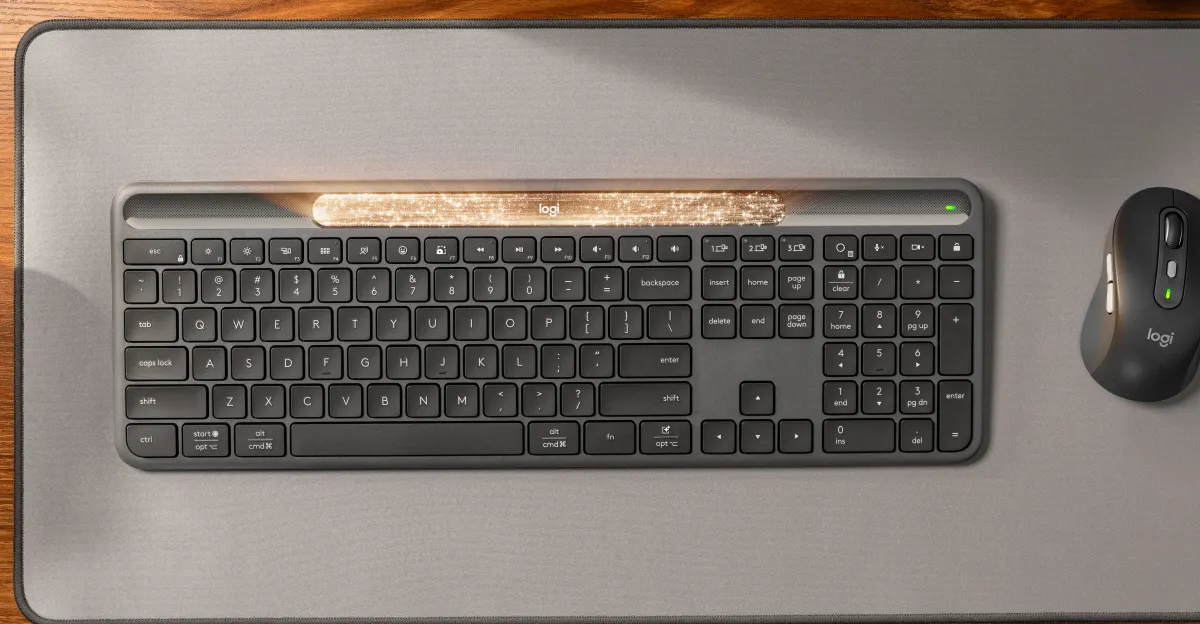
Working late nights on server migrations and code architectures often means typing in low-light environments. While USB lamps or backlit keyboards are the standard solutions, they consume extra power and add physical clutter. I realized the ultimate light source was already directly in front of me: the monitor.
With a clear vision in mind, I partnered with Google's Gemini AI to rapidly prototype and refine what became LightBar For Keyboard, a lightweight Windows application that creates a reflective light bar at the bottom of the screen to illuminate the keys. Here is how we built it using C# and WPF, tackled the Windows API to manage screen space, and optimized it for modern OLED energy consumption.
The Core Challenge: Desktop Toolbars (AppBar)
The simplest approach to creating a light bar is a borderless, top-most window. However, the immediate UX flaw is that maximized applications (like Chrome or Visual Studio) will either cover the bar or be partially obscured by it.
To solve this, the application needed to behave like the Windows Taskbar. I implemented the native Windows Application Desktop Toolbar (AppBar) API using SHAppBarMessage from shell32.dll.