Somewhere in the Laravel app you're running right now, there's a good chance an HTTP call goes out to OpenAI, Anthropic, or a local model. A chat feature, a summarizer, an agent that triages support tickets. Laravel 13 shipped in March 2026 with first-party AI primitives and the framework now literally brands itself as being for "Artisans and agents". The application layer has never been easier.
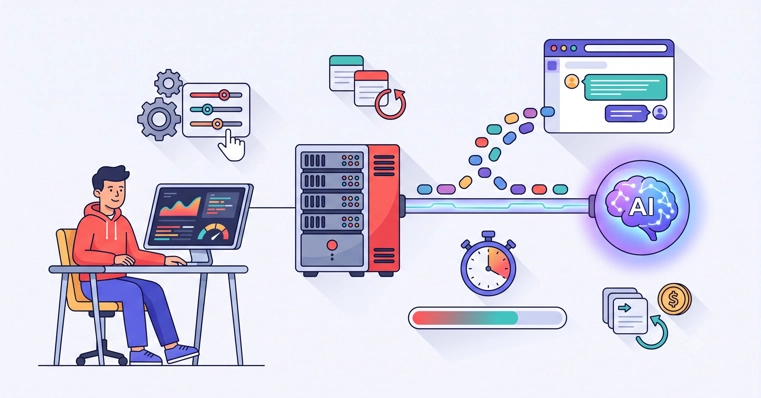
The server layer is another story. An LLM call breaks almost every assumption your default server config makes. Requests that last 30 to 120 seconds instead of 200 milliseconds. Responses that arrive token by token instead of all at once. Failures that are retry-able but cost real money every time you retry them. Nobody's hosting docs cover this, so here's the guide we wish existed: the actual server-side ops of running LLM workloads on a Laravel VPS.
Why LLM Calls Break Your Server's Defaults
Your stack was tuned for short requests. Every layer between the browser and the LLM API has a timeout or a buffer, and nearly all of them are wrong for AI workloads:
Layer