Updating Windows apps and programs is important because it ensures you receive all the latest features and keeps your PC safe from potential vulnerabilities. But it’s also something a big number of users doesn’t do regularly, simply because they forget or don’t feel like it at a given moment. And to be fair, the task is more time-consuming than it needs to be.
When it comes to native Windows apps, Microsoft Store and Windows Update have got you covered most of the time, as app updates are automatic. But even that is inconsistent at times. On top of that, there’s no standard way to update all your programs from one place.
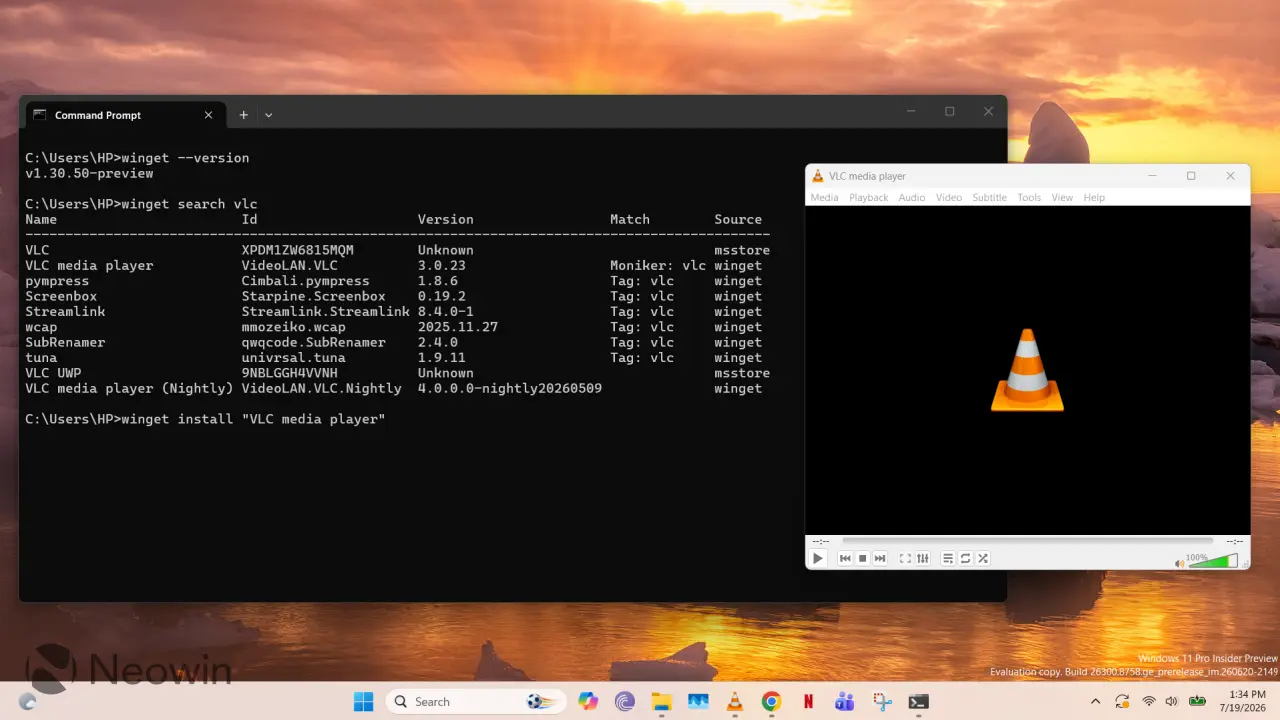
Luckily, Windows ships with a simple yet very useful command that lets you update all your apps and programs at once. That command is winget, and it’s short for Windows Package Manager, a command-line tool Microsoft built directly into Windows that can install, update, and remove software without ever opening a browser.
To update every app on your PC at once, open PowerShell and run this command:
winget upgrade --all