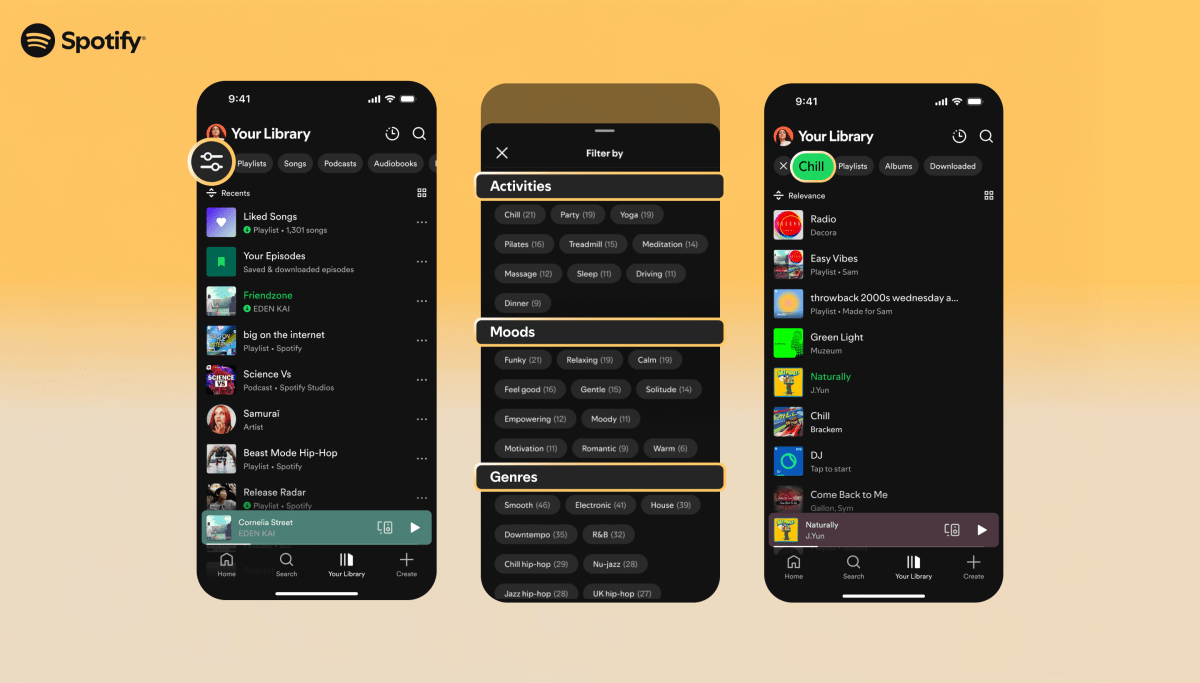
"Tag my whole catalogue by mood, energy and genre" is one of those jobs that sounds like a weekend script and turns into a procurement cycle. The enterprise tagging tools — Cyanite is the one people name — do the job well, but the shape of the deal is the friction: you upload your audio, you sign up for a seat, and what comes back is a confident flat label (energetic, happy, techno) with no indication of how it was decided or how much to trust any single tag. For a side project, an internal catalogue tool, or a feature you're still prototyping, that's a lot of ceremony for some adjectives.
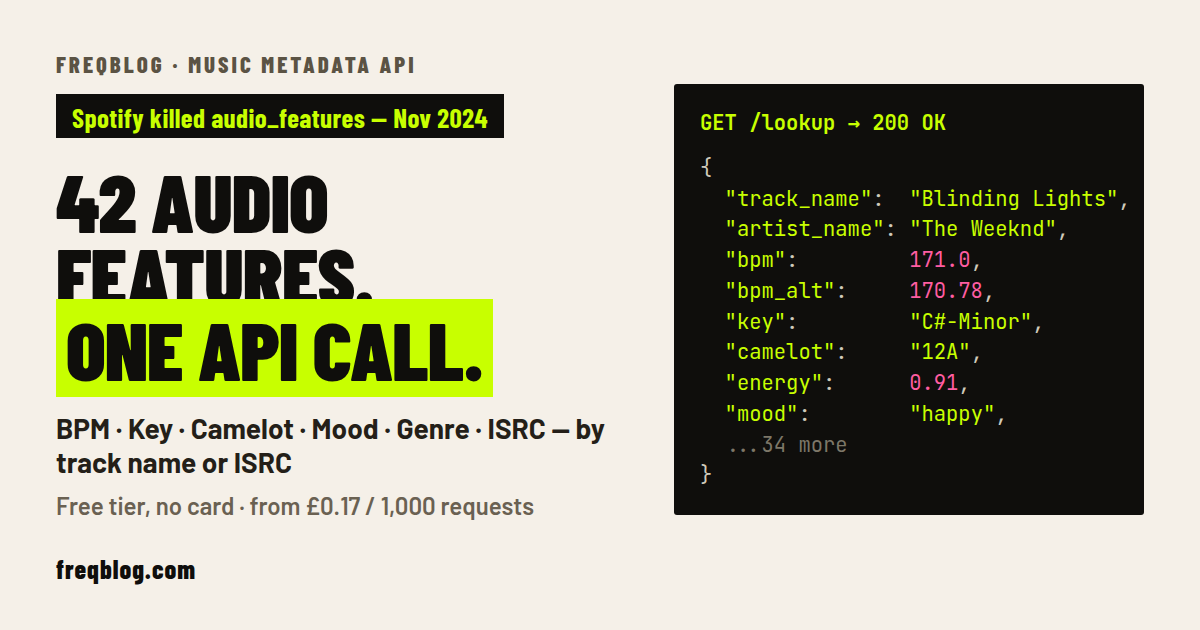
This post is a practical walkthrough of the self-serve alternative: tag tracks by name (no audio upload) in about 30 lines of Python against the FreqBlog Music API's GET /tag — and, crucially, get a confidence and a provenance on every tag, so you know which ones are a measurement and which ones are a hint.
What /tag actually is. It's a tag-shaped projection of the same open-data analysis /lookup already returns — no audio upload, no new compute on your request. If you want the full numeric feature set (raw bpm, key, the [0,1] floats), use /lookup; if you want the nearest-sounding tracks to a seed, use /similar. /tag is the "just give me the labels, honestly" surface.