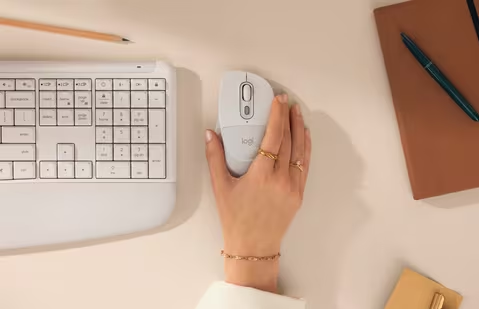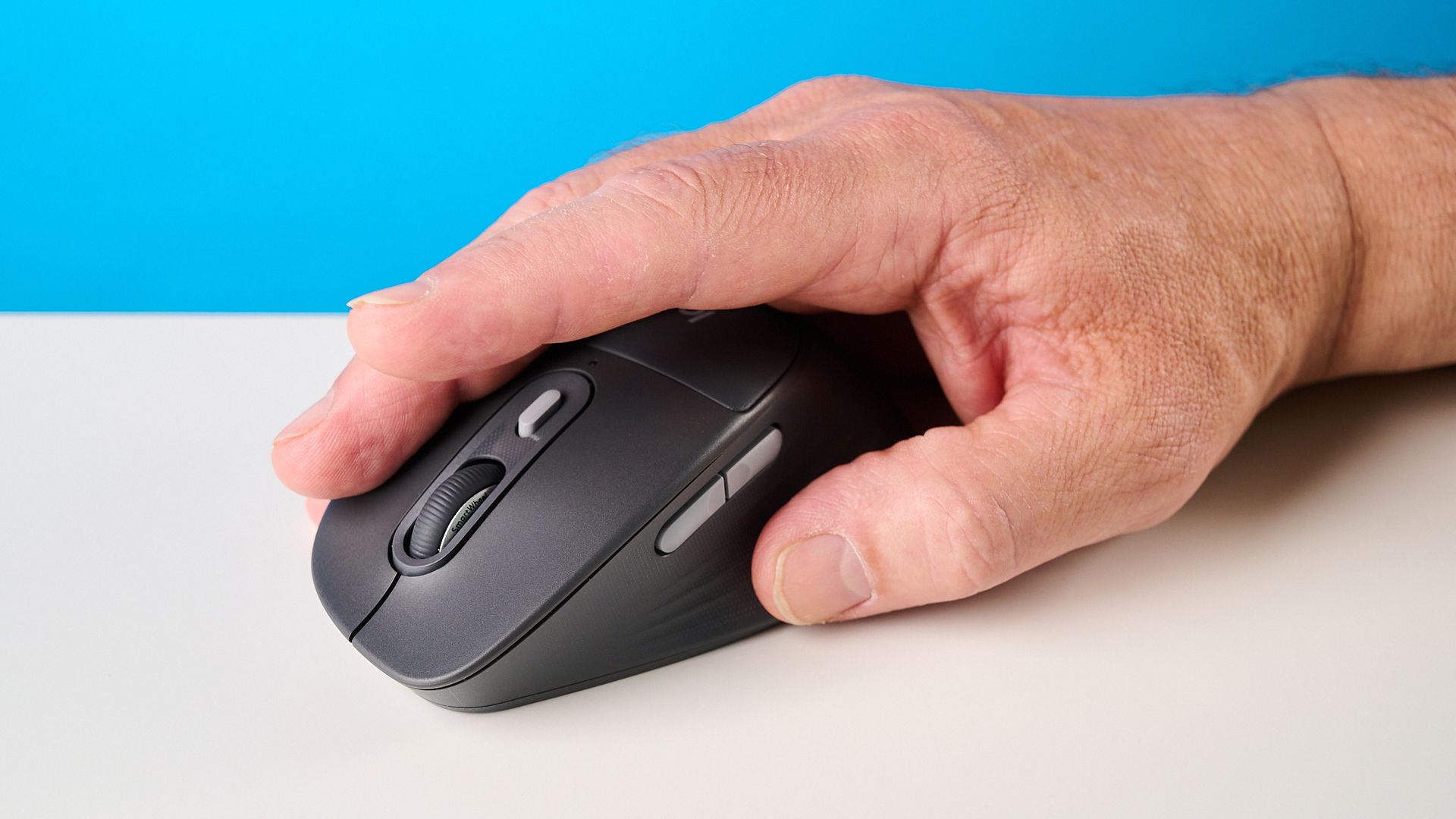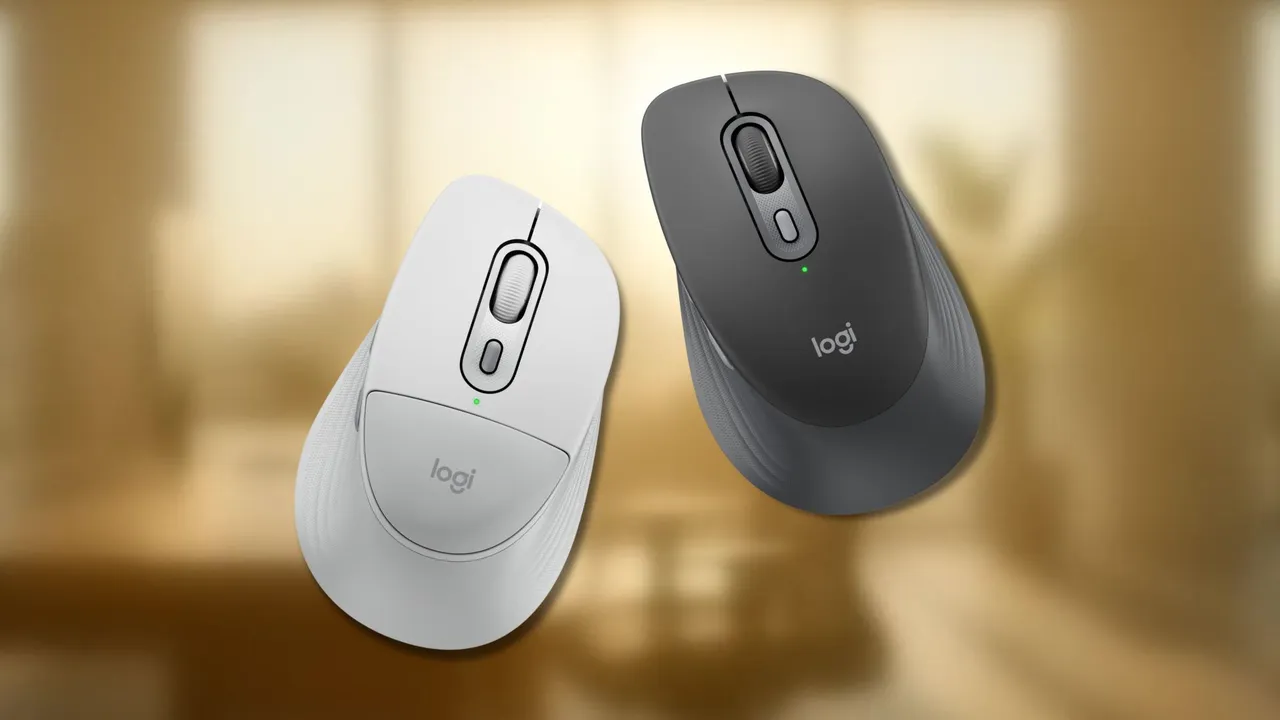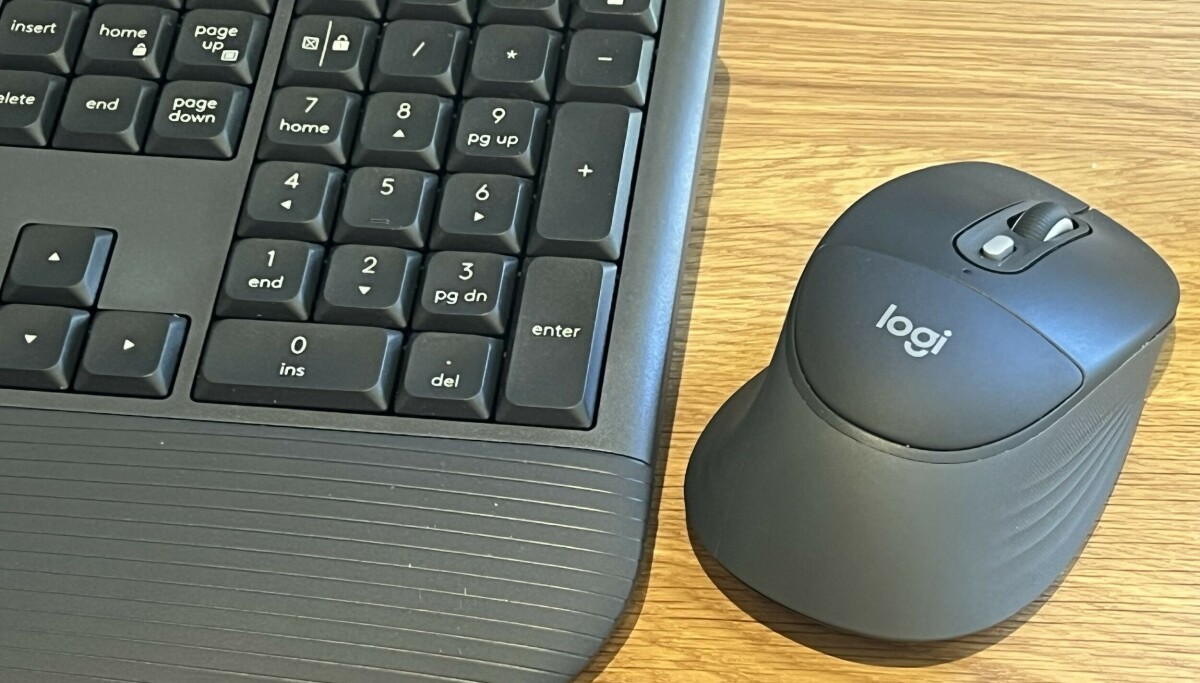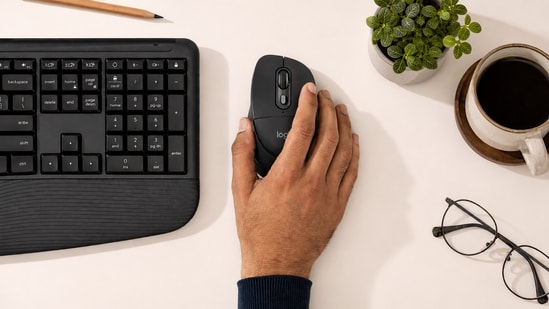
I have used more mice in the last four years than I can count. Most of them looked and felt exactly the same - a curved plastic shell, two clicks, a scroll wheel, maybe an extra button for back and forward. So when Logitech sent over the Signature Comfort Plus M850L, the first thing that caught my eye wasn't a spec sheet number. It was that raised, padded arch sitting right where your palm rests. Logitech is calling it their first mouse with a built-in palm cushion, and after using it as my daily driver for close to two weeks, through long edit days, video calls, and the usual late-night scrolling through work mail, I have a fairly clear picture of what it gets right and where it falls short.
Design: More Thoughtful Than It Looks
Most office mice look alike until you've spent an entire workday using them. The Logitech Signature Comfort Plus M850L doesn't try to stand out with an unusual shape, but its built-in palm cushion makes a difference over time. I barely noticed it on day one. By the third day, after writing several thousand words each day, I realised I was no longer lifting my palm off the mouse every few minutes to relieve pressure. Rather than feeling soft like a wrist rest, the cushion simply distributes pressure more evenly across the base of your palm.