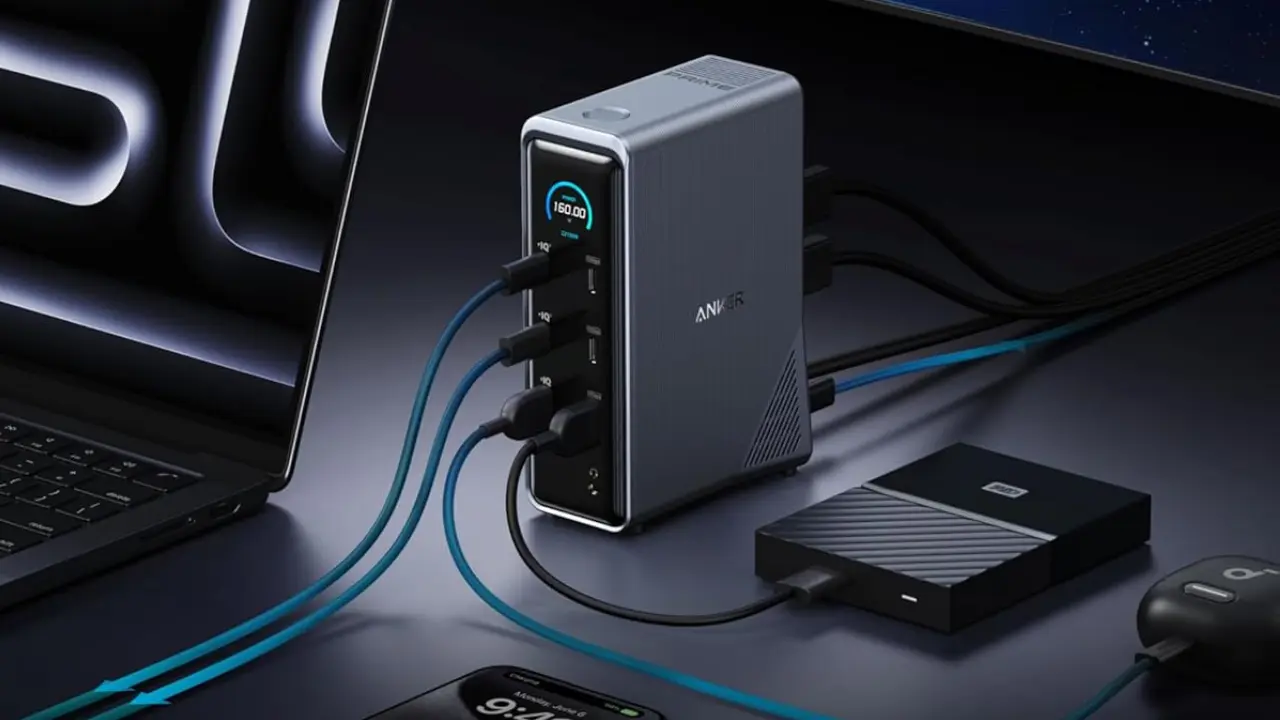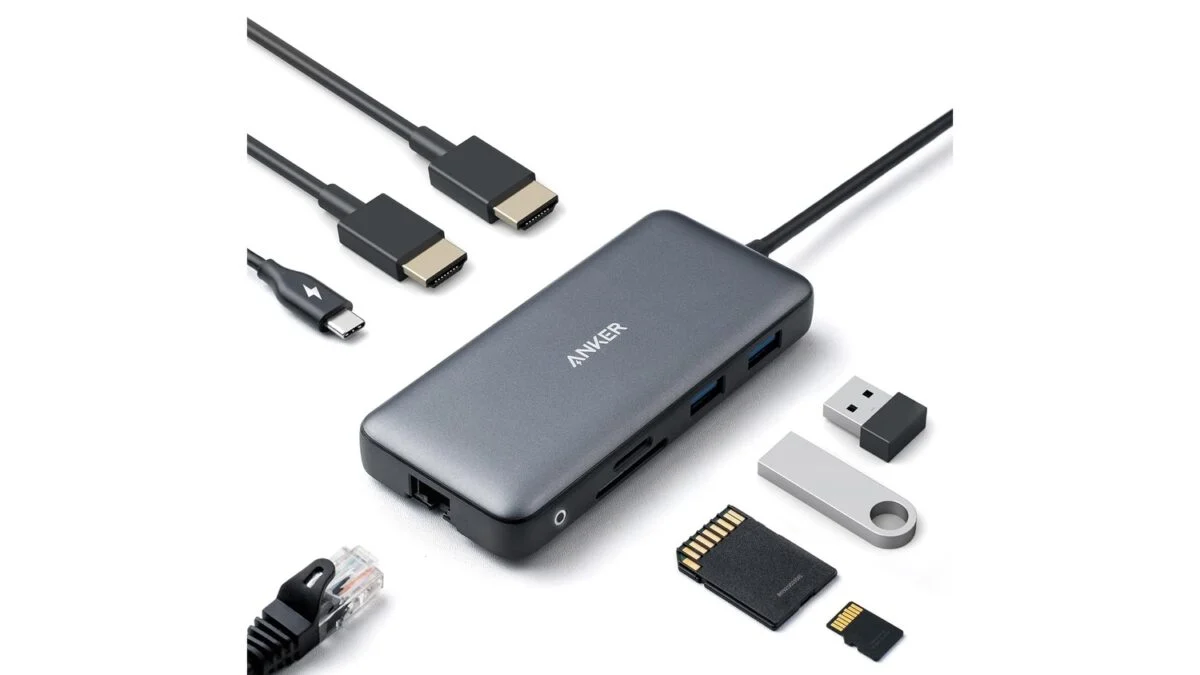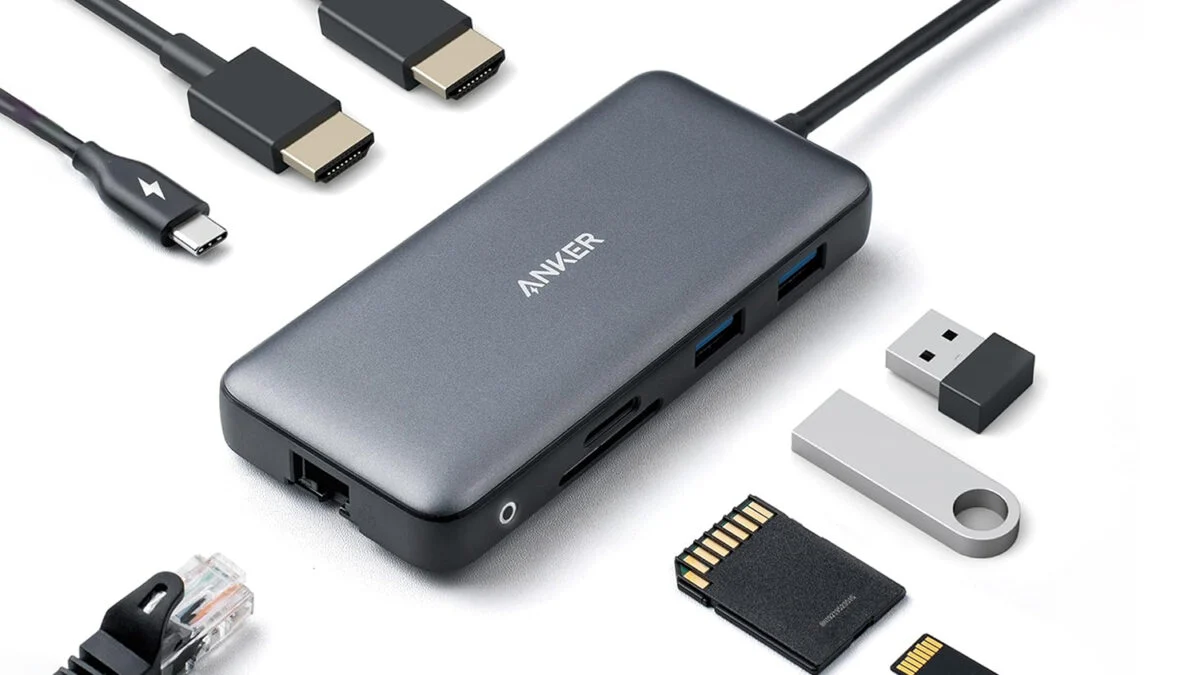
The two HDMI ports are the showstoppers. You can run a single display at 4K@60Hz, or split across two monitors at 4K@30Hz. The 30Hz ceiling on dual-monitor mode is worth knowing going in: It’s fine for most productivity setups and isn’t going to bother anyone who isn’t gaming. But if you are gaming or running a creative workstation with color-critical work, a single 4K@60Hz priority display may be the smarter call. macOS users should also know that dual external monitors will mirror rather than extend. That’s an Apple limitation, not an Anker one, and it’s one that will send you on a search for a KVM switch.
See at Amazon
One Cable, Eight Ports
Beyond the displays, the Anker PowerExpand hub packs 85W pass-through USB-C Power Delivery, a 1 Gbps Ethernet port, two USB-A data ports, and a microSD card reader. The 85W charging covers most mainstream laptops, though you’ll need a 100W PD wall charger and a USB-C to USB-C cable that aren’t included, but are a small added cost that’s easily outweighed by the overall benefits of the hub.
Compatibility covers USB-C, USB4, and Thunderbolt connections, and the hub works with Windows 10, Windows 11, and ChromeOS. Linux compatibility isn’t there, and neither is support for laptops that lack DP Alt Mode – check your USB-C port’s spec sheet if you’re not sure.