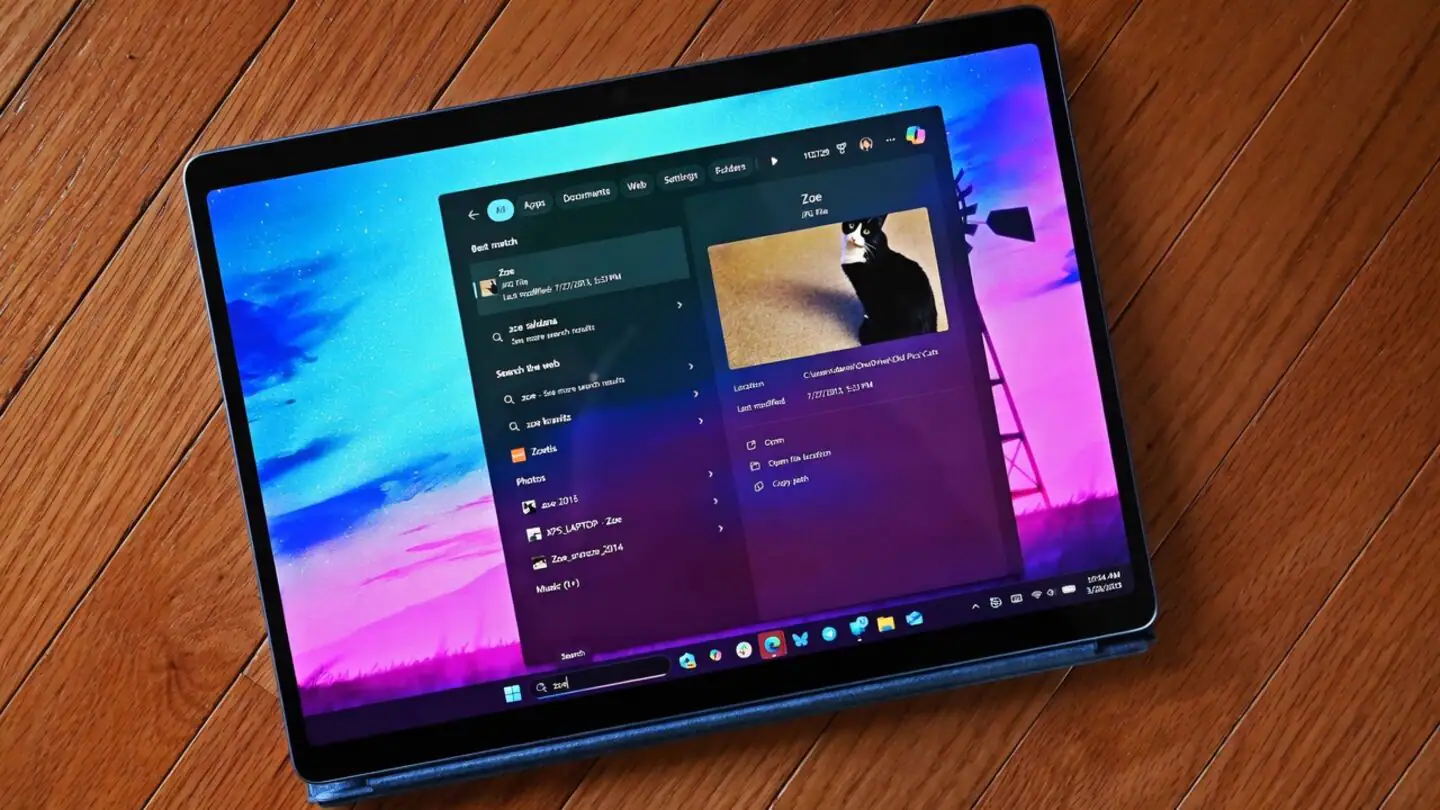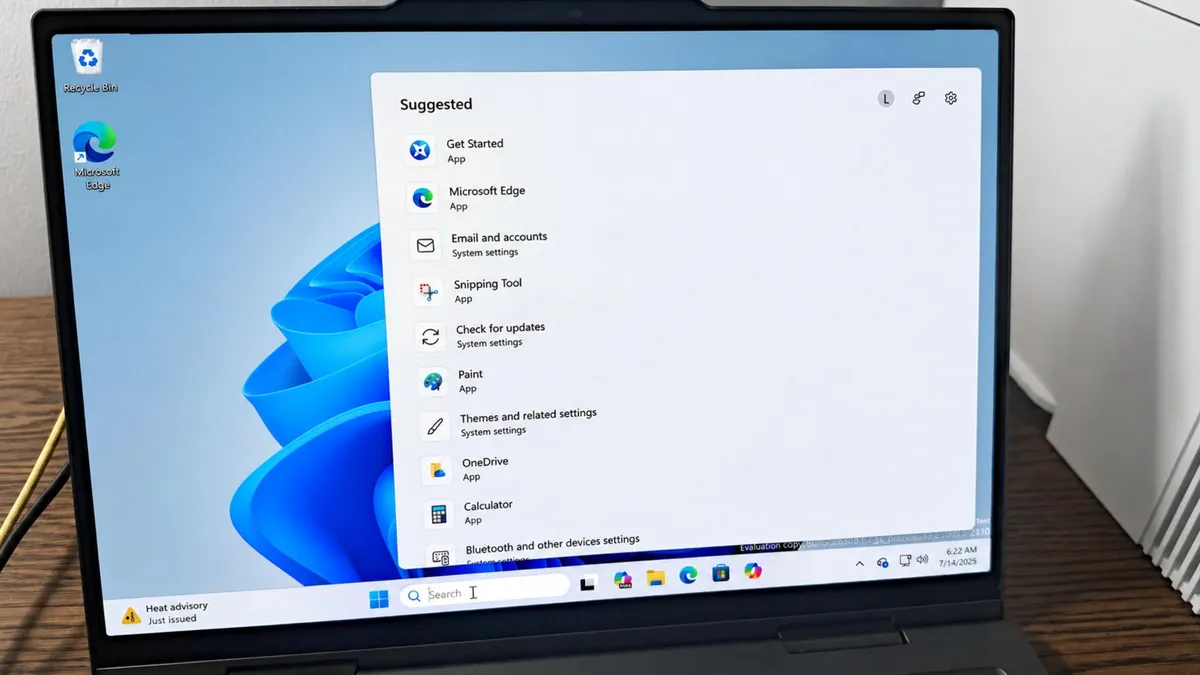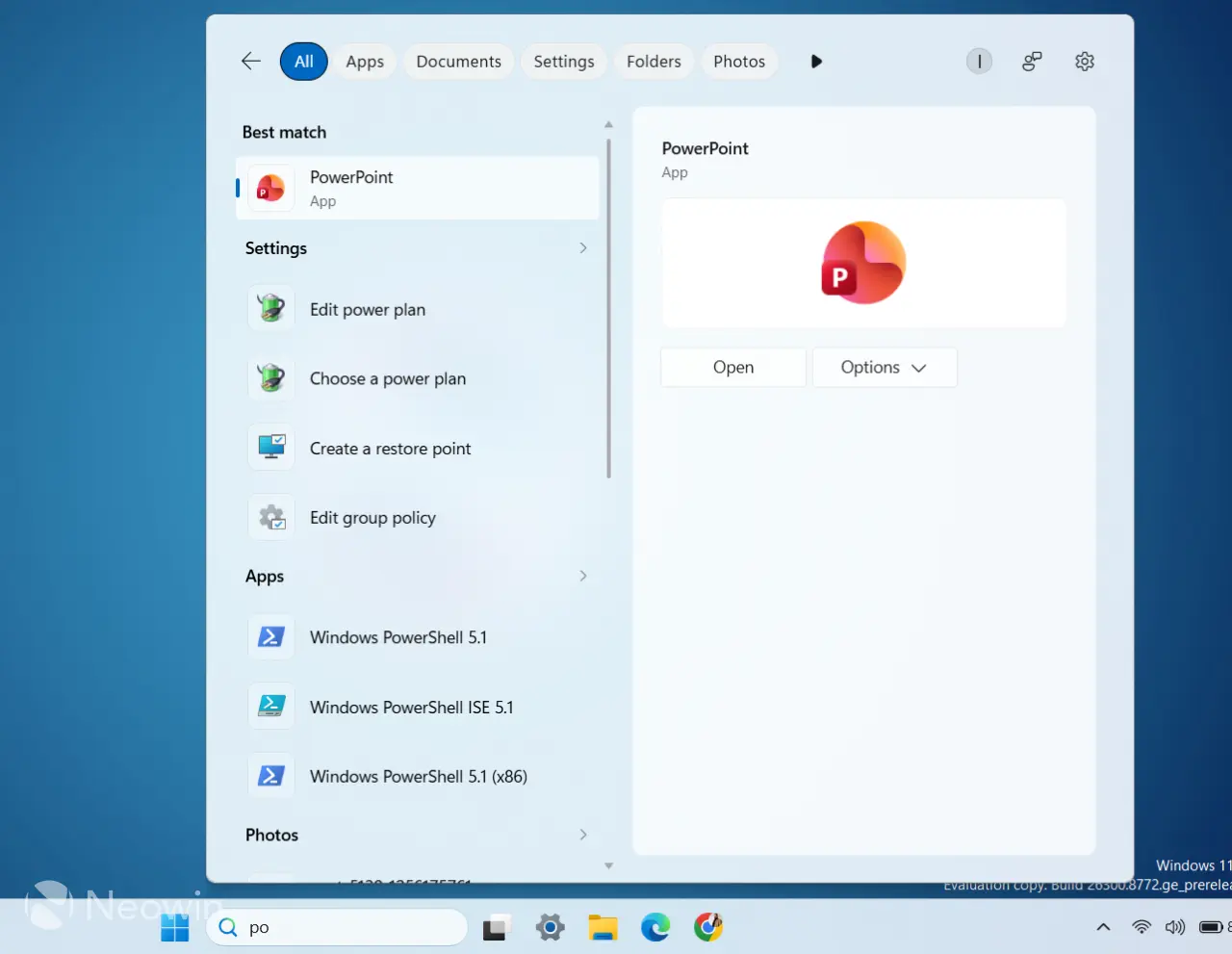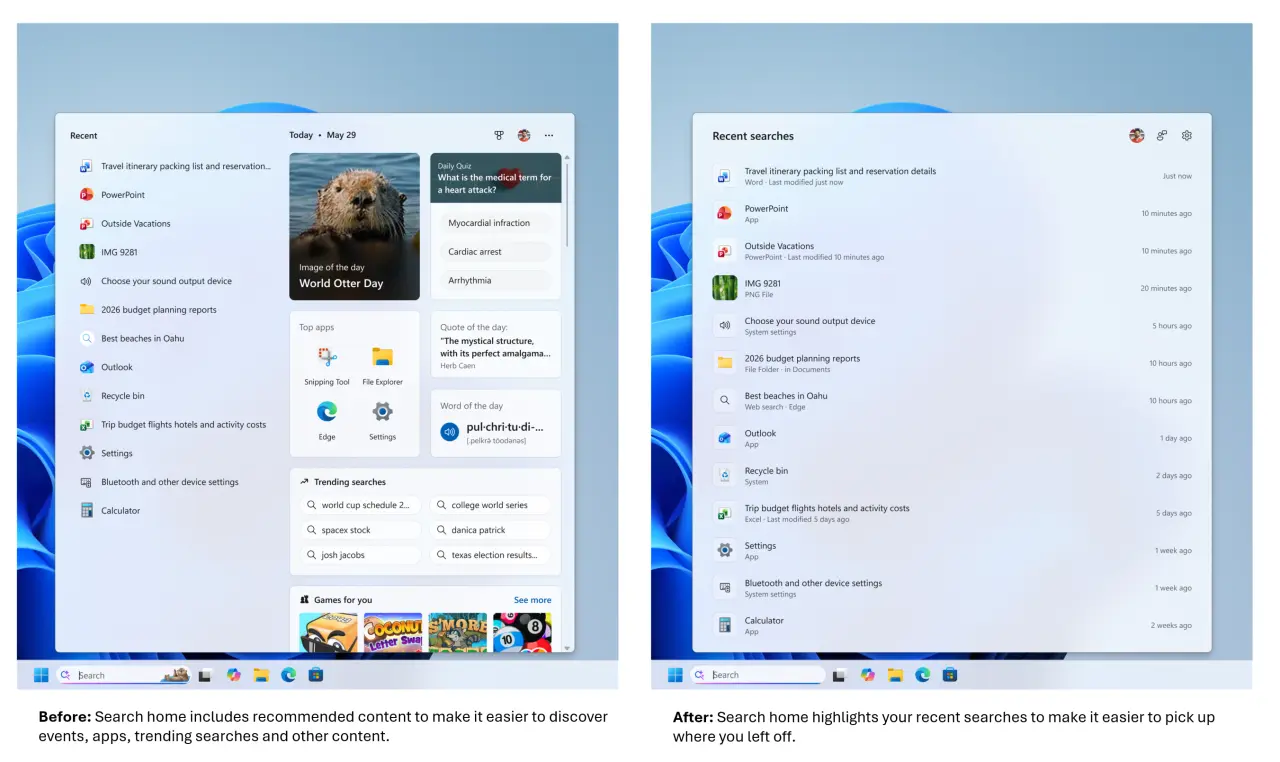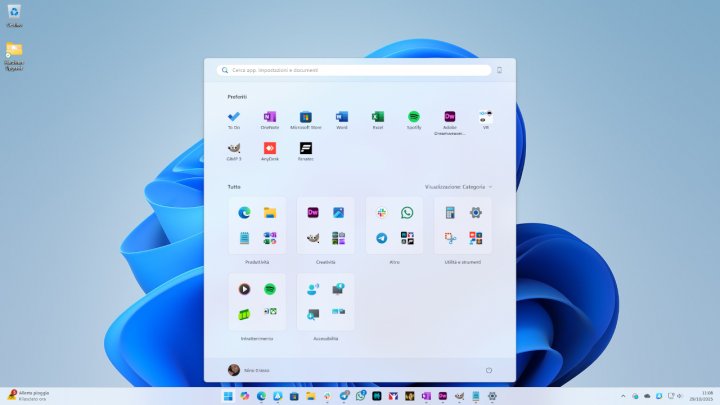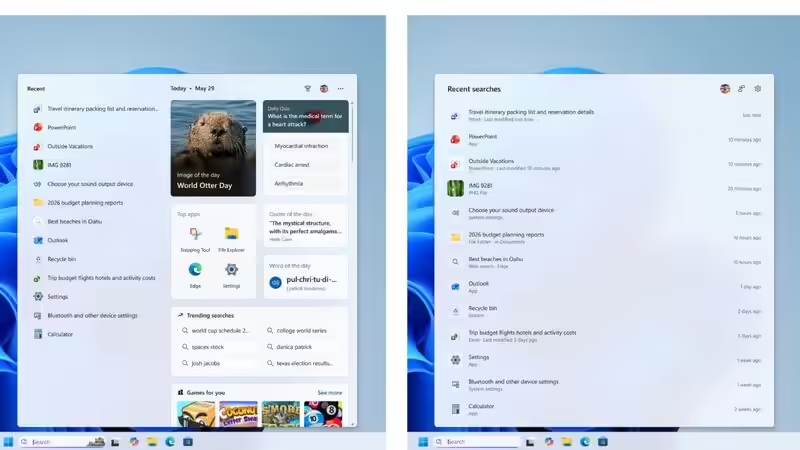
What's New?The point of this particular refresh, though, isn’t to add flashy new functions but it’s about trimming away clutter and polishing the existing foundation. Microsoft said that search results will “get clearer labels, helping users immediately understand if they’re seeing an app, a file, a setting, a web search result or even a Microsoft Store app result before clicking through.”Promotional content is gone from web search results entirely, and there are new privacy controls that let people turn off web and Store suggestions completely if they want. On top of that, search accuracy has gotten a real boost for files, apps and settings, especially helpful if you're prone to typos or only remember part of what you're searching for.FeatureWhat changesCleaner Search HomeA simplified interface with a lot less visual clutterLocal first resultsApps, files and settings show up ahead of web results whenever they're the better matchNo promotional contentProduct promotions stripped out of web search resultsUser controlsA toggle to turn web and Microsoft Store suggestions on or offBetter typo handlingStill finds the right app even with spelling errors or missing lettersImproved file searchSupports two character searches and better matching across local and cloud filesBetter settings rankingMore relevant settings actually surface higher up in resultsClearer result labelsTells you upfront whether something's a file, app, setting, web result or Store suggestionHigher reliabilityFewer crashes and loading hiccupsHow does the overhaul enhance user experience?The core idea behind this redesign is turning Windows Search back into a genuinely useful tool for everyday stuff, rather than something that keeps nudging you toward web recommendations. Per Microsoft, if you're searching for an app you've already installed, a document, or a system setting, those results will now show up ahead of web suggestions whenever they're actually the better match. That alone should cut down on wasted clicks and make getting around Windows feel quicker.The cleaner Search home cuts out annoying promotional tiles from search results. This way, the next thing you're trying to look up doesn't result in you scrolling right past ads, since the goal of this search was presumably something else. Mix that with better typo detection that will even suggest correct apps when your fat fingers make typing app names a problem, and a clearer metadata that will help make out your search result even before you've completely registered the entire entry and suddenly search becomes less of a drag.Why is Microsoft changing Windows Search now?Microsoft says this whole push comes down to what users have been asking for, something faster, clearer, and easier to actually navigate. The company points out that a lot of people use Windows Search as their main starting point, whether that's launching an app, digging up a file, or tweaking a setting. Over time though, promotional content and web heavy results had made the whole thing feel pretty crowded and honestly a bit annoying.This overhaul fits into a bigger pattern too, Microsoft's clearly putting more effort into polishing core parts of Windows rather than just bolting on new features every update. Reports suggest the company's increasingly focused on usability, keeping things consistent across the interface, and giving people more say over how Windows actually behaves, especially in features people use constantly, like Search and the Start menu.
Windows 11 Search: Major Changes Announced by Microsoft
Microsoft is rolling out a refreshed search interface for Windows 11, enhancing how users find information. With this update, local files and applications are prioritized over web results, providing a more intuitive experience. Users now have the ability to customize the visibility of web and Microsoft Store results to suit their needs. Gradual deployment is underway for Windows Insiders, aiming for an improved search journey.
537 words~2 min read