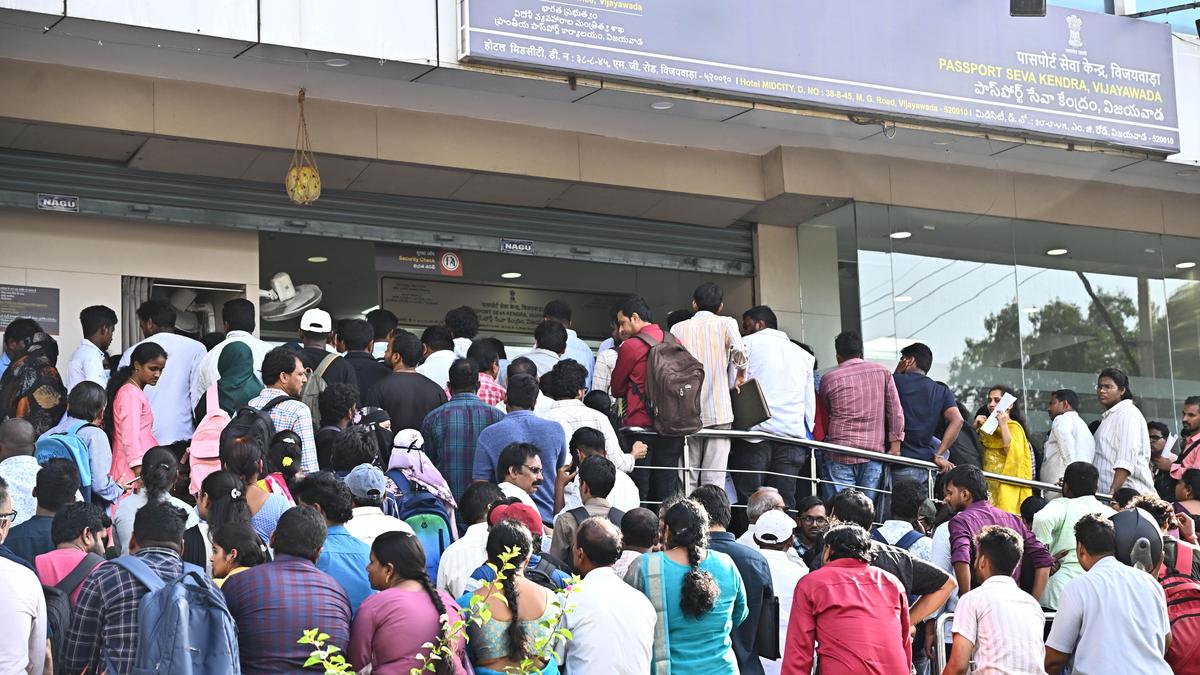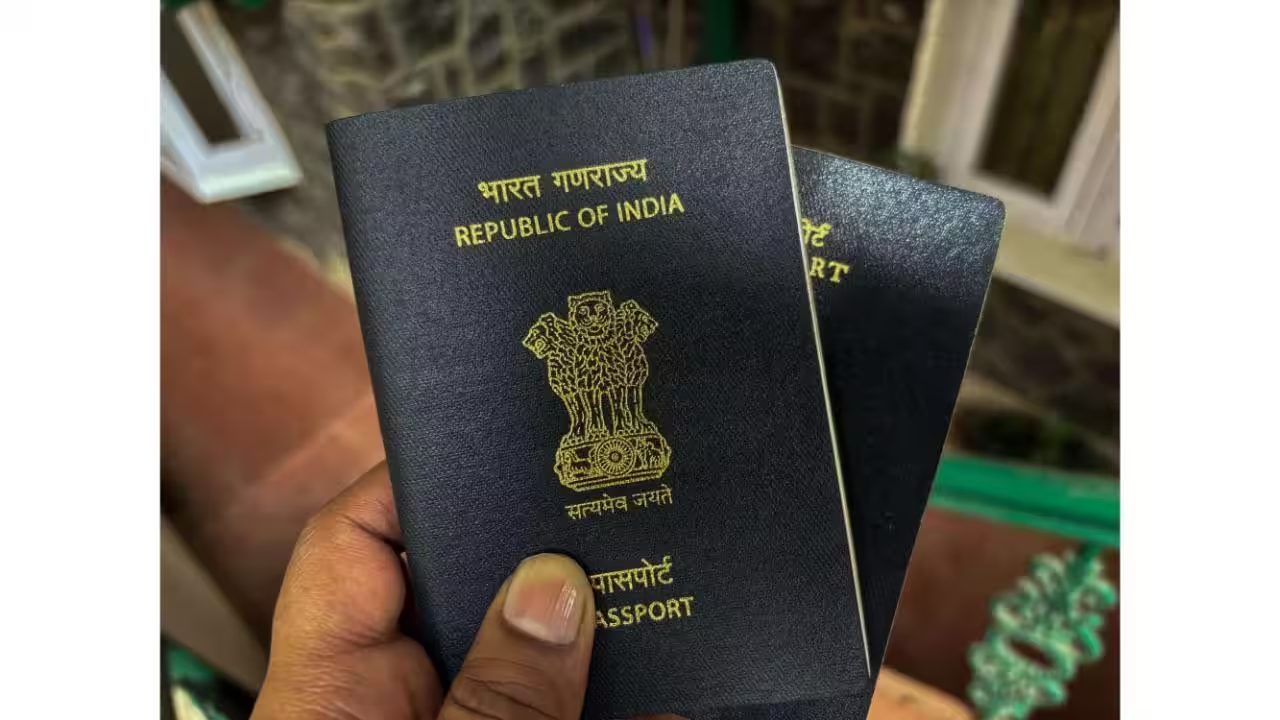
There is a particular kind of anxiety that comes with waiting for a passport. You have done everything right — submitted the application, attended the appointment, cleared the police verification — and then the waiting begins. Days pass. Sometimes weeks. And at some point the question shifts from "when will it be approved" to "where on earth is it right now." The frustrating part is that the answer is almost always available online, and most people simply do not know where to look. Here is how to find out exactly where your passport is, from the moment it leaves the printing facility to the day it lands at your door.Start with Passport SevaThe first place to check is the official Passport Seva portal, which is where your application's status lives from start to finish. Open passportindia.gov.in and look for the Track Application Status option on the homepage. You do not need to log in for this. Select whether you applied for a passport or a Police Clearance Certificate, enter your file number exactly as it appears on your acknowledgement receipt, and enter your date of birth. The file number is the one that was given to you when you submitted your application, and it needs to be entered precisely, including any slashes or reference characters, because even a small variation will return no result.Once the status loads, work through what it says carefully. If your passport has been printed and dispatched, the status will typically say something along the lines of "Passport Dispatched" and will include a Speed Post tracking number. That number is what you need for the next step. Write it down or copy it before you move on.Then switch to India PostOnce you have got your Speed Post number just go to indiapost.gov.in and use the Track and Trace tool to follow the package's movement through the postal network. Just key in your Speed Post number and the system will then show you a complete log of every location the consignment has passed along with the proper timestamps of each and every movement. The log will help you to identify whether the package is still at the regional sorting facility or it has reached the local post office near your address. The log will also tell you that if delivery was attempted and you were not at home. The tracking tool of India Post updates in real time as the consignment moves through the system, so refreshing it regularly gives you a reliable picture of how quickly things are progressing toward your address.What to do if the status seems stuckSpeed Post for passports can sometimes sit at a sorting hub for a day or two without visible movement, which looks alarming but is usually a routine part of the sorting process rather than a sign that something has gone wrong. Give it two to three working days before escalating. If movement genuinely stops for longer than that, the best next step is to call your local post office directly with the Speed Post number in hand, as they can check whether the package is physically present at the facility even if the online tracker has not updated.If the Passport Seva portal shows your passport as dispatched but you cannot find a Speed Post number in the status details, log into your Passport Seva account fully and check the status there, as the tracking number sometimes appears only in the logged-in view rather than the public tracking page.One thing to keep in mindDelivery of passports is done by the post office, and if you are not available to receive it in person, the postman will leave a delivery notice and attempt re-delivery. Passports are treated as registered articles and require a signature, which means they will not be left with a neighbour or tucked under a doormat. If re-delivery is also missed, the package returns to the post office and is held there for a set number of days before being sent back to the passport office.Tracking regularly from the day your Passport Seva status shows dispatched means you will always know when to be available, and avoids the unnecessary complication of a returned consignment.
Hack of the day: Track your passport dispatch and speed post delivery online
There is a particular kind of anxiety that comes with waiting for a passport. You have done everything right — submitted the application, attended the appointment, cleared the police verification — and then the waiting begins.
697 words~3 min read