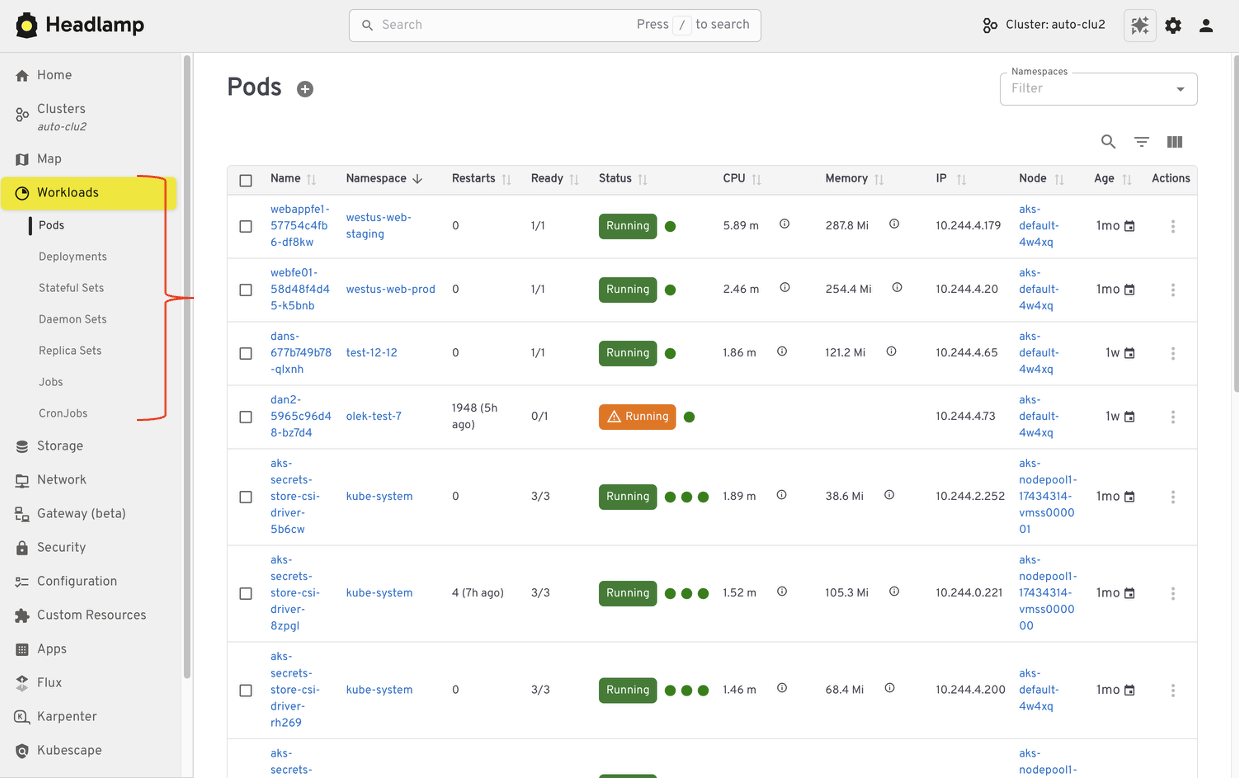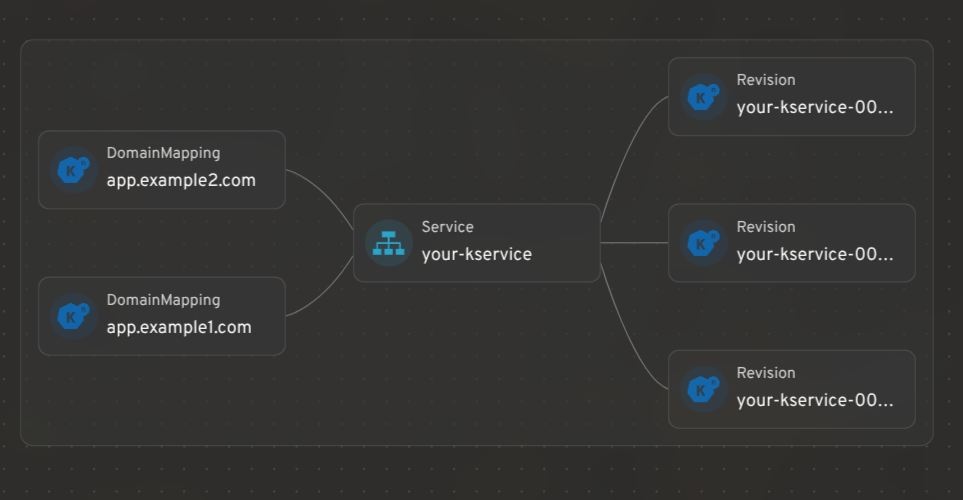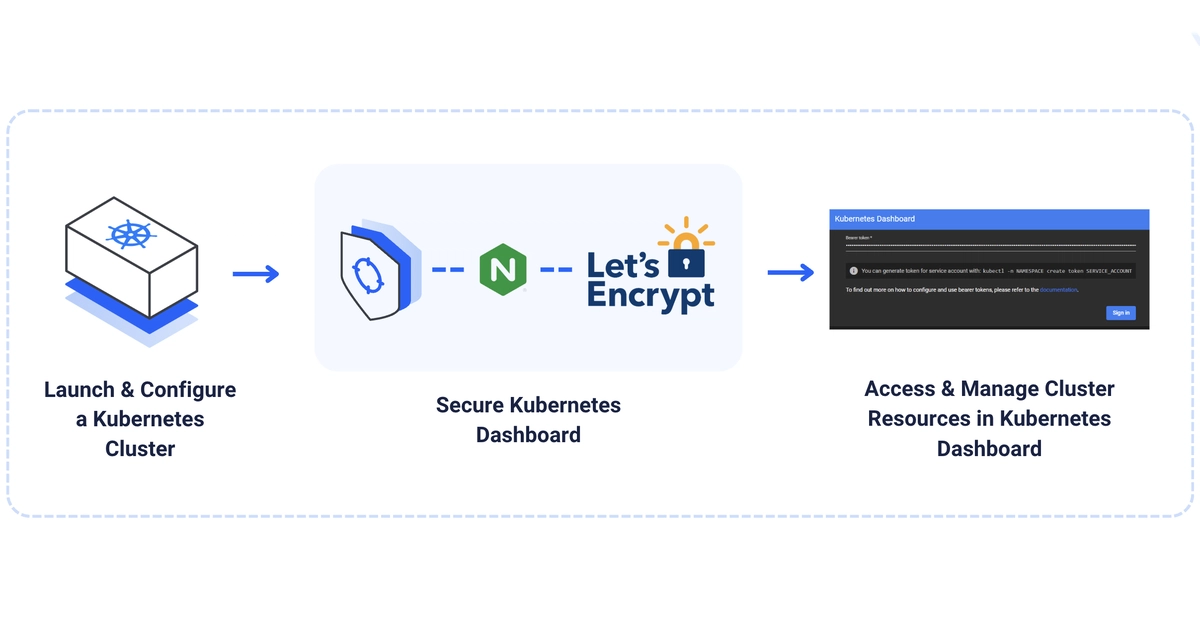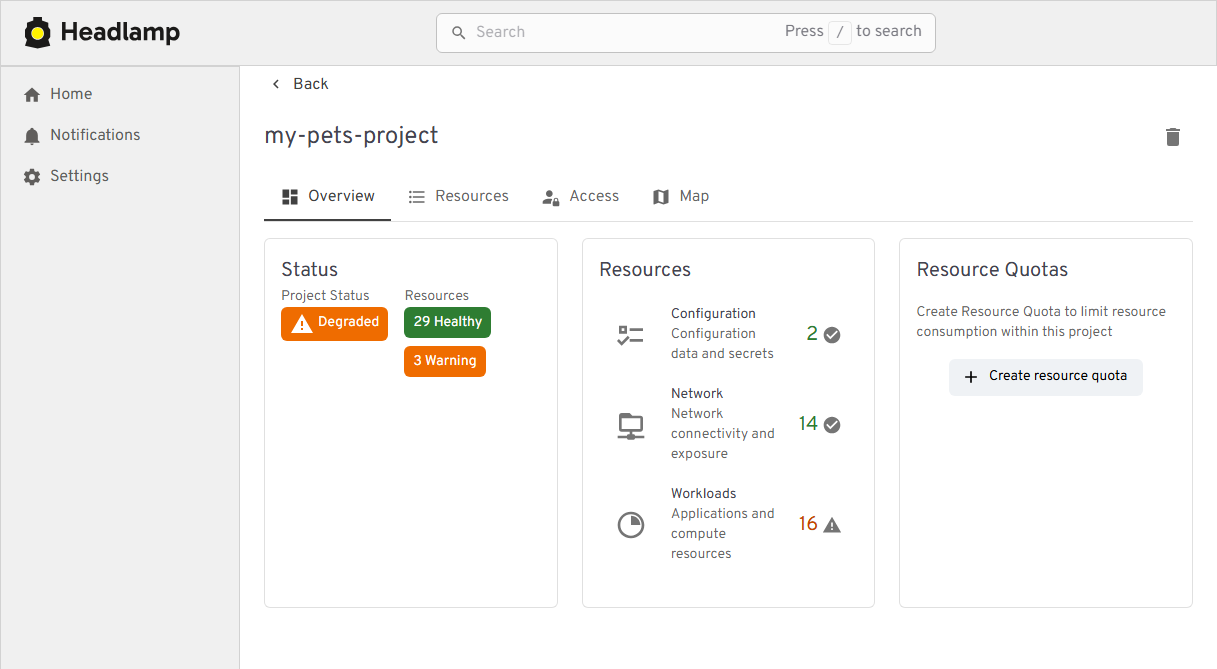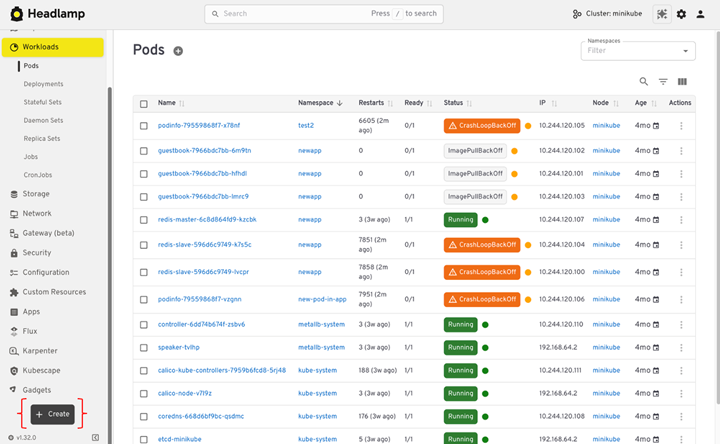
1. Before you start: know what is changingKubernetes Dashboard and Headlamp both show what is running in a cluster, but they work differently. When Headlamp runs on the desktop, it uses your existing kubeconfig to connect to one or more clusters and can be extended with plugins. When Headlamp runs inside a cluster, it uses a Kubernetes ServiceAccount to access the API and follow RBAC rules. Kubernetes Dashboard, in contrast, only runs in-cluster and always relies on service account tokens. Understanding these models early helps you choose the right setup and permissions.1.1 How Kubernetes Dashboard worksDashboard is a web app that runs inside your cluster.You install it in the cluster, often with Helm.You usually run one Dashboard per cluster.You often reach it with kubectl port-forward or an ingress.You log in with a Bearer token. That token is often from a service account.It includes forms that help you create resources.It leans on tables and lists for navigation.It feels like this: a UI that lives with the cluster.1.2 How Headlamp worksHeadlamp acts more like a Kubernetes client with a UI.It can run on your desktop or in a cluster.It reads your kubeconfig, like kubectl does.It can show more than one cluster in one place.It favors YAML when you create or change resources.It includes list views and a visual map.You can add features with plugins.Headlamp is a UI that follows your identity, not your cluster.1.3 What stays the sameMany workflows will feel familiar:Browse workloads and resourcesFilter by namespaceInspect YAML, events, and statusView logsTake actions your RBAC allows1.4 What changesA few things will feel different:Login shifts from pasted tokens to kubeconfig (and sometimes SSO).Creation shifts from forms to "apply YAML."Multi-cluster becomes normal, not a special case.The map view helps you see how resources connect.2. Pre-migration checklistThis checklist helps you avoid surprises during the switch. It makes sure Headlamp can use the same identity and permissions you already trust in Kubernetes. It also gives you a quick way to prove the migration worked before you turn off Dashboard.2.1 Write down what you use todayList the basics:Which clusters you use (dev, staging, prod)Which namespaces you touch mostWhat you do most often (view, edit, scale, delete, debug)How you access Dashboard today (port-forward or ingress)How you log in (service account token, and which RBAC bindings)This is your baseline.2.2 Check that kubeconfig worksHeadlamp uses kubeconfig, especially on desktop. Make sure yours works before you install anything.Run:kubectl config current-context
Kubernetes Dashboard to Headlamp: A Step-by-Step Guide
1. Before you start: know what is changingKubernetes Dashboard and Headlamp both show what is running in a cluster, but they work differently. When Headlamp runs on the desktop, it uses your existing kubeconfig to connect to one or more clusters and can be extended with plugins. When Headlamp runs inside a cluster, it uses a Kubernetes ServiceAccount to access the API and follow RBAC rules. Kubernetes Dashboard, in contrast, only runs in-cluster and always relies on service account tokens. Understanding these models early helps you choose the right setup and permissions.
3,059 words~14 min read