How to Deploy Python Apps with Docker Compose
Stop wrestling with conflicting dependencies and environment variables across your team. The moment you run pip install on a new machine, something breaks—maybe a library version is outdated, maybe a system path is missing, and suddenly your perfectly working local app is a ghost. Docker Compose solves this by treating your entire application stack as a single, reproducible unit. Instead of manually configuring servers, databases, and environments, you define everything in a simple YAML file and spin up your entire Python app with one command. This isn’t just about containerization; it’s about shipping confidence.
Why Docker Compose is the Right Tool for Python
Python’s flexibility is its strength, but it’s also the source of most deployment headaches. You might have a Flask app that needs Redis for caching, a PostgreSQL database for storage, and Celery workers for background tasks. Managing these separately on your local machine is tedious, and deploying them to production often requires complex infrastructure scripts.
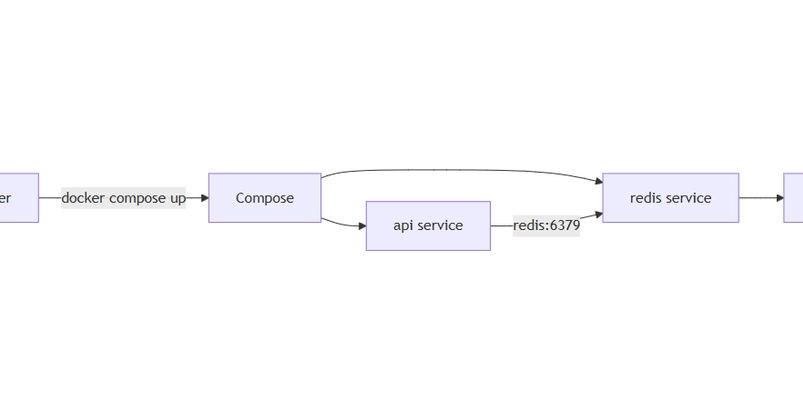
Docker Compose lets you define all these services in one file. It orchestrates container creation, networking, and startup order automatically. When you run docker compose up, Compose builds your images, links your containers together, and exposes the right ports—all without you touching a single terminal command for each service.