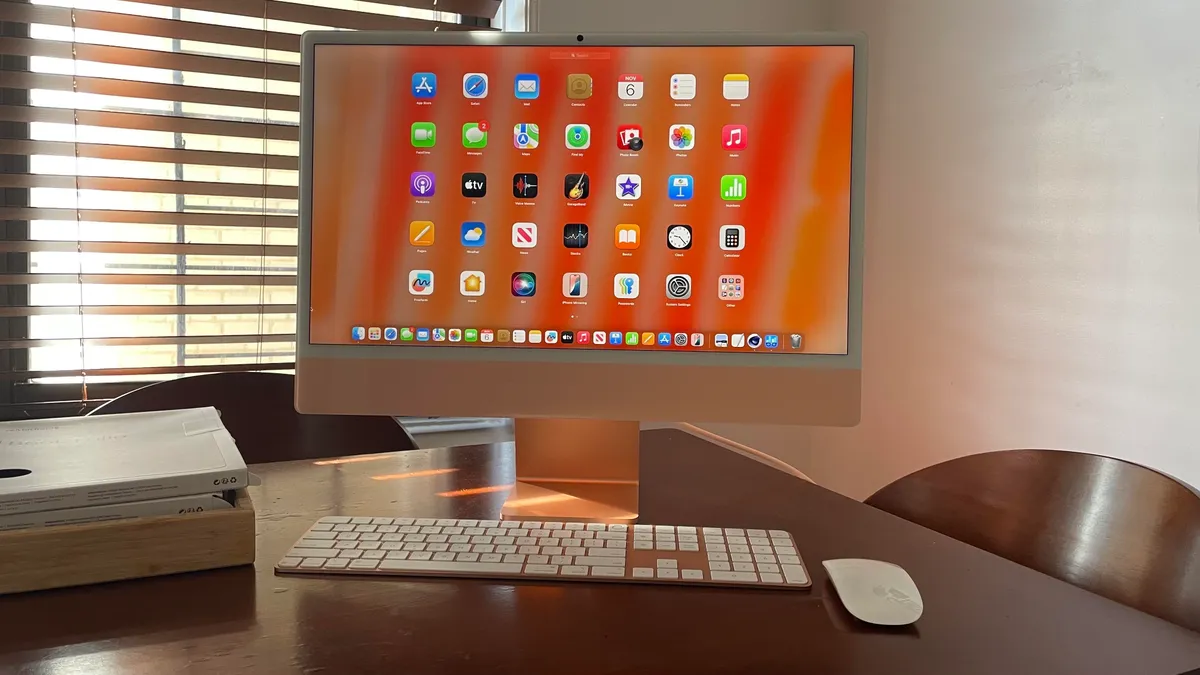
All-in-one (AIO) computers combine performance and speed in a space-saving design, integrating components into a single monitor. These machines offer a clean setup without sacrificing basic functionality. AIO computers, however, do have limited upgrade options and reduced repairability, so choosing the right one up-front is key. Should you get theHP OmniStudio X 32 for its large screen or Lenovo's Yoga AIO? The latter has a flexible hinge, making it perfect for content creators. There are so many solid choices that picking a single AiO is almost paralyzing.For the July 2026 update, I added the new 2026 Dell 24 AiO to the list. It's a solid midrange AiO PC, ideal for families looking for a new PC.Get more in-depth ZDNET tech coverage: Add us as a preferred Google source on Chrome and Chromium browsers.
Show more (7 items)
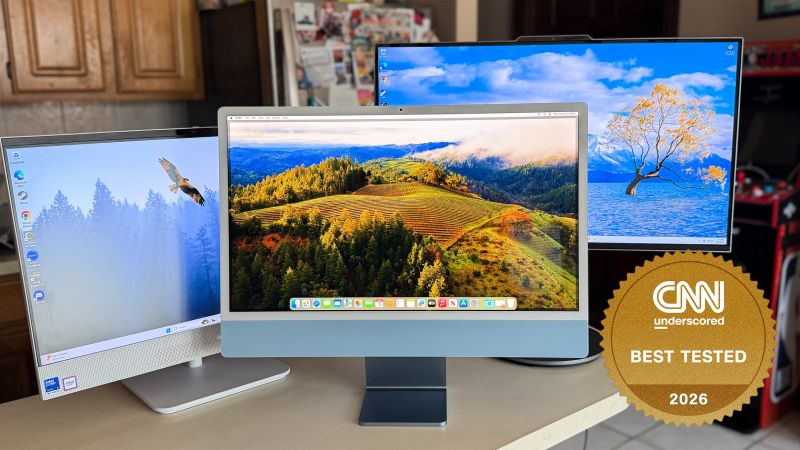
Best desktops deals of the week $750 (save $150) $699 (save $220) $850 (save $400) $1,000 (save $500) $700 (save $520) Deals are selected by the CNET Group commerce team, and may be unrelated to this article. What is the best all-in-one computer right now?We tested several AIOs across various budgets and use cases. Our top pick is Apple's 24-inch M4 iMac, which we praise for its strong performance, sharp display, and sleek design. AIO PCs don't often see frequent releases. Companies sit on a few models for several years before upgrading a series. Check out the following list for our recommendations on the best AIO PCs.The best all-in-one computers of 2026 Kyle Kucharski/ZDNET Why we like it: Taking the top spot on this list is the 2024 Apple iMac, which should come as no surprise. It comes with an M4 chip and 16GB of RAM, a configuration that allows the iMac to feel like a high-end productivity machine right out of the box. Whether you're editing 4K videos, juggling dozens of tabs, or testing Apple's new AI features, this AIO doesn't skip a beat.If the performance wasn't enough, it boasts a stunning 24-inch 4.5K Retina display. It's sharp, delivering impressive color accuracy and a max brightness of 500 nits, perfect for creatives. The glossy screen can be challenging to see in bright environments, but fortunately, shoppers can equip the iMac with a matte-finish screen.Review: Apple iMac M4Who it's for: The M4 iMac is an excellent option for professional creatives, everyday users, and students alike who need a powerful, all-in-one desktop. Combine top-notch hardware and features with its sleek design, updated peripherals, and 12MP webcam, and you have a computer that excels in both style and substance. Plus, if you're upgrading from an older Intel iMac or even an M1 model, the performance gains are significant.Who should look elsewhere: I wouldn't recommend the M4 iMac to people who already own either an M3 iMac or a Mac Studio with an M2 Max chip, since the performance gap between these models isn't that big. Also, it can be an expensive machine. The matte coating may look great, but it adds an extra $200 to the price tag -- a premium that may not be worth paying unless you deal with annoying glare regularly.Apple iMac 24-inch (M4, 2023) specs: OS: MacOS Sequoia (MacOS 15) | CPU: Apple M4 (10-core) | GPU: Apple M4 (10-core) | RAM: 16GB, 24GB (unified memory), 32GB (unified memory) | Storage 256GB, 512GB, 1TB, 2TB | Camera: 1080p Center Stage | Audio: 3 mic array, six speakers | Dimensions: 21.5 x 18.1 x 5.8 inches | Weight: 9.7 pounds