React 19 useFormStatus and useFormState: Build Accessible Forms Without Extra State Libraries
Disclaimer: This article was written with the assistance of AI, under human supervision and review.
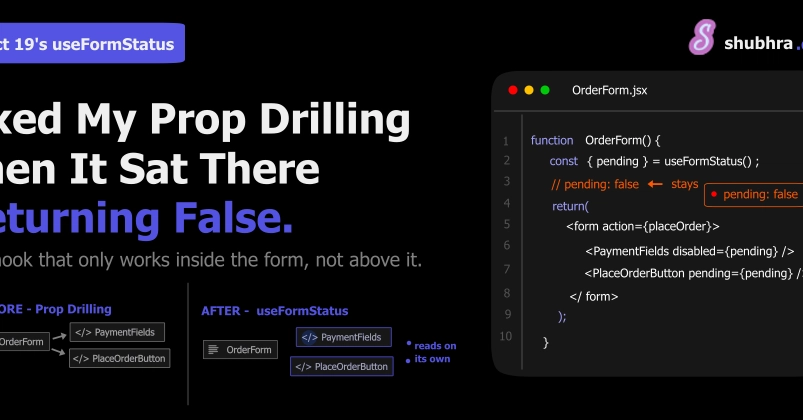
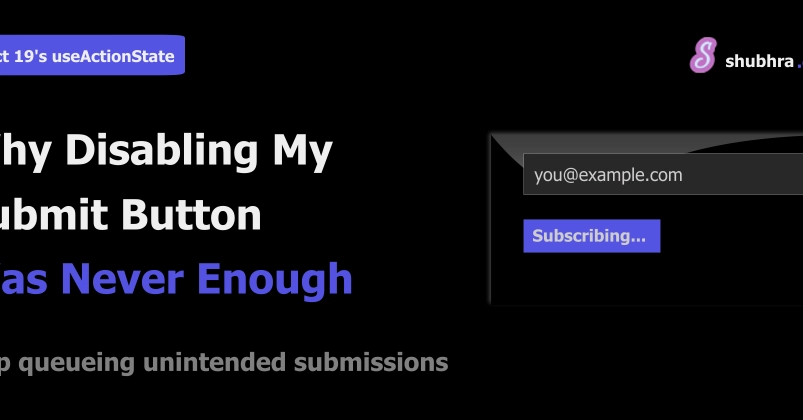
Most form validation problems in React applications stem from treating client-side state and server-side validation as separate concerns. Teams reach for Formik, React Hook Form, or other libraries to manage loading indicators, error messages, and submission state—adding 30KB+ to their bundle before writing a single line of business logic. React 19's useFormStatus and useFormState (also known as useActionState) eliminate this dependency by providing first-class primitives that track form lifecycle directly.
The cost of this library dependence shows up in three places: bundle size, runtime overhead, and accessibility gaps. Third-party form libraries manage their own state trees that re-render components independently of React's scheduler. When a form submits, the library tracks loading state separately from the server action that actually processes the data. This creates race conditions where a button shows "Submitting..." while the network request has already failed. Screen readers announce stale states because ARIA attributes update before the actual DOM reflects the error.