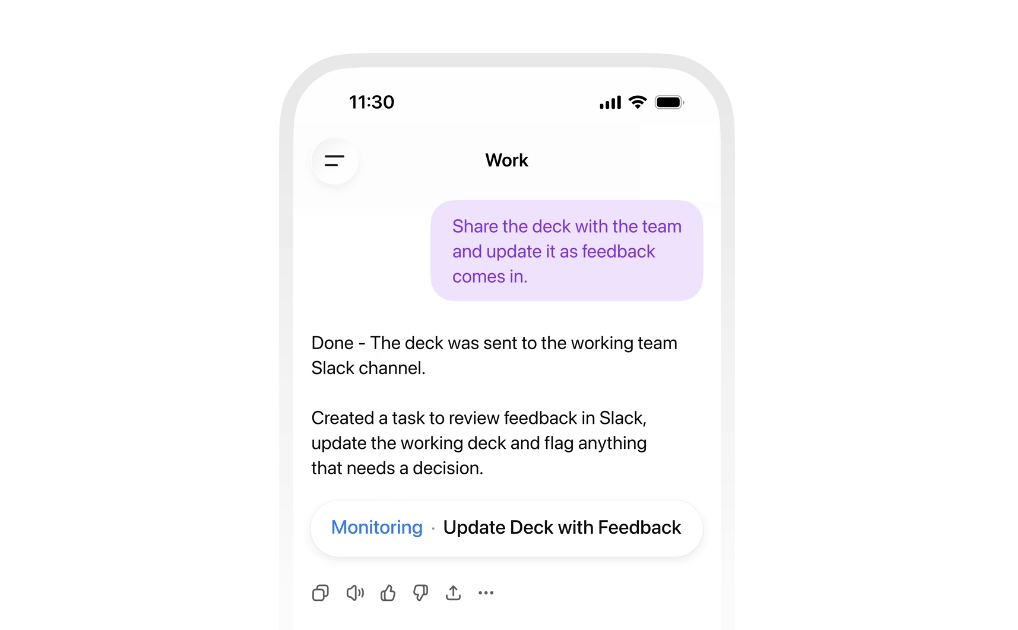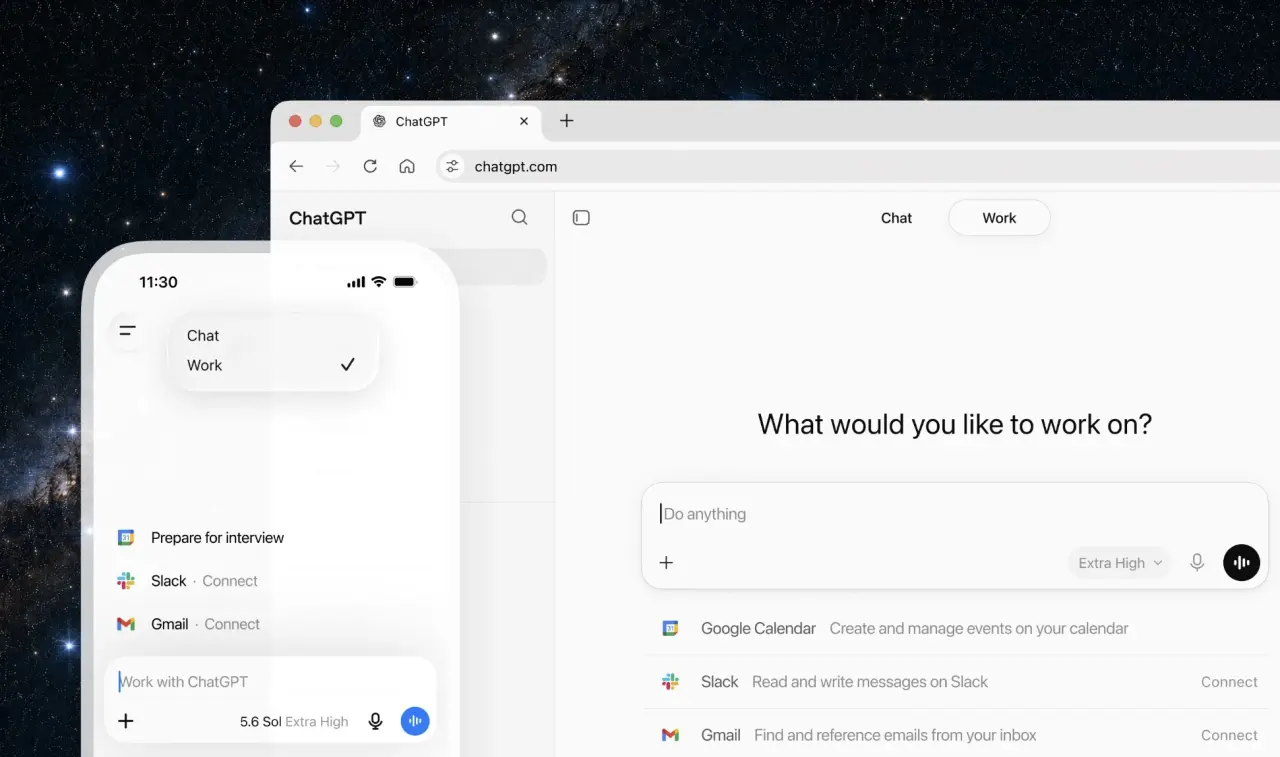
Last week OpenAI handed users a new app, plus a jumble of new model names, reasoning levels and subscription tiers — and left them to figure out which combination fits their work and budget.Why it matters: Evolving AI tools can now help non-coders deliver more work better, faster and cheaper — if those workers can determine the "just right" settings for their use case.The big picture: OpenAI released three GPT-5.6 models last week and introduced ChatGPT Work, an agent for longer multi-step tasks, inside its newly unified ChatGPT app.ChatGPT Work can use connected apps and files to research, analyze information and create documents, spreadsheets, presentations, reports and websites.The new desktop app folds Codex, chat and Work into one place. It's the new place to delegate tasks and open separate chat windows to brainstorm.ChatGPT Work is also available inside the ChatGPT mobile app, so you can control your tasks while you're away from your computer.Non-coders and people who don't want to use AI to write software don't need Codex at all.Yes, but: If you are a developer who uses AI to build software, don't freak out. The Codex desktop app isn't going anywhere, per OpenAI engineering lead Thibault Sottiaux. Zoom in: The three new GPT-5.6 models are Sol, Terra and Luna.Sol is the flagship model. It's only available to Plus, Pro, Business and Enterprise users. You can't use it on free plans or if you're logged out of your account. Terra is meant to strike a balance between speed and power. Luna is designed for speed.Free and $8 Go users get Terra only — and only inside ChatGPT Work and Codex. In regular chats, those users are still on the older default model.Between the lines: Eligible paid users can pair Sol, Terra or Luna with different reasoning settings.Reasoning means how much thinking you want ChatGPT to do for your task. The higher the reasoning effort, the longer the task will take and the more quickly you'll reach your usage limits.No matter what model you use, start with the best model available to you with the lowest reasoning setting. If you're not satisfied with the results, increase the reasoning setting.By the numbers: Developer Simon Willison priced out the new models and compared them to Anthropic's models.Per one million input/output tokens Luna costs $1/$6, Terra costs $2.50/$15 and Sol costs $5/$30.Claude Opus series are $5/$25 and Claude Fable 5 is $10/$50.Reality check: With the new reasoning levels, OpenAI and Anthropic's prices no longer tell the whole story, Willison argues.For the past few years Willison has tested models with a benchmark of how well they can generate an image of a pelican riding a bicycle. He compared the models, reasoning efforts and the cost of input and output tokens in a page with illustrations of 18 different pelicans. What Willison found was that identical prompts can cost 71 cents or 48.55 cents depending on model and effort. Your settings will determine your bill.Zoom out: To find the right model for your work, OpenAI recommends starting with a task you already know well. This will make it easier to judge where ChatGPT Work succeeds, goes astray or needs more help from you.What we're watching: Whether OpenAI can turn today's maze of choices into a "set it and forget it" experience that brings agentic work to the masses.
ChatGPT's paradox of choice
GPT-5.6 and the new ChatGPT Work app offer more power and more decisions.
552 words~3 min read