Every iPhone since iOS 11 saves photos as HEIC by default. It's a genuinely better format — same visual quality as JPEG at roughly half the file size, thanks to being built on HEVC compression instead of the decades-old JPEG codec. The problem is compatibility: plenty of websites, Windows apps, Android devices, and upload forms still can't open it. So "why won't this site accept my photo" is one of the most common small frustrations on the internet, and it's exactly the kind of problem a browser tool can solve without needing a server at all.
I just added a HEIC to JPG converter to FileForge Tools, my privacy-first file conversion site. Here's what building it actually involved.
Why this can't just be <img src="photo.heic">
Browsers don't natively decode HEIC. Safari can display HEIC images because Apple's OS-level codec handles it beneath WebKit, but that's not something JavaScript or the Canvas API can hook into directly — there's no ctx.drawImage() path from a raw HEIC buffer. You need an actual decoder.
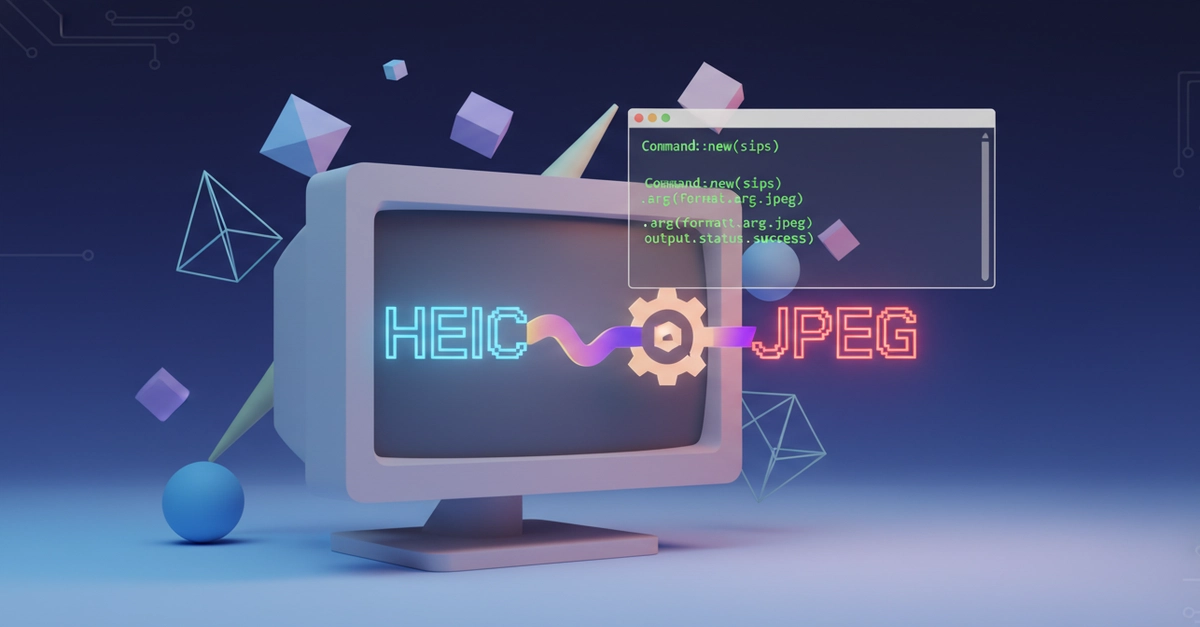
That's what heic2any provides. Under the hood it's a WASM build of libheif that decodes the HEIC bitstream in-browser, hands you back a canvas-compatible image, and lets you re-encode it as JPEG (or PNG) at whatever quality you specify. The whole pipeline — decode, re-encode, download — happens in the browser's memory. Nothing is ever sent to a server.