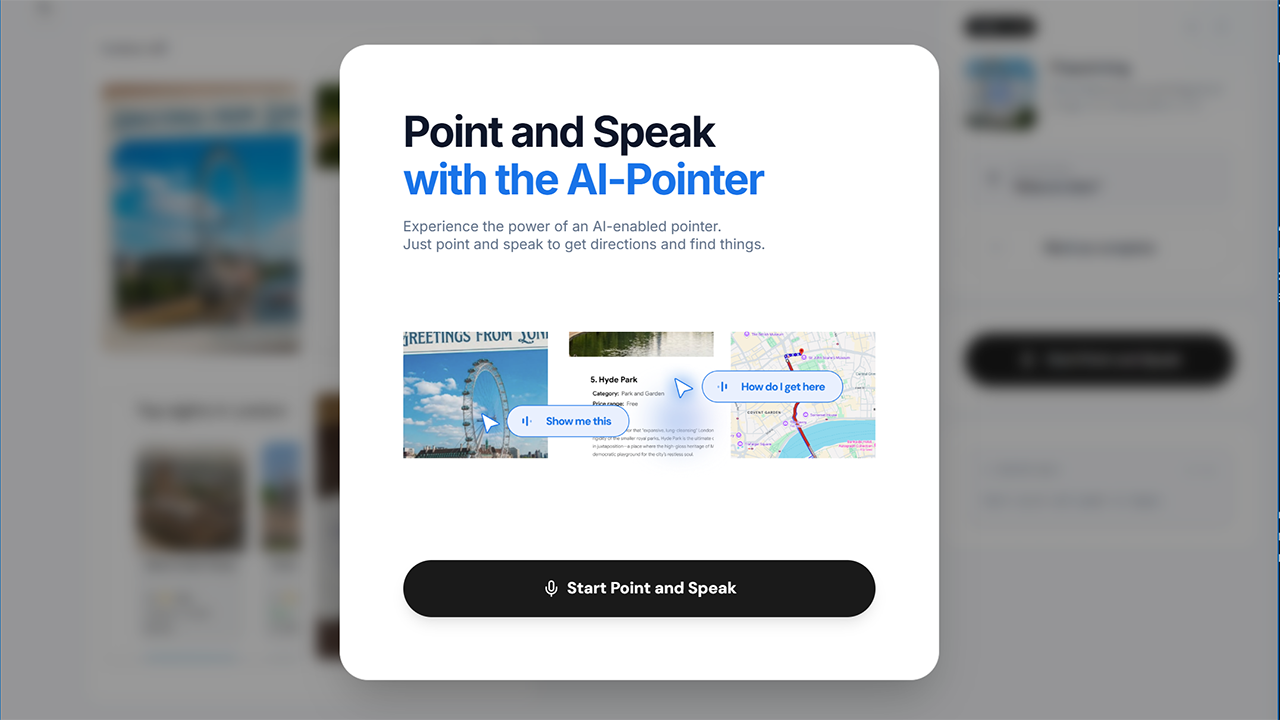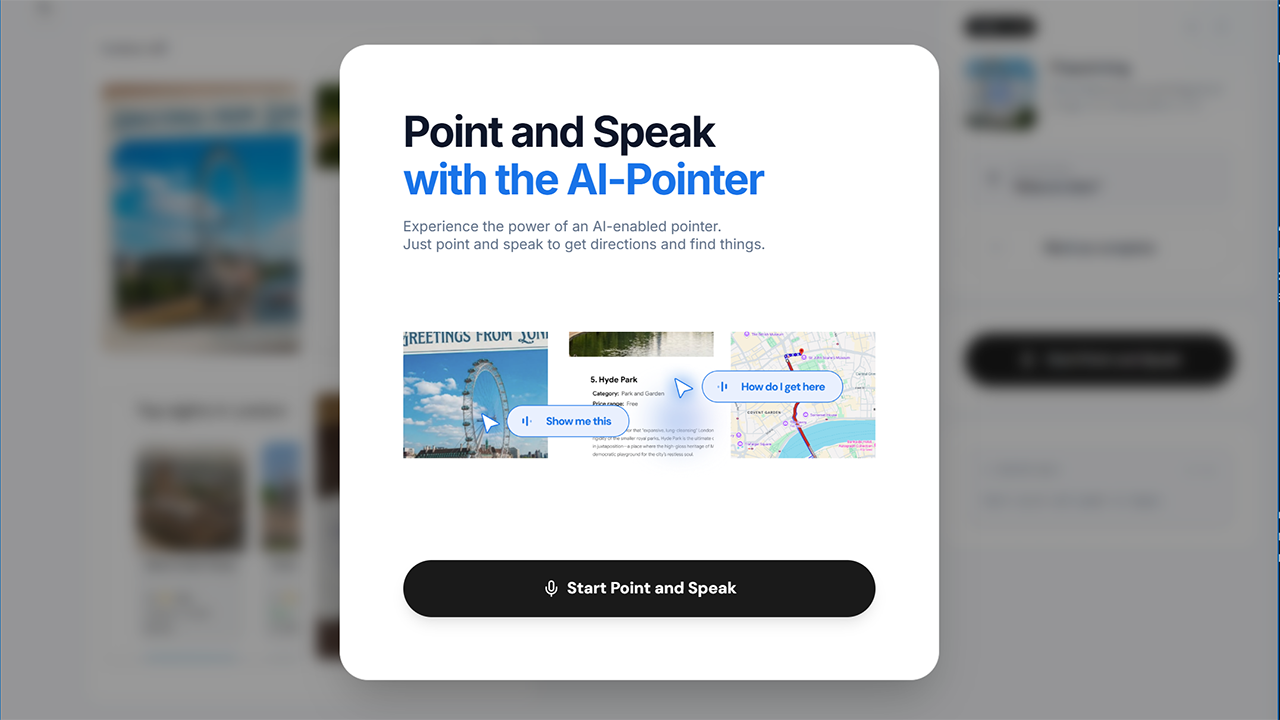
As we wait for more Googlebook details this fall, Google has released a “Magic Pointer” app to the Play Store.
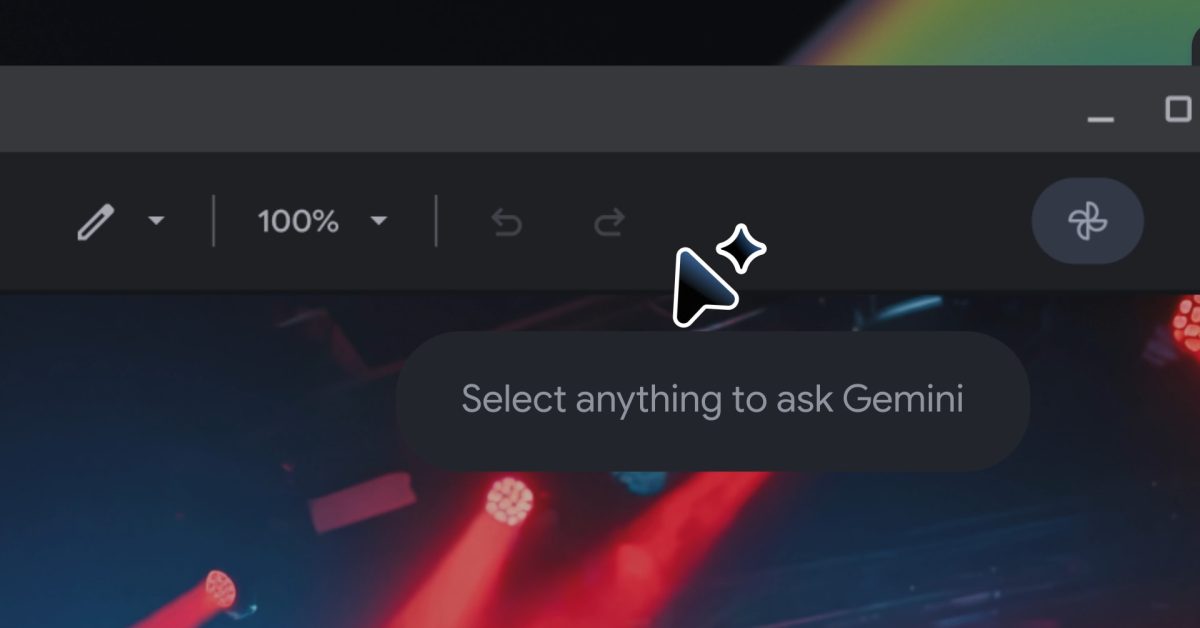
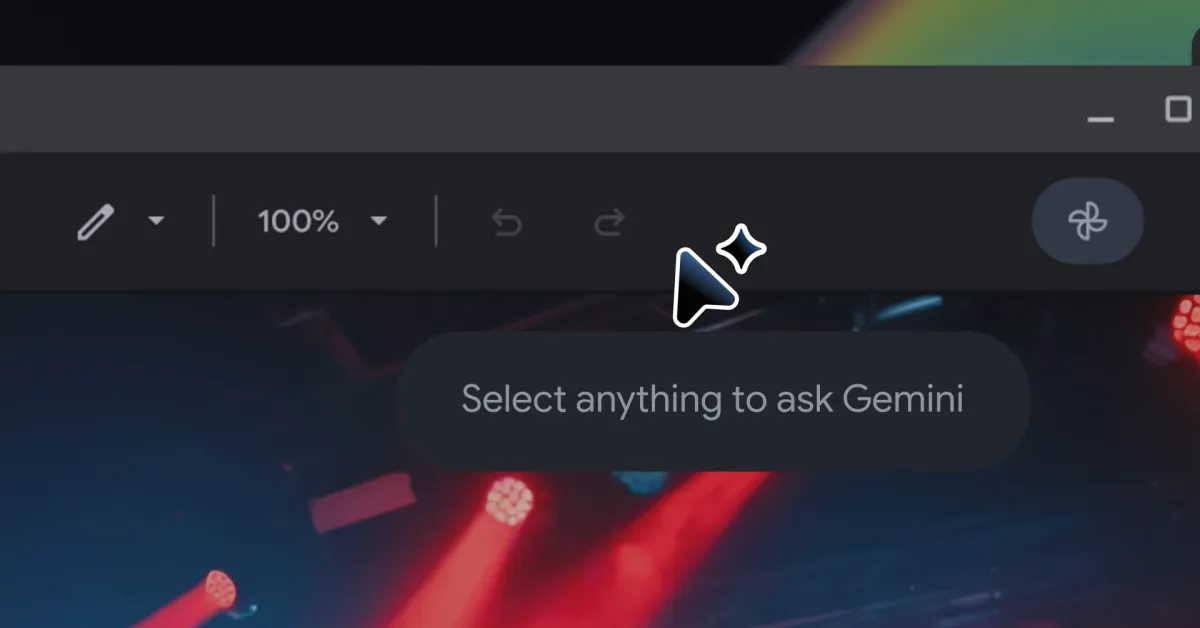
This “Initial Play Store listing for Magic Pointer” has a straightforward app description: “Select anything on your screen to get contextual AI suggestions and seamlessly get help from Gemini.” There’s a cursor badged by the Gemini spark icon.
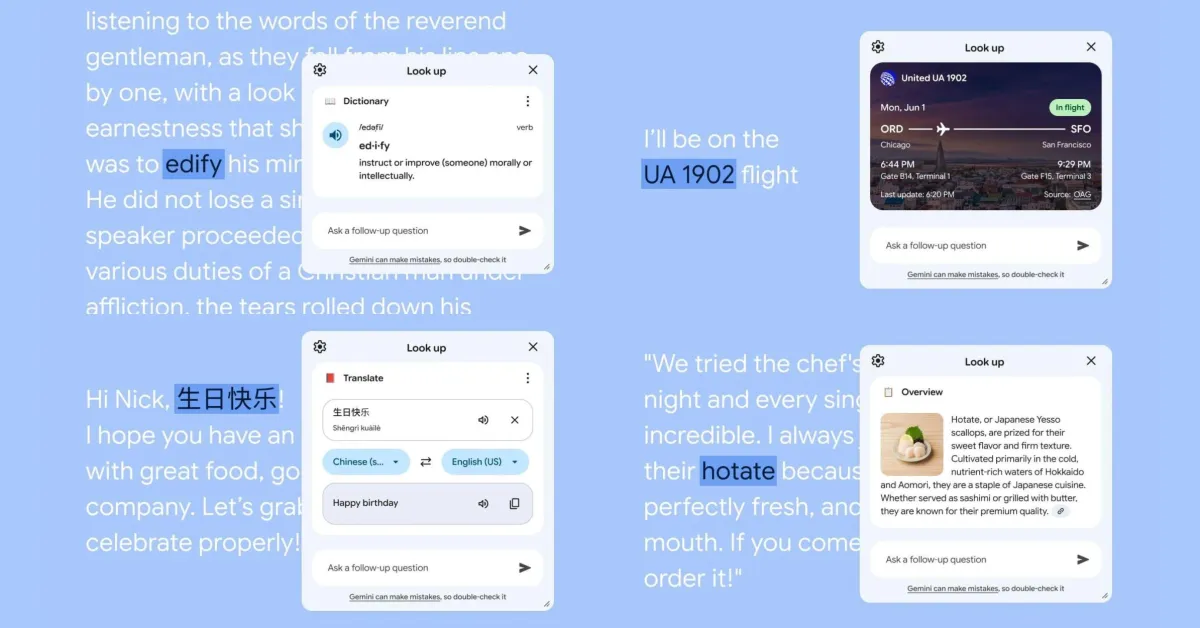
It’s accompanied by mockups that explain how you can use Magic Pointer to select content and text to get suggestions. In this example, highlighting a picture of plants lets you “Search with Lens,” “Create image” via Nano Banana, and “Buy now.”
These images provide a look at the Chrome on Googlebook interface. It’s not that different from the Android tablet experience today. We also get another look at the system status bar.
Magic Pointer was released to Google Play on June 9 and is on version 1.0.260708, while the package name is: com.google.android.desktop.gpointer.app. The app currently has “1,000+ downloads.” Unsurprisingly, it is not supported on any non-Googlebook devices today.