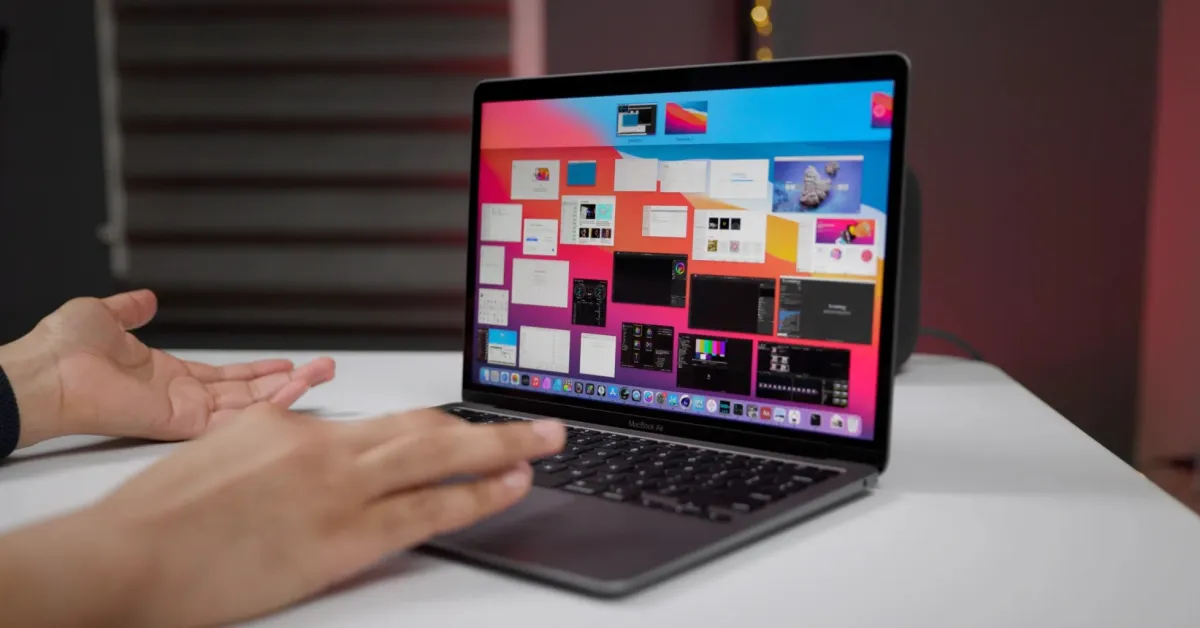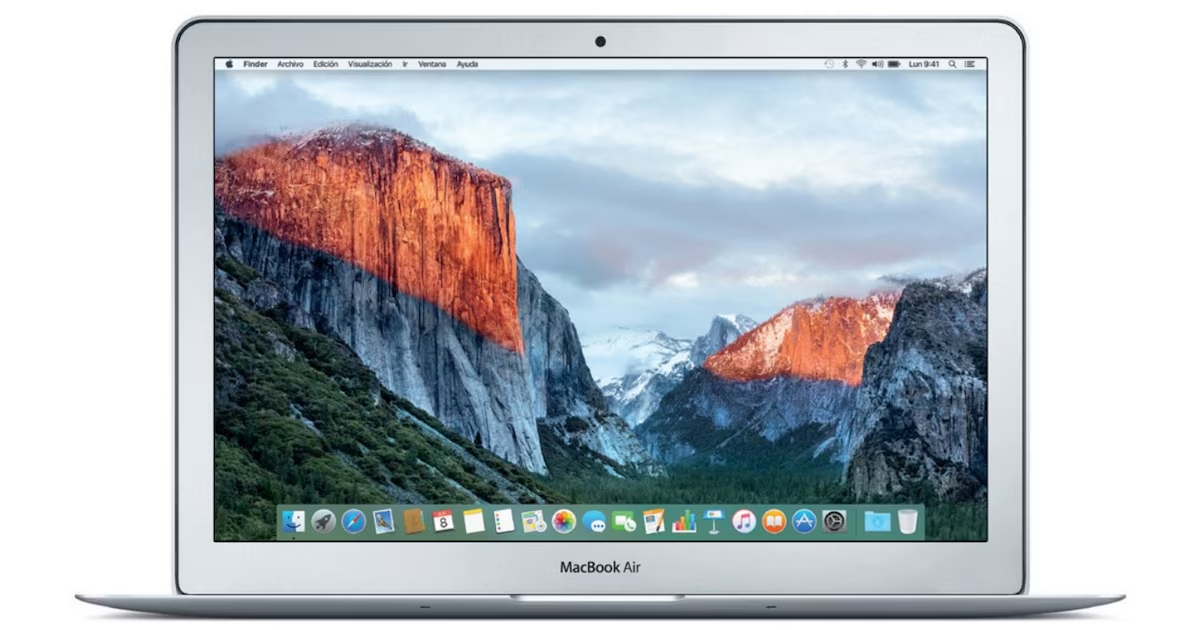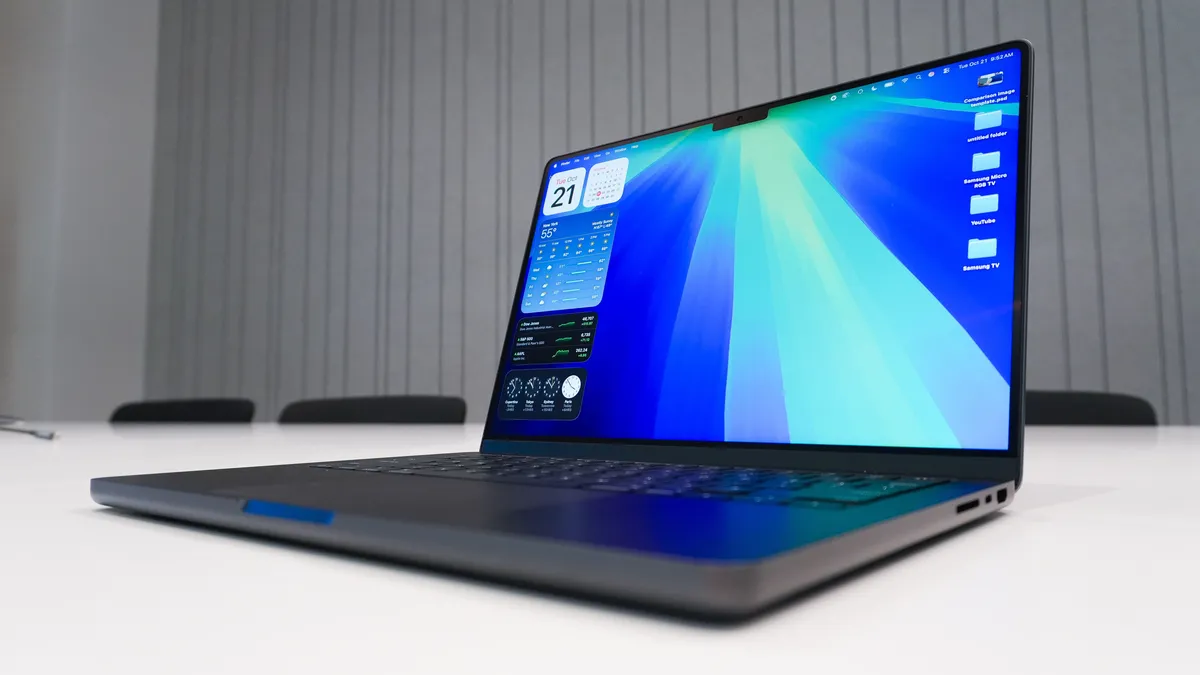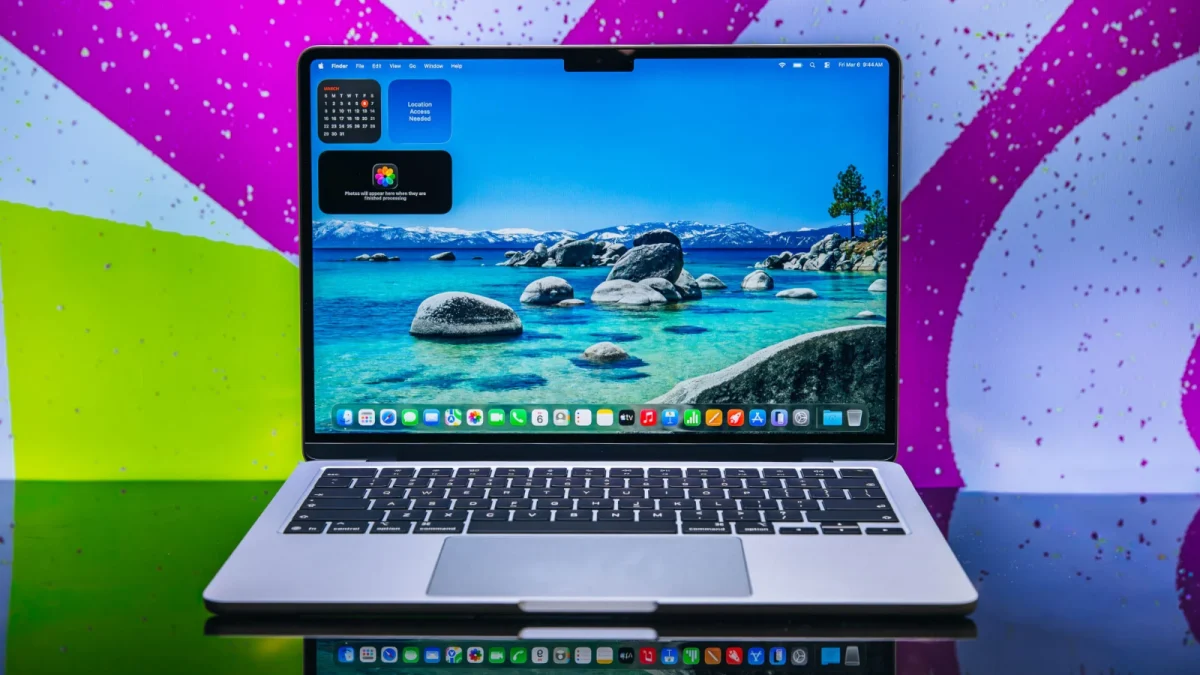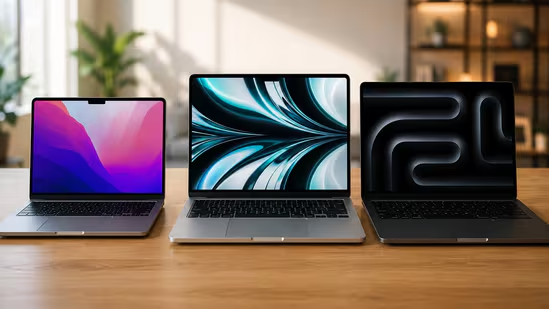
Editorial independence is core to our work. Some links may earn us a commission, without influencing our opinions.Choosing the right MacBook is easier when you know who each model is built for. Here's which one makes the most sense for your daily workload.Our PicksFAQsProductRatingPriceApple 2024 MacBook Air 15″ Laptop with M3 chip: 38.91 cm (15.3″) Liquid Retina Display, 16GB Unified Memory, 512GB SSD Storage, Backlit Keyboard, 1080p FaceTime HD Camera, Touch ID- StarlightView DetailsGet PriceApple 2024 MacBook Air 15″ Laptop with M3 chip: 38.91 cm (15.3″) Liquid Retina Display, 16GB Unified Memory, 512GB SSD Storage, Backlit Keyboard, 1080p FaceTime HD Camera, Touch ID- SilverView DetailsGet PriceUnlock Personalized EMI OffersApple 2024 MacBook Air 15″ Laptop with M3 chip: 38.91 cm (15.3″) Liquid Retina Display, 24GB Unified Memory, 512GB SSD Storage, Backlit Keyboard, 1080p FaceTime HD Camera, Touch ID- Space GreyView DetailsGet PriceApple 2024 MacBook Air (13-inch, Apple M3 chip with 8‑core CPU and 10‑core GPU, 24GB Unified Memory, 512GB) - SilverView DetailsGet PriceApple 2024 MacBook Air (13-inch, Apple M3 chip with 8‑core CPU and 10‑core GPU, 24GB Unified Memory, 512GB) - StarlightView DetailsGet PriceView More Buy the MacBook that matches how you actually work.For the past seven years, I have tracked consumer tech through constant shifts in hardware, platforms, and the way people actually use devices. Covering everything from budget gear to flagship hardware, I focus on what readers need to know, not on buzzwords or launch cycle hype. My expertise spans gaming laptops and chairs, high-performance PCs, gaming monitors, printers, smartwatches, earphones, headphones, Bluetooth speakers, tablets, and more, with a particular emphasis on how these products hold up in daily use. Reviews, explainers, buying guides, and news pieces all share the same goal: giving readers enough detail to make confident decisions without wading through fluff. Away from deadlines, I spend a lot of time gaming and watching films and anime, which naturally filters back into the work. Performance, comfort, display quality, and sound are judged the way players and viewers experience them, not just by lab numbers, which keeps my coverage grounded in real scenarios rather than just benchmarks.Read moreRead lessApple has recently upgraded its MacBook lineup with a new member called the MacBook Neo. Even though it is the most affordable MacBook ever and is powered by an iPhone chip, it is capable of handling some serious jobs. Now, this may look appealing to you, but you should be very careful when choosing this MacBook because it may not be able to handle your workload, making it a waste of money.Before spending your money on a MacBook, you should know which one is right for your workload. You also need to consider your future use case so you don't have to spend again on a new and more powerful version. So, to help you a bit, here is a quick comparison between the three, along with recommendations based on the type of workload you may have currently and in the near future.Quick comparisonUserRecommended MacBookWhy it makes senseSchool and college studentsMacBook NeoAffordable, lightweight and ideal for everyday workOffice professionalsMacBook AirExcellent battery life, portability and smooth multitaskingContent creatorsMacBook ProBuilt for demanding creative applications and long workloadsFrequent travellersMacBook AirEasy to carry with all day battery lifeVideo editors and designersMacBook ProBetter sustained performance and display qualityMacBook Neo: The right choice for studentsIf your day revolves around lectures, assignments, presentations, online classes and web browsing, the MacBook Neo should be more than enough. It offers the familiar macOS experience while keeping the overall cost lower than the Air and Pro models.Students generally don't need workstation-level performance. What matters more is portability, long battery life and enough power to handle multiple browser tabs, Microsoft Office, PDFs, video calls and light photo editing without slowing down.The Neo is also a sensible choice if you're buying your first MacBook and want something that will comfortably last throughout college.It is best suited for:School studentsCollege studentsMBA studentsEveryday productivityOnline learningResearch and presentationsMacBook Air: The best balance for working professionalsFor most professionals, the MacBook Air easily hits the sweet spot. It combines excellent performance with a thin and lightweight design, making it ideal for people who spend long hours working from offices, cafés or while travelling.Loading Suggestions...Loading Suggestions...Loading Suggestions...Loading Suggestions...Whether you're creating presentations, managing spreadsheets, attending back to back meetings, writing reports or juggling dozens of browser tabs, the Air handles these tasks effortlessly. Apple Silicon also delivers impressive battery life, often lasting an entire workday without needing a charger.It is particularly suitable for:Corporate professionalsConsultantsMarketing teamsWritersDevelopers working on moderate projectsBusiness ownersRemote workersAdding 16GB of unified memory makes it an even better long term investment, especially if multitasking is part of your everyday workflow.MacBook Pro: Built for creators who push hardware harderContent creation is one area where buying a MacBook Pro genuinely makes sense.Professional video editing, colour grading, music production, animation and 3D rendering place a much heavier load on the processor and GPU than everyday office work. That's exactly where the Pro separates itself.Its active cooling system allows the processor to maintain higher performance during long editing sessions, while the Liquid Retina XDR display offers outstanding brightness and colour accuracy for creative work.Choose a MacBook Pro if you regularly work with:4K or 8K video editingAdobe Premiere ProFinal Cut ProDaVinci ResolveAdobe PhotoshopAdobe After EffectsLogic ProBlender or similar 3D softwareIf your laptop directly contributes to your income, the extra performance is usually worth paying for.Which MacBook should you buy?If you're attending classes, completing assignments and need a reliable everyday machine, the MacBook Neo is the sensible option.If your day revolves around meetings, multitasking, office applications and portability, the MacBook Air offers the best balance of performance, battery life and value.If you're editing videos, designing graphics, producing music or working on demanding creative projects every day, the MacBook Pro is the one designed for that workload.Buying the most expensive MacBook isn't always the smartest decision. Buying the one that matches your daily work is almost always the right choice.The expertiseI have reviewed and tested a wide range of laptops over the years, including several MacBook models used for everyday work, professional tasks and content creation. Instead of focusing only on specifications, I look at how these machines perform in real-world use. That's exactly what these recommendations are based on.Which MacBook is best for students? Compare Air, Pro and Neo before Prime Day discounts end tonightMacBook prices have increased: Here's how you can still get one close to its original priceDisclaimer: Mint has an affiliate marketing partnership, which means we may get some commission on purchases you make through the retailer sites links provided. These partnerships do not influence our editorial content, which is free from any bias or marketing pitch. We strive to provide accurate and unbiased information to help you make informed decisions. We recommend verifying details with the retailer before making a purchase.For the past seven years, I have tracked consumer tech through constant shifts in hardware, platforms, and the way people actually use devices. Covering everything from budget gear to flagship hardware, I focus on what readers need to know, not on buzzwords or launch cycle hype. My expertise spans gaming laptops and chairs, high-performance PCs, gaming monitors, printers, smartwatches, earphones, headphones, Bluetooth speakers, tablets, and more, with a particular emphasis on how these products hold up in daily use. Reviews, explainers, buying guides, and news pieces all share the same goal: giving readers enough detail to make confident decisions without wading through fluff. Away from deadlines, I spend a lot of time gaming and watching films and anime, which naturally filters back into the work. Performance, comfort, display quality, and sound are judged the way players and viewers experience them, not just by lab numbers, which keeps my coverage grounded in real scenarios rather than just benchmarks.Read More
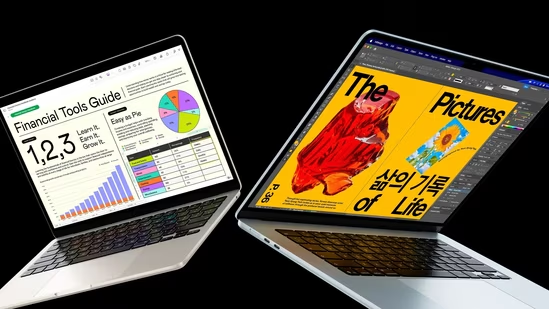
The MacBook I would recommend depends on what you do every day
Choosing the right MacBook is easier when you know who each model is built for. Here's which one makes the most sense for your daily workload. | Technology News
1,288 words~6 min read