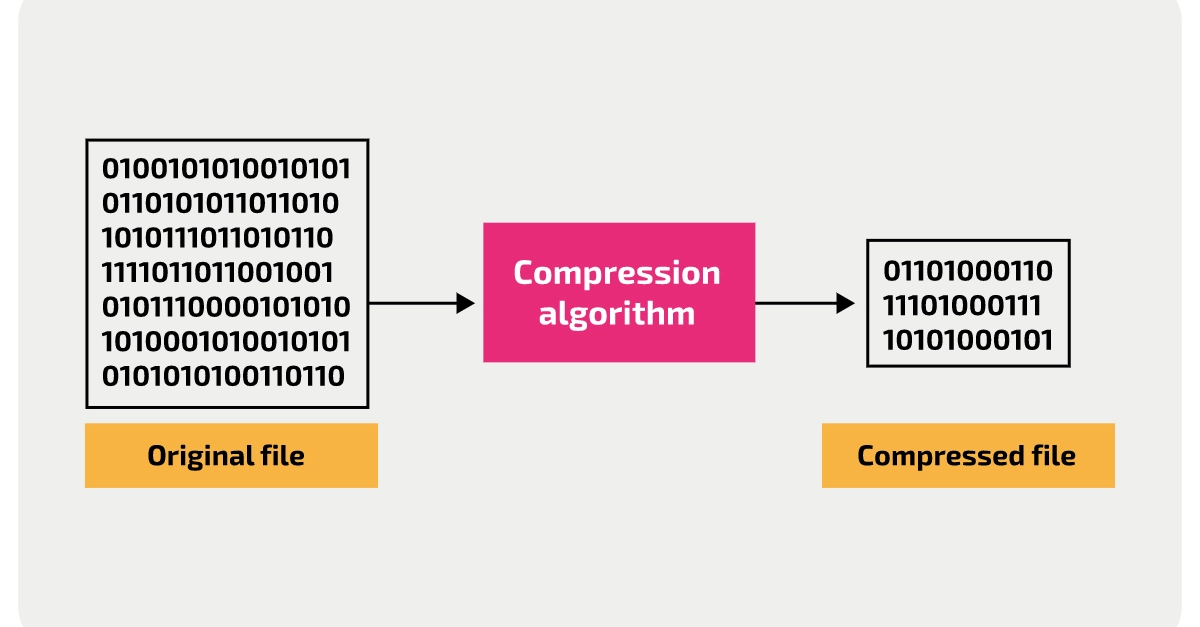
It's a familiar moment: you attach a PDF to an email, hit send, and get an error saying the attachment is too large. Most email providers cap attachments somewhere between 20-25 MB, and it doesn't take much, a handful of scanned pages, or a report with a few embedded photos, to blow past that.
The fix depends on why the PDF is large in the first place, since a scanned contract and a report full of high-resolution photos need different approaches.
Why PDFs get this large in the first place
A PDF's size is almost always driven by the images inside it, scanned pages are essentially just full-resolution photographs of paper, and a report with several high-quality photos embeds all of that image data directly into the file. Text itself takes up very little space; a 50-page text-only PDF might be under a megabyte, while five scanned pages at high resolution can easily exceed 20 MB on their own.
If it's a scanned document