Okay, so I've been knee-deep in Next.js, TypeScript, and Supabase builds lately, often wrestling with integrating various AI models. And let's be real, understanding why an LLM did what it did, or tracking its internal state, can feel like trying to debug a black box with a blindfold on.
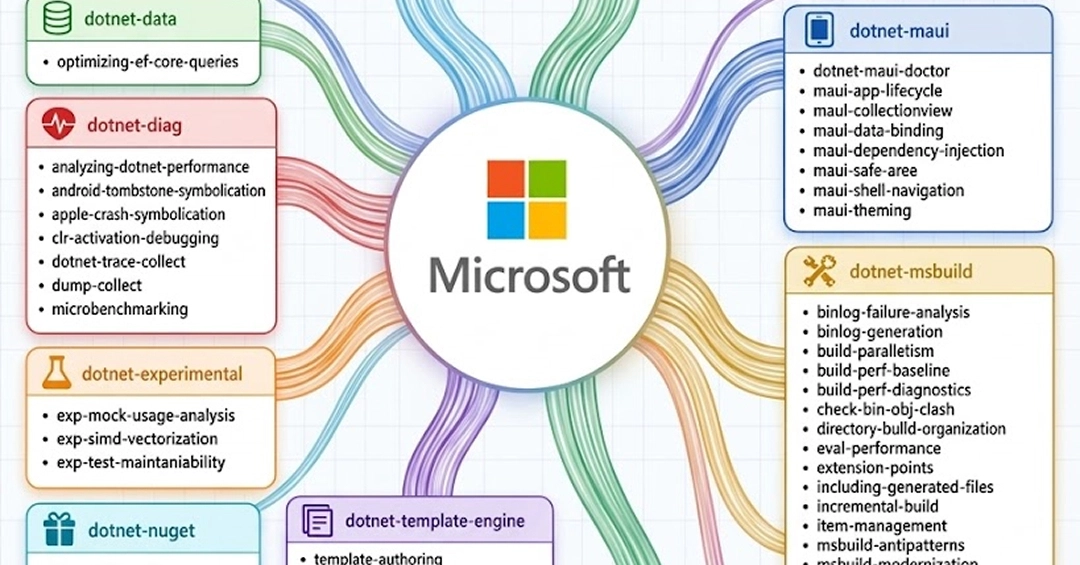
That's why when I saw Microsoft dropped Flint, a visualization language specifically for AI agents, my ears perked up. This isn't just another charting library; it's a dedicated tool to help us, the web developers building AI-powered UIs, finally peek inside those opaque AI processes.
Why Flint Matters to Your Next.js App (and Your Sanity)
Think about it: you're building a SaaS feature where an AI agent summarizes user feedback. When it spits out something nonsensical, your immediate thought is, "What just happened?" Was it the prompt? The agent's internal reasoning? Its access to data? Traditionally, you're digging through logs, trying to reconstruct a narrative.
Flint offers a way to visualize that narrative directly. It's essentially a declarative language for describing how an AI agent operates and interacts with its environment. This means we can define and then render visual explanations of an AI's decision-making process, its state changes, its interactions with APIs, or even its internal 'thoughts.' For a full-stack dev like me, this is huge. It means moving from guesswork to a visual, interactive understanding of AI behavior right in our browser.