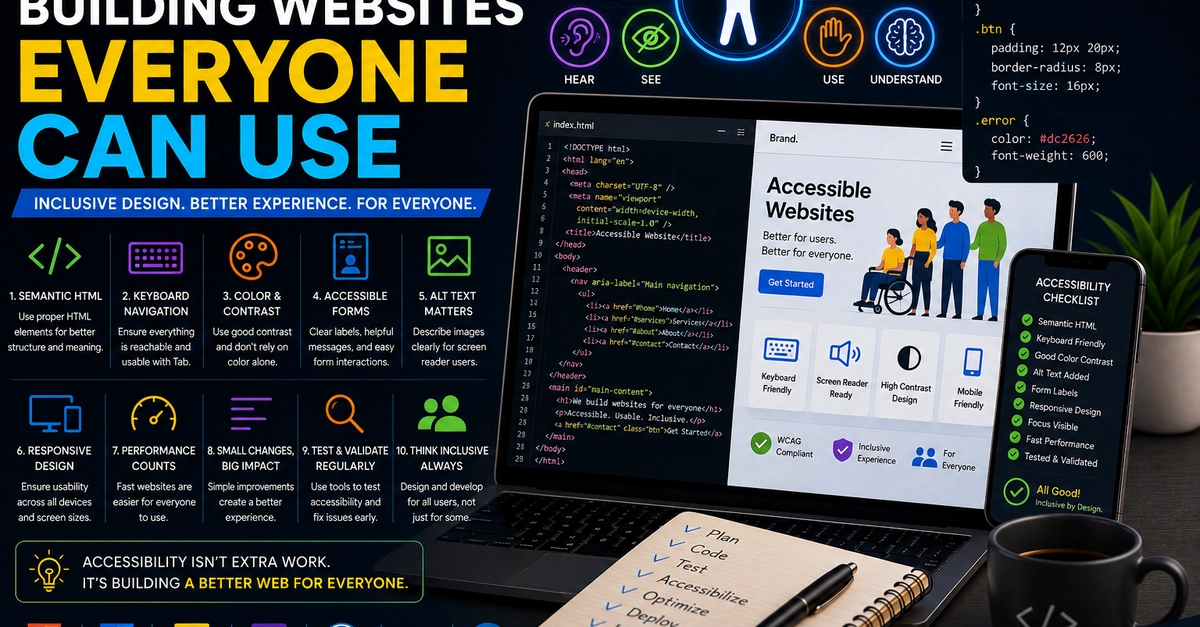
Accessibility gets treated as a specialist compliance topic, which scares teams into doing nothing. The truth is that a handful of fundamentals cover the vast majority of real-world needs, they're cheap to build in from the start, and they make the product better for everyone — not just users with disabilities. Here's the baseline every team should ship, in priority order.
Start with semantic HTML
The single highest-leverage accessibility decision is using the right HTML element for the job. A <button>\ is focusable, keyboard-operable, and announced correctly by screen readers for free. A <div>\ with a click handler is none of those things.
Use <button>\ for actions, <a>\ for navigation — never a styled <div>\
Use headings (<h1>\–<h6>\) in order to convey structure