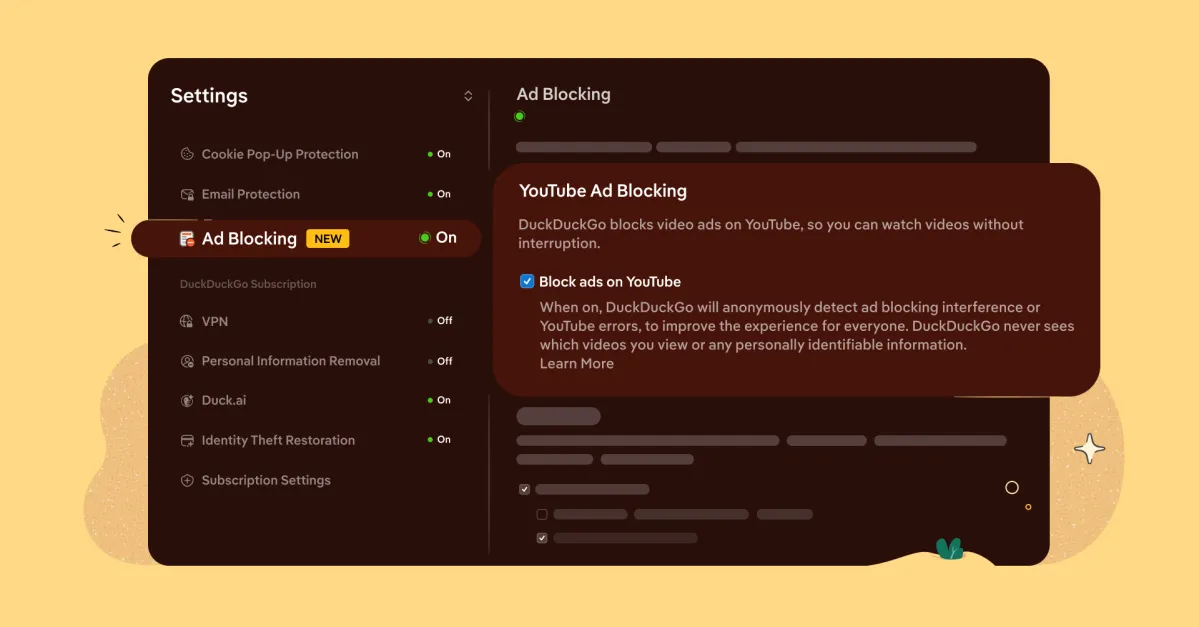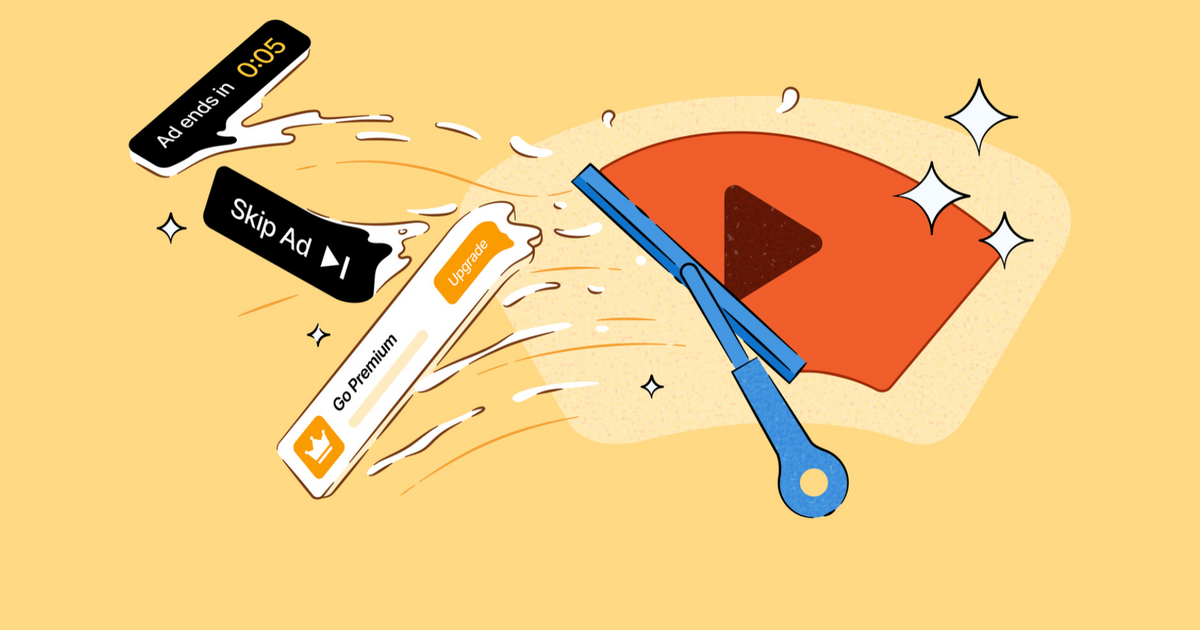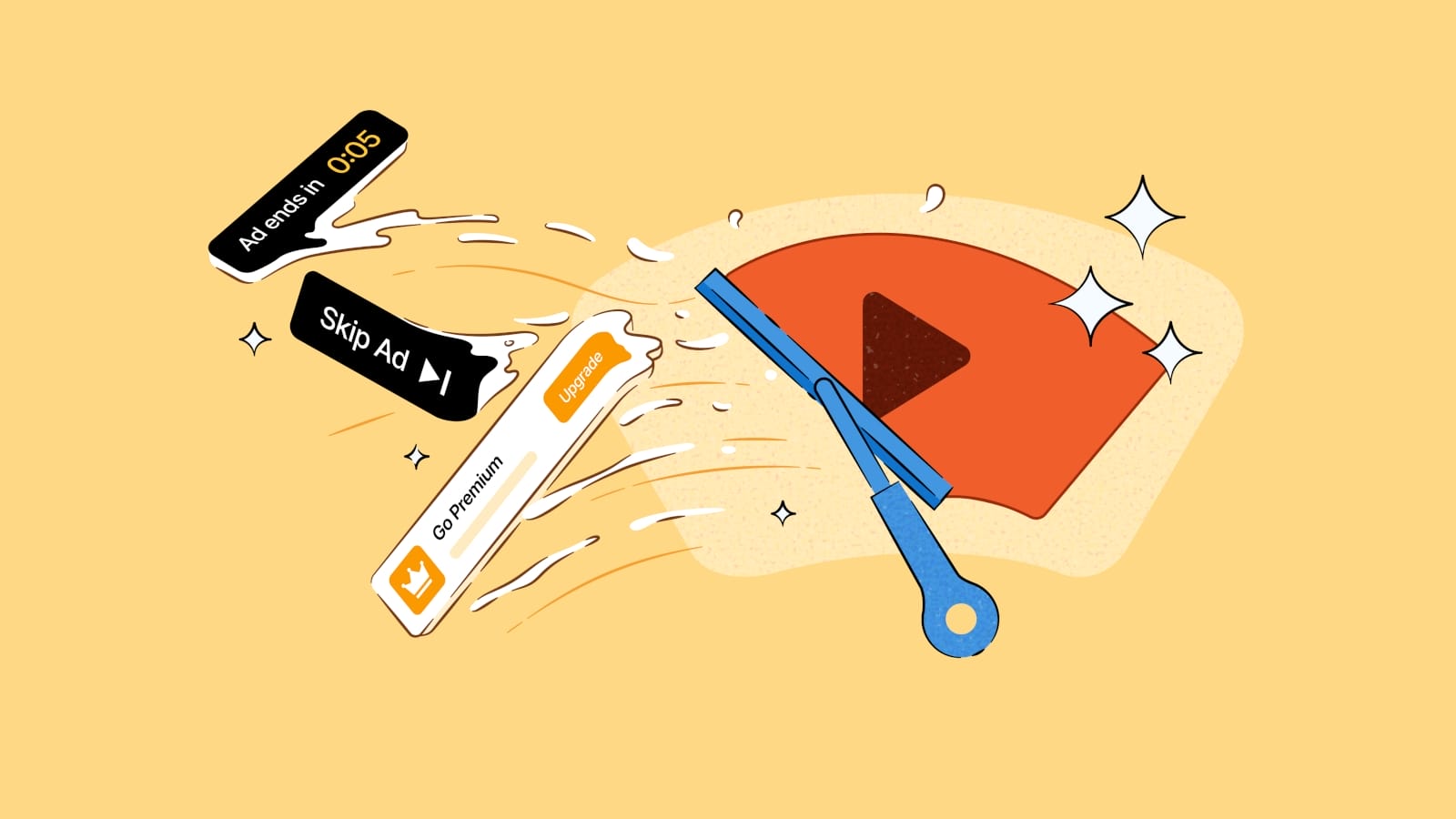
DuckDuckGo announced that its browser can now block most video ads on YouTube, including those shown before the video starts playing and during playback.
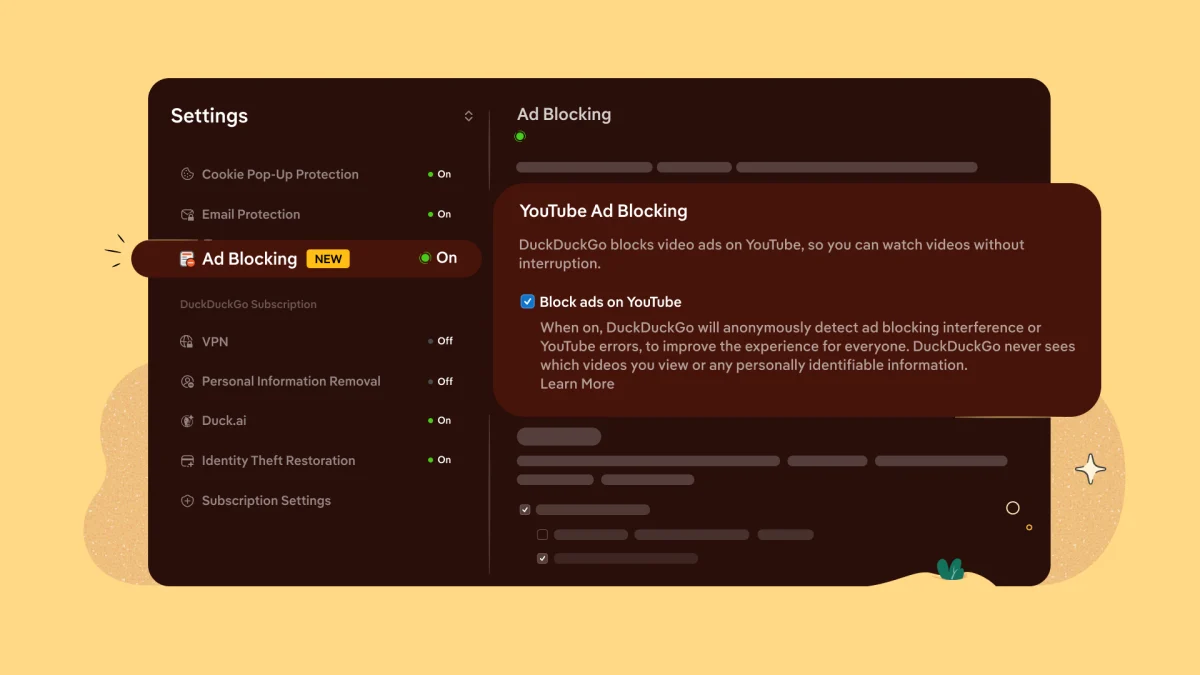
The feature is enabled by default in the latest versions of DuckDuckGo for iOS, Mac, and Windows, while Android users can enable it manually by going to Settings > Ad Blocking.
YouTube is the world's largest video platform, serving billions of users worldwide. Apart from YouTube Premium subscribers, free users are shown ads that help fund operational costs and creator payouts.
However, in recent years, these ads have become more frequent, longer, and in some cases, unskippable.
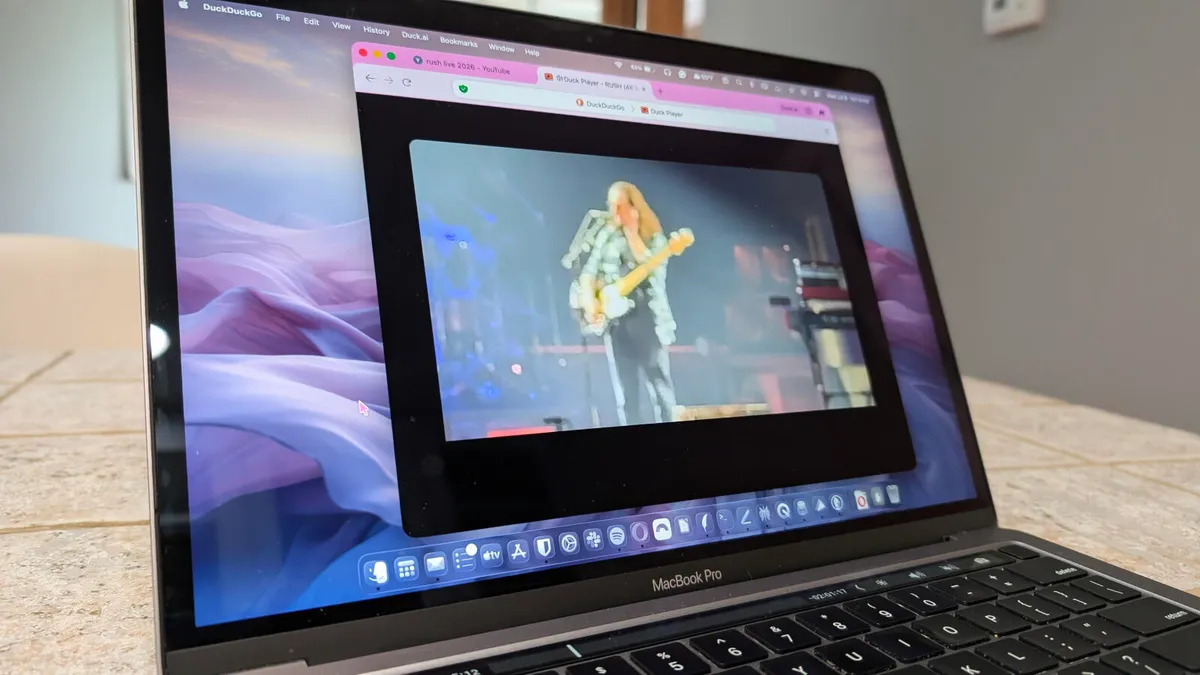
DuckDuckGo's new ad-blocking mechanism is separate from 'Duck Player,' an embedded YouTube player in the browser that uses YouTube's strictest privacy settings to prevent tracking cookies and personalized ads.