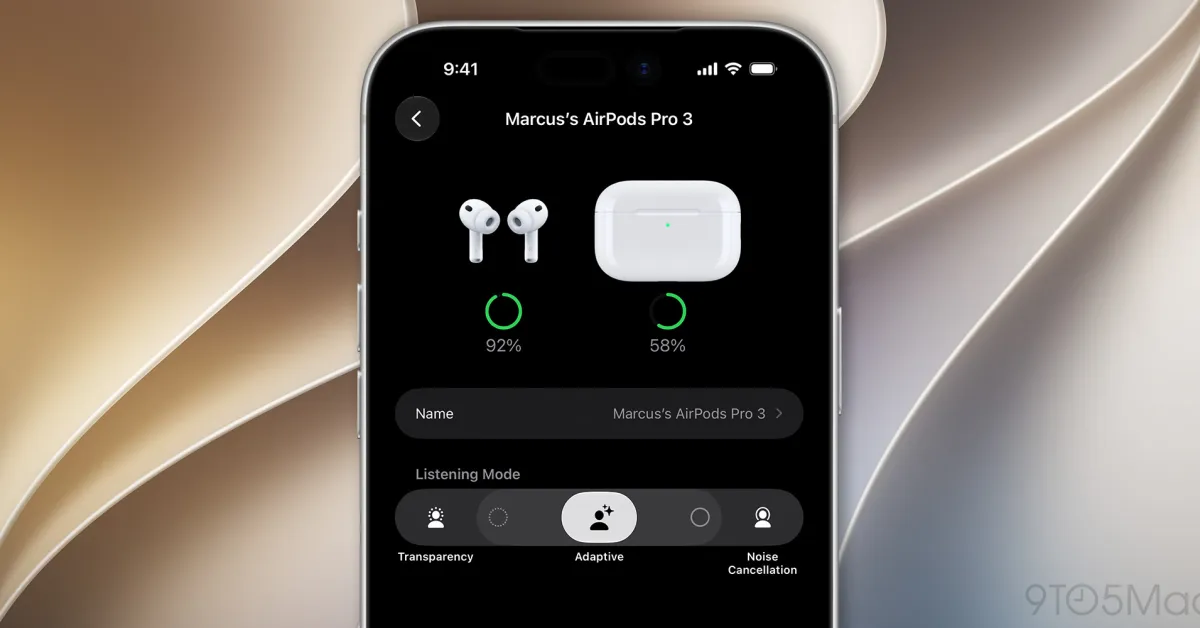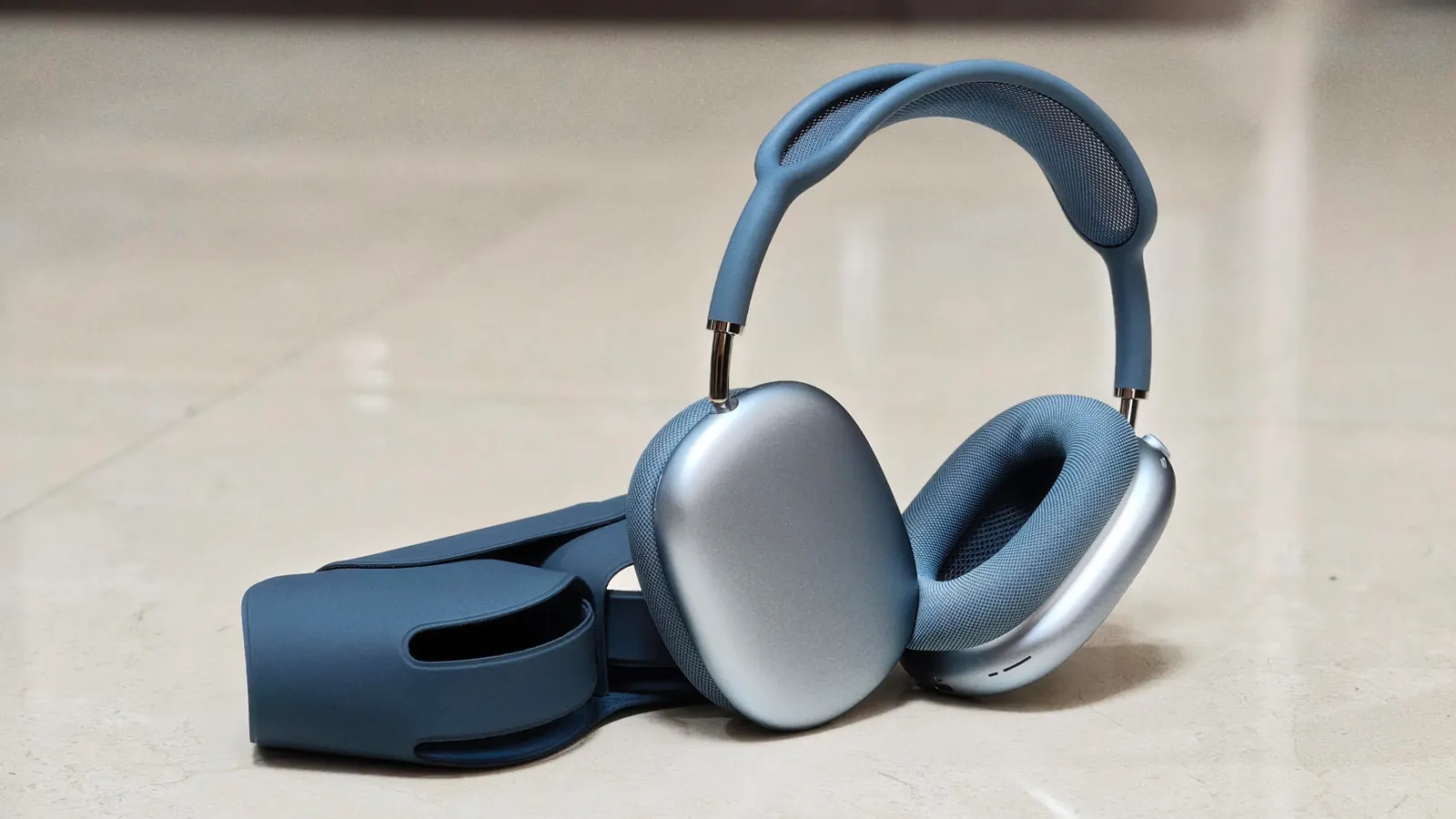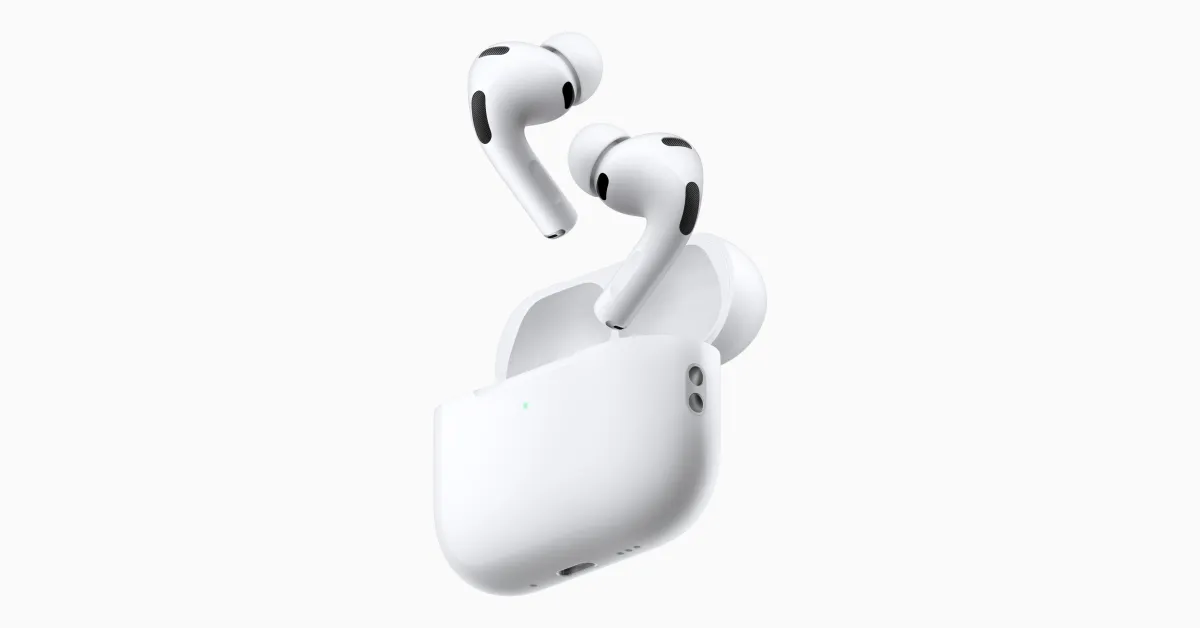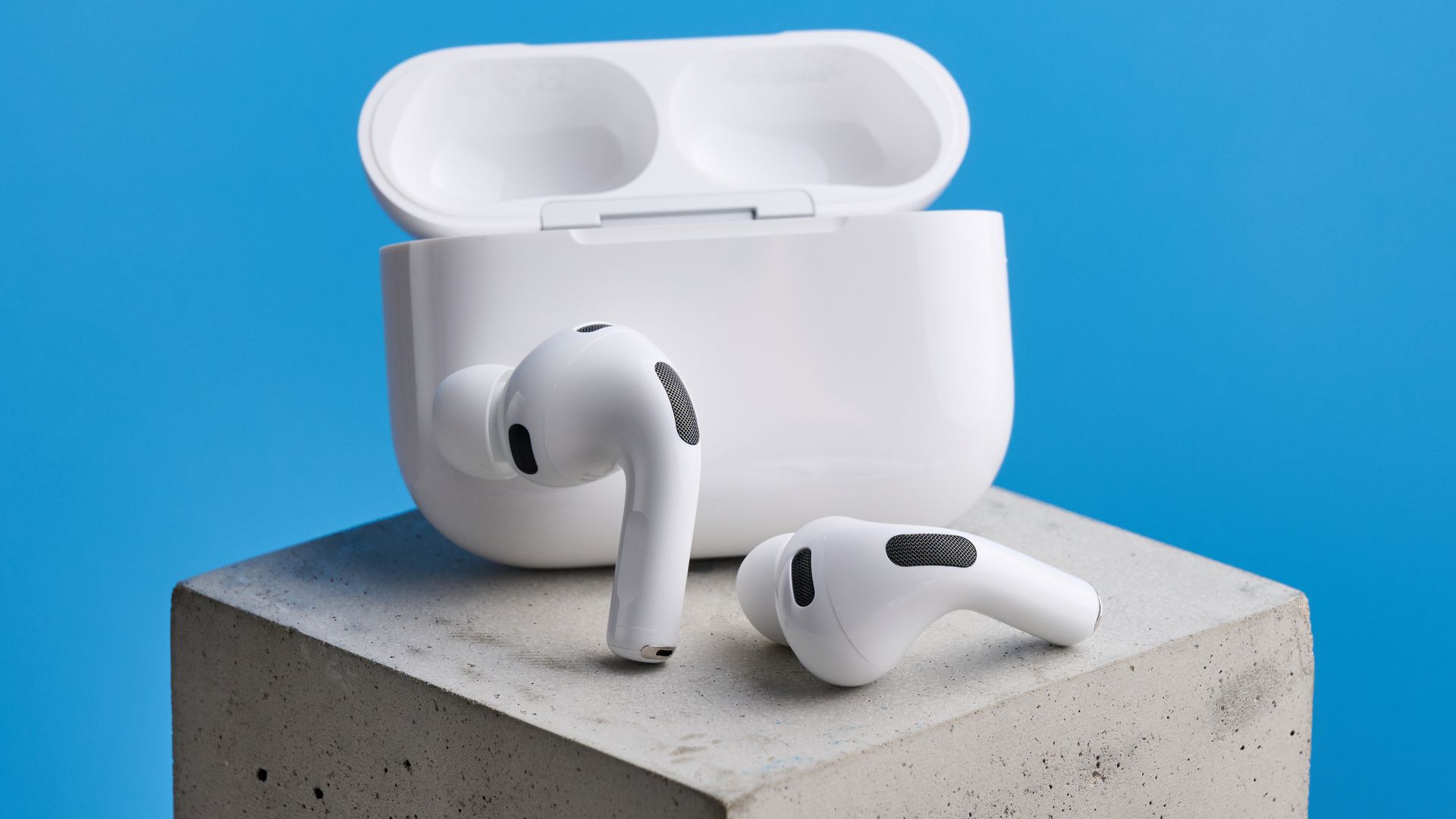
iOS 27 beta 3 introduces a faster way to adjust your AirPods' Adaptive mode intensity. Instead of digging through multiple settings menus to fine-tune ambient noise blending, you can now control everything directly from the primary settings page for your AirPods or AirPods Pro using a streamlined new interface.It's one of those quality-of-life improvements that makes everyday adjustments actually intuitive. If you've ever wished controlling Adaptive mode was more accessible, this update solves that problem. Here's how to find the new feature and use it.What AirPods Adaptive mode actually doesAdaptive mode blends Active Noise Cancellation and Transparency mode together, automatically adjusting to your changing environment. When you're on a relatively quiet street, it lets more ambient sound in so you're aware of your surroundings.The system continuously monitors your environment, automatically scaling up noise cancellation to suppress sudden loud sounds and maintain a comfortable listening volume.Adaptive mode balances isolation and awareness, but because preferences vary, customizable intensity adjustments let you fine-tune exactly how much ambient noise or blocking you want.
How to adjust Adaptive mode in iOS 27 beta 3