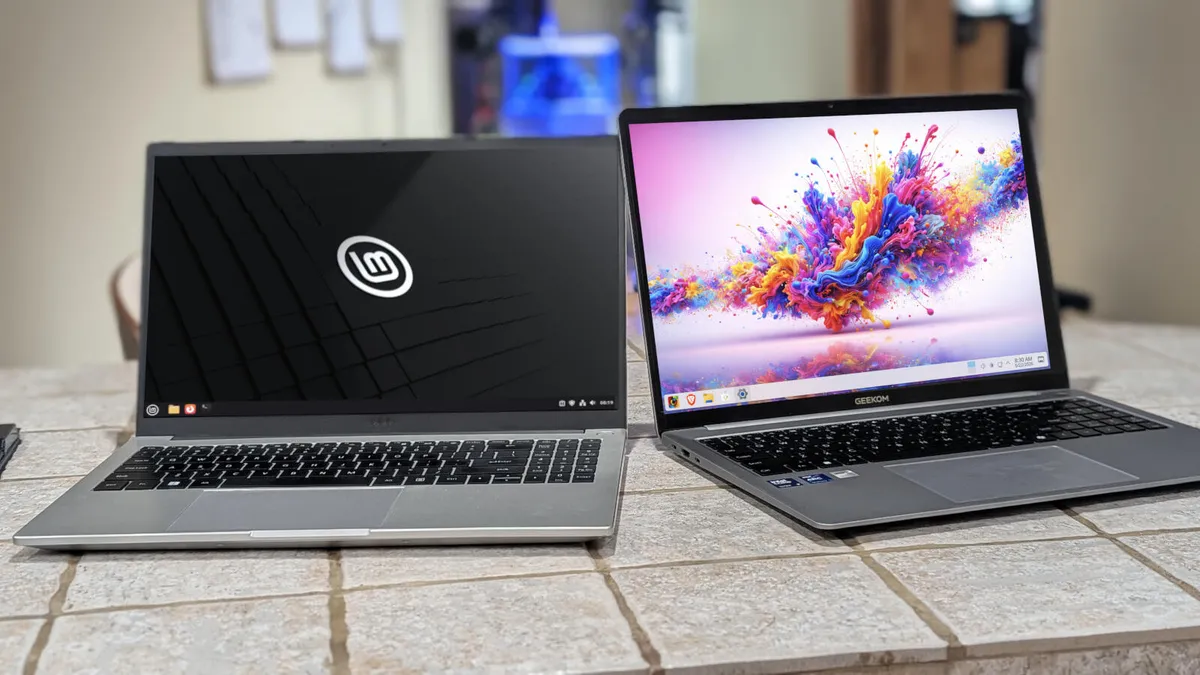
If you are a pro Windows user, that's fine, but why don't you try an OS that offers more performance, stability, privacy, and security,all for free? If you are convinced, here is how you can try Linux Mint without compromising Windows.
Step 1: The very first thing is to download the ISO file using this link: https://www.linuxmint.com/download.php. You can download different editions. My recommendation is Cinnamon. This will ask for a download mirror; choose any one.
Step 2: Another download you have to make is Rufus. Use this link: https://rufus.ie/en/. This software will make your pendrive into a bootable drive. Download the portable version and install it.
Step 3: Before launching Rufus, insert your pendrive (preferably 8 GB or more). Now launch it.
Step 4: It will automatically detect the pendrive. Your job is to select the ISO file, then click Start. (Note: This will format your pendrive, so be aware before you do it.) Then eject the pendrive.