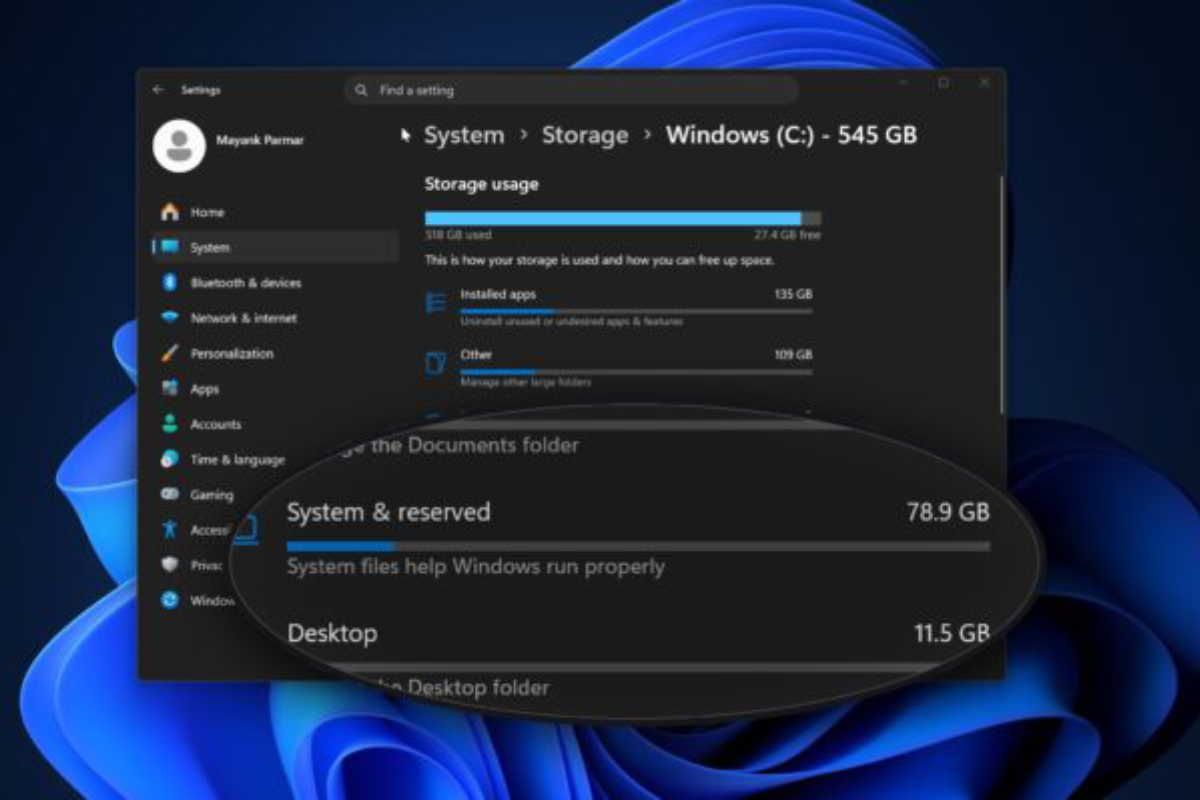
PSA: if you succumbed to the pestering of those warnings Microsoft has been displaying every time you boot your Windows 10 computer and, um, upgraded to Windows 11, you might have noticed that the amount of storage on your C: drive has been mysteriously diminishing. If so, it might not be your Steam library and/or a bunch of stuff you downloaded and forgot about that are to blame. Instead, it might be a process called Capability Access Manager, for which Microsoft recently shipped a fix. That fix, included in the optional Windows 11 KB5095093 update, promises to “improve disk space usage for the CapabilityAccessManager.db-wal file.” This is good news, because that file has been displaying an alarming propensity for hoovering storage space. The easiest fix for the issue is simply to install that update, but if you want to see if you’re affected before you go to the trouble of downloading and installing the fix, you can check the size of the affected file. It’s stored in this directory:
C:\ProgramData\Microsoft\Windows\CapabilityAccessManager\ On a system without the problem, CapabilityAccessManager.db-wal is a few MB in size. On affected systems, users have reported it growing to several hundred GB.