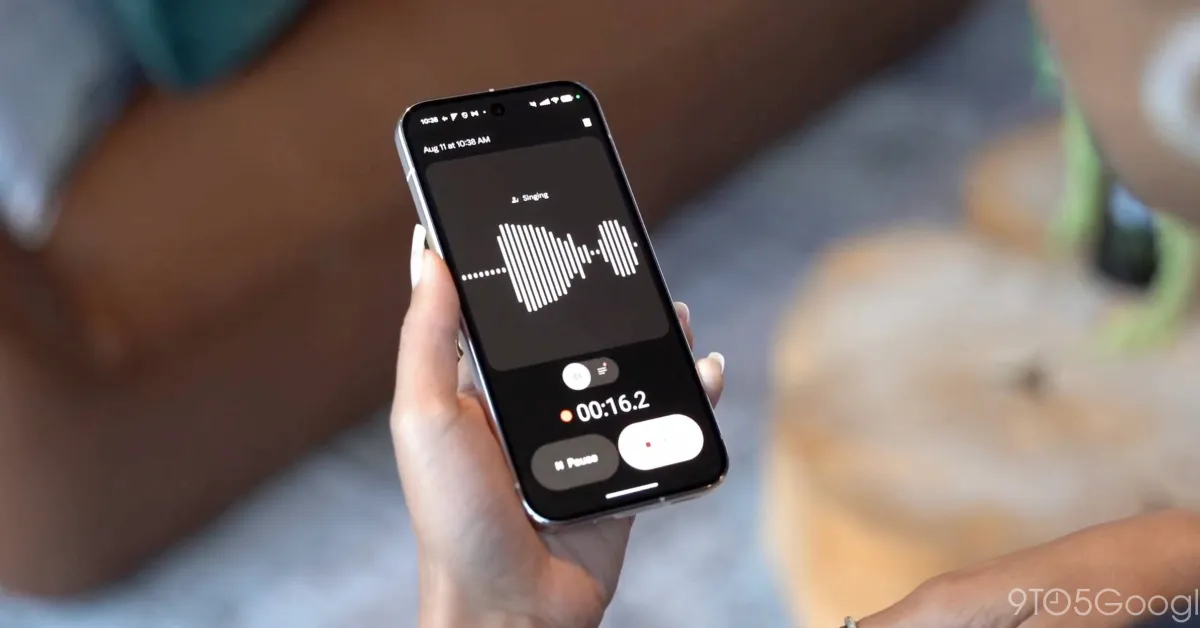
The Pixel Recorder app isn’t properly saving audio files for some users due to an unknown bug in the app.
One user on Reddit found out that the Pixel Recorder app isn’t saving their audio files at the worst time. According to that post, recorded files aren’t appearing after hitting the stop button. Refreshing the file list doesn’t pull files, and nothing appears in the Files app.
Several commentators have corroborated the Pixel Recorder bug on their Google Pixel phones. One notes they do see saved files on the Recorder app’s website (https://recorder.google.com). That only seems to work if files are backed up, which may not be the case for everyone. None in the thread has said the same works for them, and some have noted that all of their previous recordings are gone, too.
If that’s true, it’s possible that files are saved but not appearing within the app. Something within the app seems to be preventing those recordings from showing up.
Testing for the Pixel Recorder issue on one of our devices didn’t produce the same result, so the bug seems to be limited to a handful of users. Even still, more than a couple echo the same issue with the app.