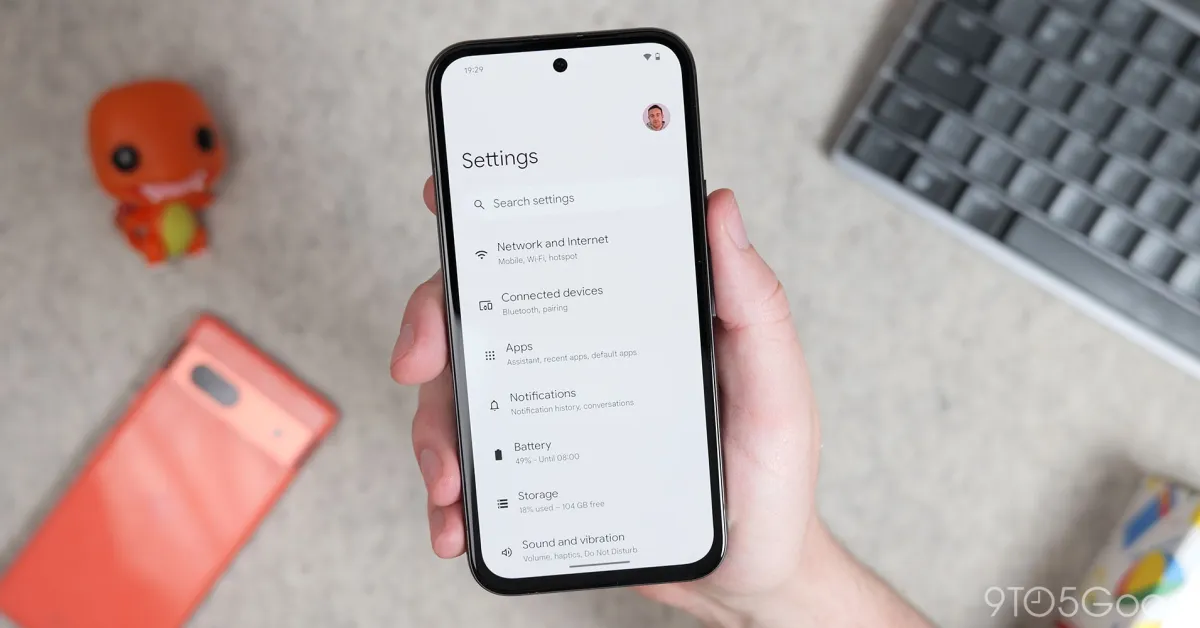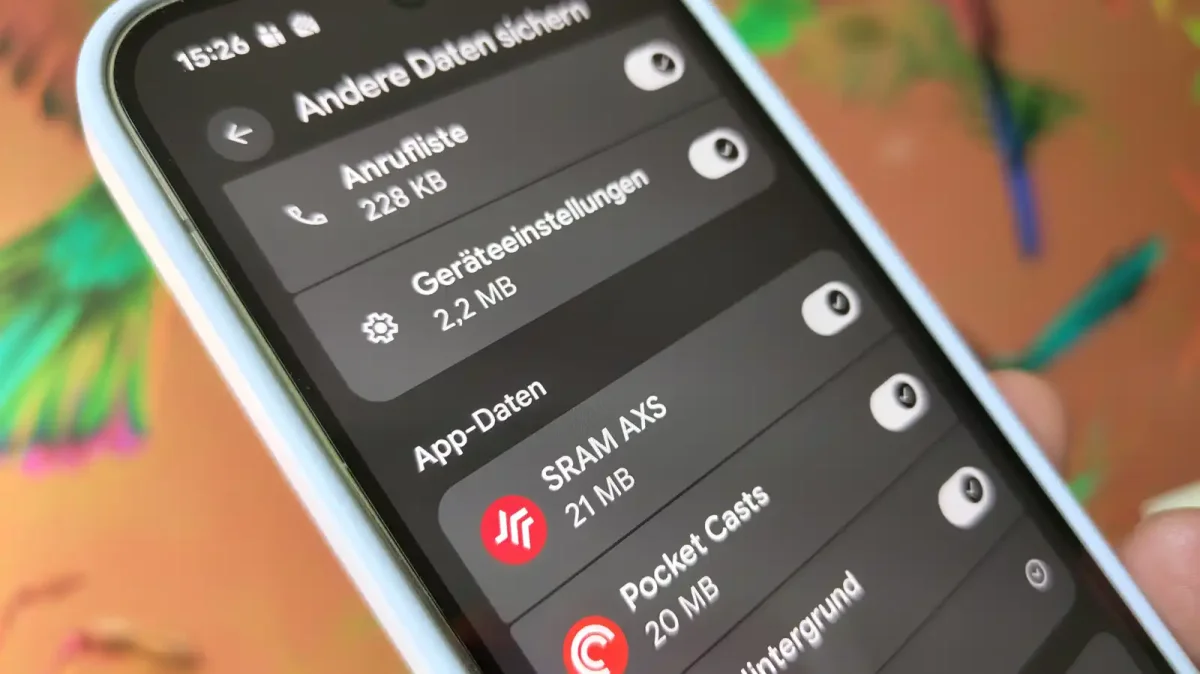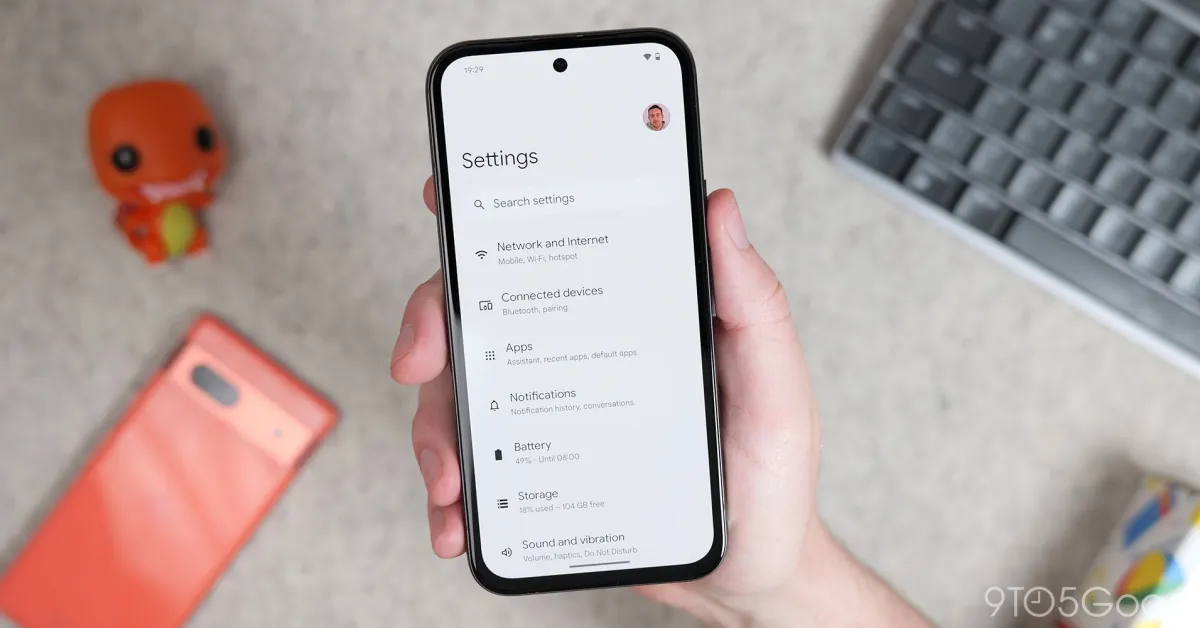
Google has rolled out an important change in the way Android backups are stored in the cloud. From July 7, Android backup data will count towards your Google Account storage, meaning the data that is backed up from your Android phone will share the same 15GB of space as used by Gmail, Google Drive and Google Photos.Though Google currently says that the impact will be minor for most users, if you are already running low on cloud storage, it is time to stop procrastinating and clean up your data by removing duplicates and unwanted data. Or if you cannot do that, you will have to upgrade the storage plan to continue using Google storage without any low-storage warnings.What has changed?To understand the implications of this change, you clearly need to understand what has changed. Here is what you need to know:Until now, most categories of Android data backup have been excluded from the Google Account storage limit. As per the latest update, all Android backups will contribute to Google Account storage. The average storage increase will most likely be around 40MB per userThis might make things difficult for users who regularly back up multiple devices or who are nearing the exhaustion of the free limitWhat counts toward Google Account storage now?Android backups stored in your Google Account will now include the followingDevice settingsInstalled apps and app dataSMSCall historyWallpapers and preferencesOther system backup informationThese backups will now be included along with the data that is already consuming your Google storage, like:Google emails and attachmentsGoogle Drive filesGoogle Photos backupWhatsApp backup, if you are already storing it in your emailWill this change affect everyone immediately?No. Google has stated that the rollout begins on July 7 for new Android backup users. However, existing users will receive the update gradually in the coming months. This means that users may not notice an increase in the consumed storage immediately. However, it will be visible once the feature is rolled out for you.Why is Google making this change?Google says that the update is aimed at making the Android backup update more transparent. This will give users greater control over what is getting backed up. Also, Google is introducing improved backup controls, which will allow users to choose the apps and data they want to be included as part of their cloud backups.How to check your current Google storage?If this information is concerning to you and you are running out of space, you should check your Google Account storage:Opening Settings on your Android phone.Going to Google > Backup.Should you upgrade your storage?For most users, the change will be minimal, as Google states that this update will cause a change of just around 40GB.But if you are already close to your 15GB free limit, this update might push you over the threshold. Here is what you can do in this case:Delete unnecessary files from Google DriveRemove large email attachments from GmailClean up duplicate or unwanted photos and videosDisable backup for apps that are not very important to youUpgrade to a Google One storage plan if you require more space.Other Frequently Asked Questions that are important:Does Android backup now count toward Google Drive storage?Yes. Android backup data now counts toward your overall Google Account storage. The storage space will be shared with Gmail, Google Drive and Google Photos.How much extra storage will Android backups use?As per the current estimates of Google, the average user will see only about 40MB of additional storage usage once the update is rolled out for them.When will the new Android backup storage policy take effect?For new users, the update will start reflecting from July 7. However, old users will receive the update gradually in the coming months.Can I choose what gets backed up or control the settings?Yes. Google is introducing new backup controls, which will allow users to decide what will get backed up.end of article
Google changes Android backup storage policy: What does it mean for your 15GB free space?
Google is changing the Android backup storage policy. And largely it means that your 15GB of free storage will fill up quickly. Here is everything you need to know about this update and what impact it will have on your current storage.
641 words~3 min read