Part 2 of 2. This tutorial builds on Part 1 — DesignFoundation core. If you haven't added the base package and theme yet, start there.
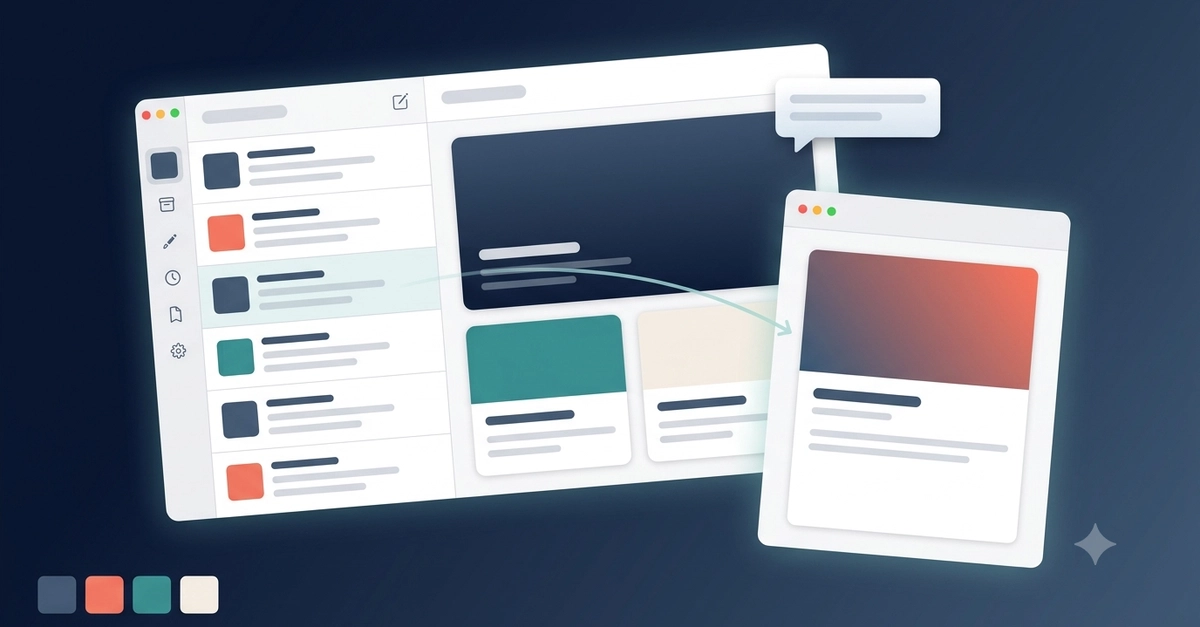
The core package gives you tokens and primitives. DesignFoundationPro adds what comes next — 29 blocks, 47 screens, 18 navigation shells, and 9 runnable composition examples across auth, onboarding, charts, data tables, and full product verticals. The docs claim ~87% fewer lines of code versus building from scratch. That's the bet.
This matters even more if an AI coding agent is doing the building. Ask an agent for a CRM screen and a settings screen in the same session and, without guardrails, you'll get two different takes on spacing, two different sidebar behaviors, and a table that's native on Mac in one screen and a scroll view pretending to be a table in the other. Pro ships with that guardrail already in place — more on that in Where to go from here.
How the two packages relate
Pro sits on top of Foundation and re-exports it. Import only DesignFoundationPro and you get everything from both: