(Image credit: Shutterstock)
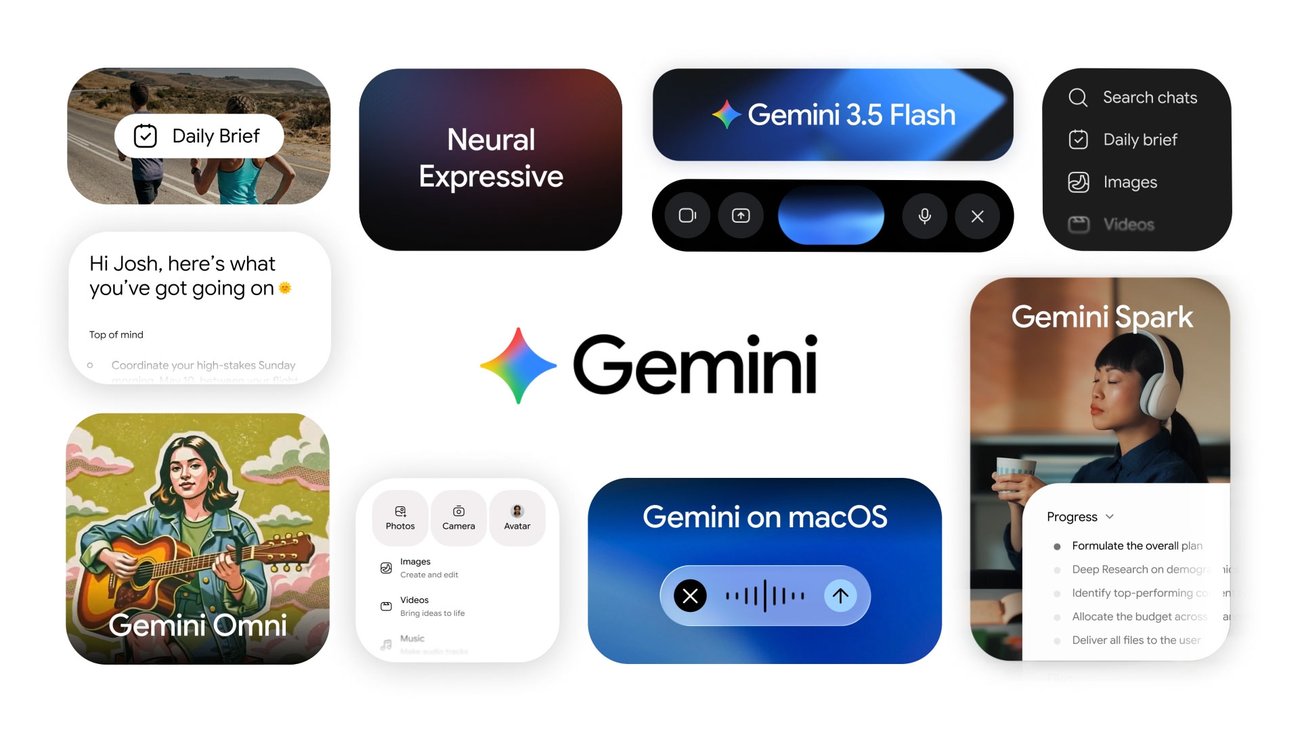
If you haven't used Gemini in a while, there's a good chance you're still thinking of it as Google's version of ChatGPT. And honestly, that's how I used to think of it, too.But over the past year, Google has transformed Gemini into something much bigger. Today it can watch what you're seeing through your phone's camera, research complex topics for you, generate videos, organize long-term projects, work across Gmail and Google Docs, and even turn your notes into podcast-style conversations.In other words, Gemini isn't just a chatbot anymore.After spending the past year testing and reviewing Google's latest AI features, these are the ones I think are genuinely worth trying. Note that some of the features below require a Google AI Pro or Ultra subscription.1. Have a real conversation with Gemini Live Gemini Live is probably the biggest reason I no longer think of Gemini as just another chatbot. Instead of typing back and forth, you simply start talking. The conversation feels much more natural, making it ideal for brainstorming article ideas, planning trips or working through complicated problems out loud.It's great for Googling on the go or just for those times when talking makes more sense than typing like when you're driving, tinkering around in the garage or cooking a meal.2. Let Gemini see what you're seeing