(Image credit: Tom's Guide)
With smartphone prices creeping higher thanks to rising component costs — a trend now commonly known as "RAMageddon", the best phone upgrade you can make right now might be the one you already own.You don’t need to drop $1,000 on a new device just because your current one is feeling a little sluggish or losing battery quickly. By building a few simple, regular disciplines into your routine, you can claw back storage, speed up performance, and protect your hardware from degradation.Here are 8 easy habits to keep your phone running like new for years to come.Reclaim your storage and memoryA maxed-out hard drive and cluttered RAM are the primary reasons older phones start to lag. Clean them up with these three habits.
1. Set a monthly reminder to clear app caches
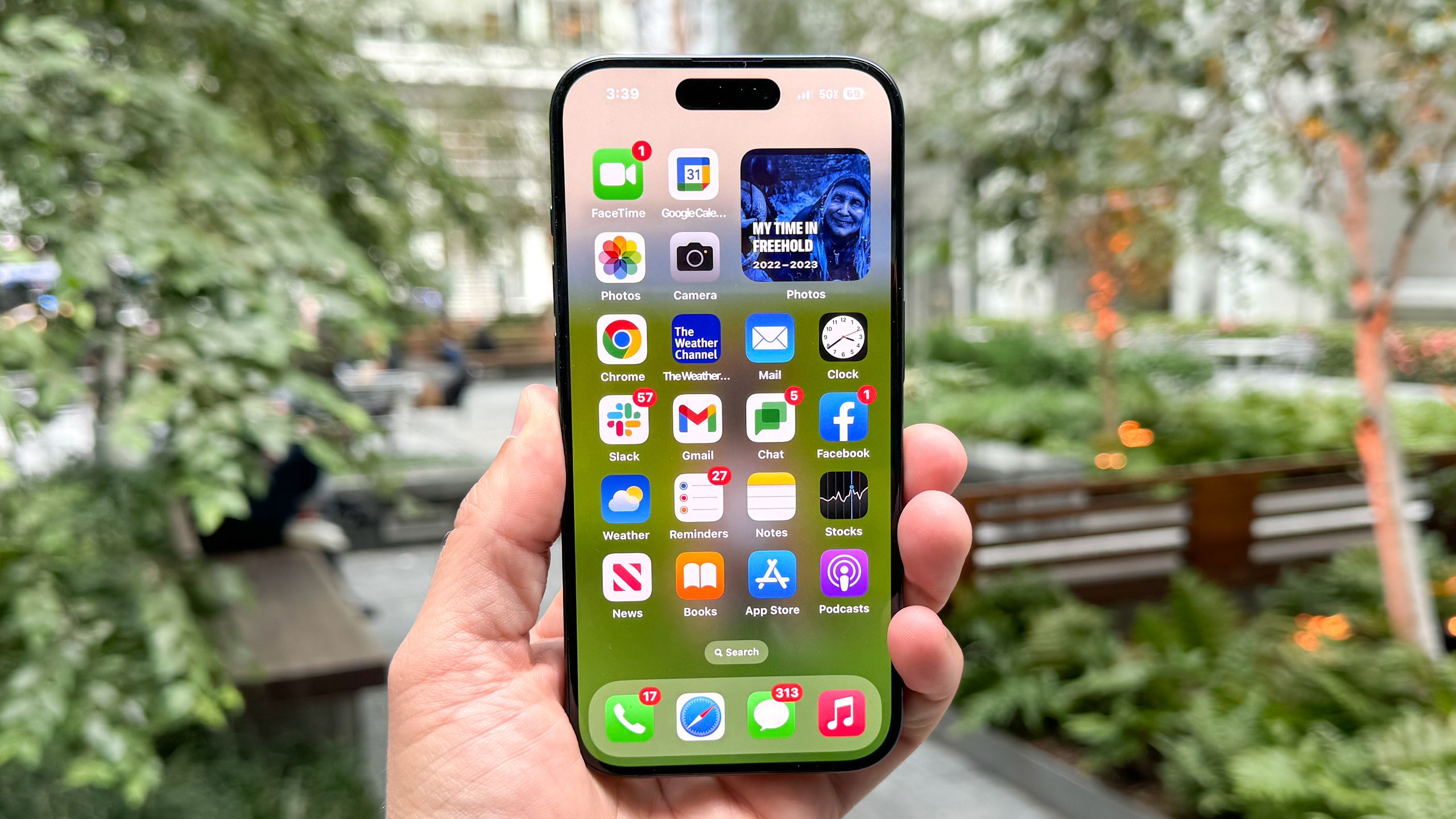
Social media and streaming apps are notorious storage hogs. Apps like TikTok, Instagram, and Spotify temporarily download videos and audio, which can quietly balloon into gigabytes of wasted space.To clear the cache on Android, go to Settings, Apps, and select a heavy app like TikTok, then tap Storage, and hit Clear Cache.While iOS handles cache automatically, apps like TikTok and OneDrive have an in-app "Clear Cache" option in their settings menu. Alternatively, you can "Offload" the app via iPhone Storage by going to to Settings, General, iPhone Storage, selecting the specific app you want to remove, and tapping Offload App.