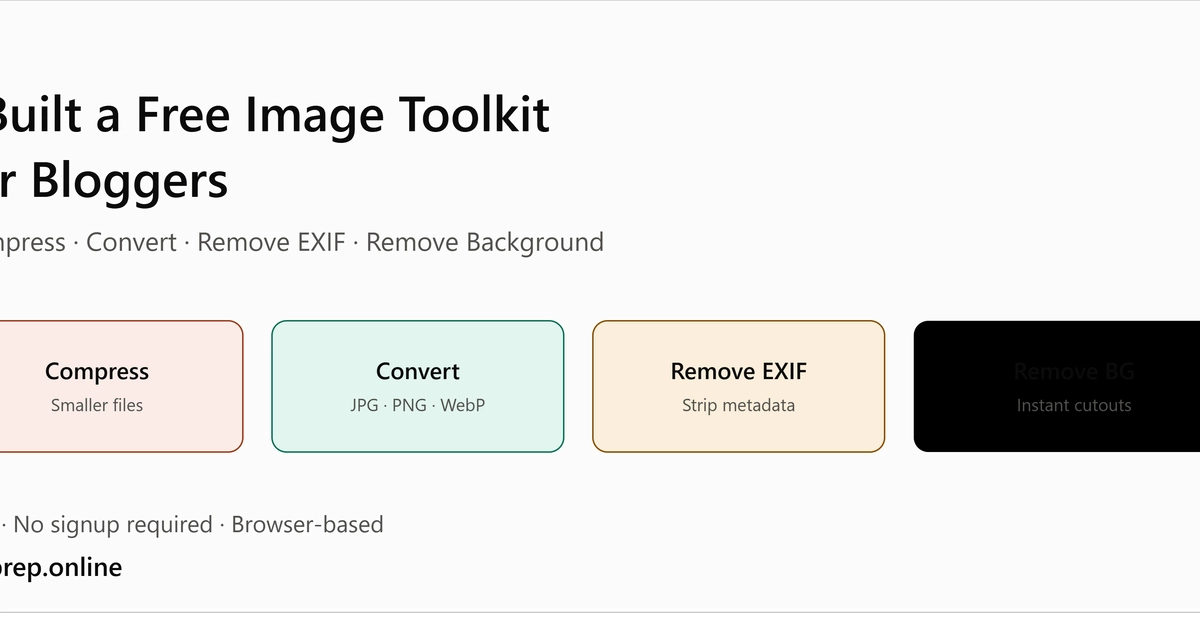
Every developer has shipped an image that was too heavy, wrongly sized, or worse: one that still had GPS coordinates buried in its EXIF data. I did it enough times that I ended up building a checklist, and eventually a set of free browser tools around it. Here is the checklist, with both manual ways to run each check and the shortcut.
1. Dimensions: is it the size it will actually display at?
Serving a 4000px-wide photo in an 800px container wastes bandwidth and hurts LCP. Check the rendered size in DevTools (hover the img in the Elements panel) and compare it with the intrinsic size. As a rule of thumb, export at 1x and 2x of the display size and let srcset do the rest.
<img src="hero-800.webp"
srcset="hero-800.webp 1x, hero-1600.webp 2x"