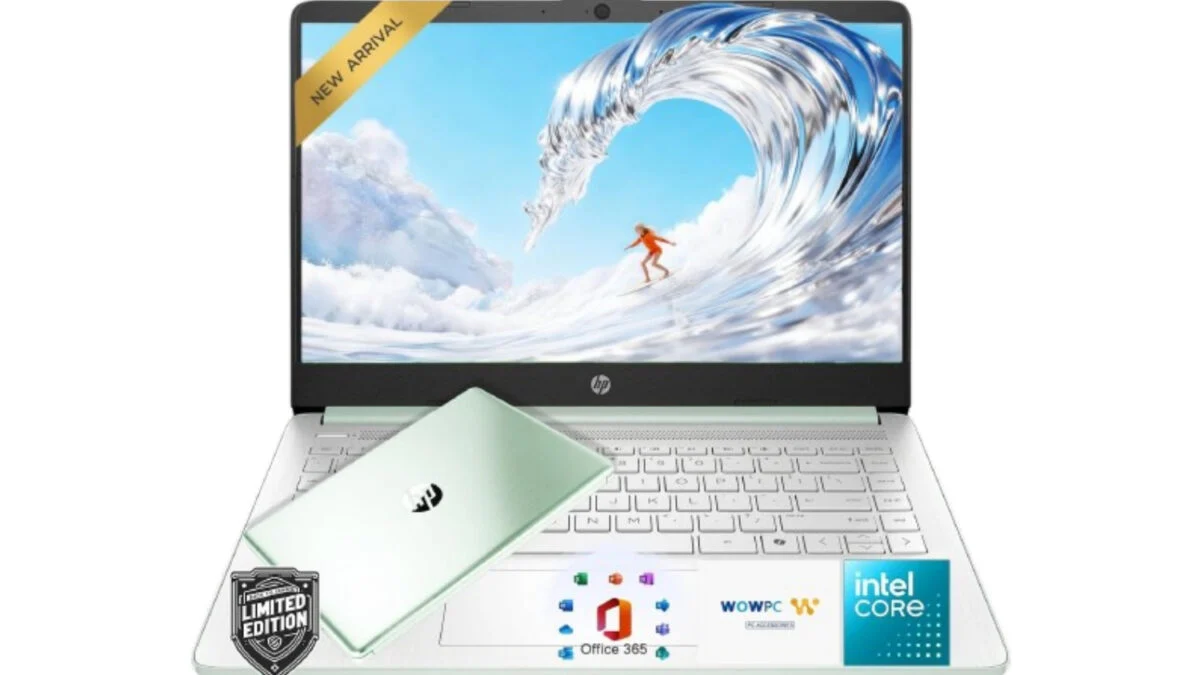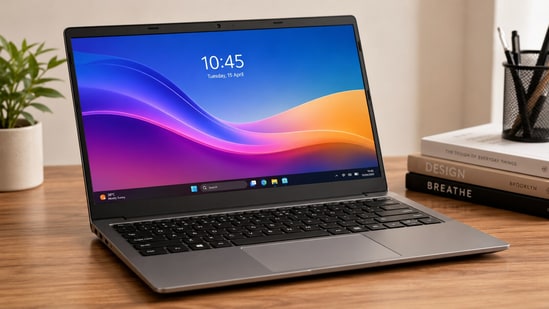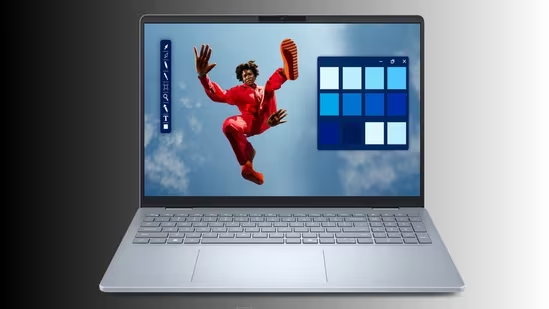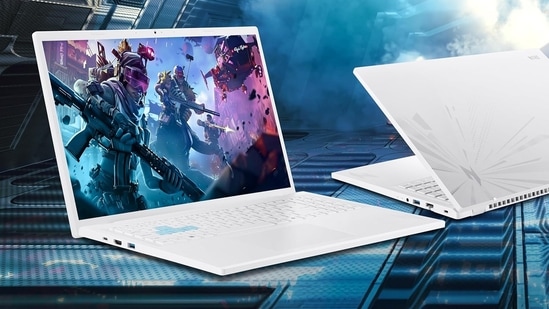
Finding a reliable work laptop under ₹1 lakh is easier than it was a few years ago, but the labels are also more confusing. Almost every major manufacturer now sells “AI PCs”, often with a Copilot key or a processor that includes an NPU. Those features can be useful, especially for local image effects, transcription and supported productivity tools. They should not be the main reason to buy a laptop.For most professionals, the priorities remain familiar: a capable processor, 16GB RAM, a fast SSD, a comfortable keyboard, dependable battery life, a good webcam and a weight you can live with during regular travel.The laptops below have been selected from online listings and manufacturer specifications. This is not a hands-on test. Battery figures are brand or seller estimates, often measured under controlled video-playback conditions, so they should be treated as a guide rather than a guarantee. HP, for example, states that the OmniBook 5’s “up to 34 hours” figure applies to a specific Snapdragon, 16GB RAM, 512GB SSD and 2K OLED configuration during local video playback. comparison: work laptops under ₹1 lakhLaptopApproximate listed priceMemory and storageProcessorClaimed battery life*WeightHP OmniBook 5 OLED AI Laptop₹75,70016GB RAM, 512GB SSDSnapdragon X PlusUp to 34 hours1. 29kgLenovo ThinkBook 16 Laptop₹94,00016GB RAM, 512GB SSDIntel Core Ultra 9 185HAround 6–12 hours1. 75kgHP OmniBook 3 AMD Ryzen AI Laptop₹66,00016GB RAM, 512GB SSDAMD Ryzen AI 5 H 340Up to 10 hours1. 7kgHP 15 Laptop₹68,50016GB RAM, 512GB SSDIntel Core 5 120UUp to 7 hours 45 minutes1. 59kgLenovo IdeaPad Slim 3 Laptop₹90,00016GB RAM, 1TB SSDIntel Core i7-13620HAround 6–8 hours1. 6kgDell 15 Laptop₹75,20016GB RAM, 1TB SSDIntel Core i5-1334UAround 6–8 hours1. 62kgASUS Vivobook 16 Laptop₹74,00016GB RAM, 512GB SSDIntel Core Ultra 5 225HUp to 8 hours1. 88kgLenovo IdeaPad 5 2-in-1 Convertible₹93,20016GB RAM, 512GB SSDIntel Core i7-13620HAround 10 hours1. 6kg*Battery claims are not directly comparable across brands because testing methods, display settings, software versions and workloads differ. Check the exact SKU before purchase.HP OmniBook 5 OLED AI LaptopHP OmniBook 5 OLED AI LaptopBest for: College students, professionals who travel often, freelancers who are always working on the go.The HP OmniBook 5 is the most travel-friendly option in this list. At around 1. 29kg, it should be easier to carry between home, office and meetings than most 15-inch or 16-inch alternatives.The Snapdragon X Plus platform is intended for efficient everyday work, including browser-heavy multitasking, documents, presentations, video calls and supported AI features. HP lists configurations with a 2K OLED display, Snapdragon X-series hardware, 16GB RAM and up to 34 hours of local video playback. The exact screen, processor and battery estimate vary by model number, so buyers should confirm the specific SKU rather than assuming every OmniBook 5 configuration is identical. orks**Lightweight design for frequent travel16GB RAM and a 512GB SSD should suit standard office workloadsOLED display options can be useful for creation, content viewing, assignments, projects, and long reading sessionsFast charging and facial-recognition options are practical additions34 hours of battery life gives the freedom to work, travel and create without carrying a chargerWatch out forSnapdragon laptops use Windows on Arm, so users should check compatibility for older workplace software, specialist peripherals and legacy VPN toolsThe 34-hour figure is a controlled local-video-playback claim, not a promise of 34 hours of office workConfirm whether the exact seller listing includes an OLED panel, as the range includes multiple configurationsLenovo ThinkBook 16 LaptopBest for: Business users who need a large screen, numeric keypad, ports and upgrade flexibility.Lenovo ThinkBook 16 LaptopThe Lenovo ThinkBook 16 is the most business-focused option here. A 16-inch WUXGA display, dedicated numeric keypad, 180-degree hinge and professional security features make it better suited to spreadsheet work, accounting, finance and desk-heavy use than to constant travel.Lenovo positions the ThinkBook range around mainstream business productivity, including larger displays, numeric keypads, conferencing features and security tools. Current ThinkBook 16 configurations vary by generation and processor, so confirm whether the model being purchased uses the listed Core Ultra 9 185H chip, how much RAM is soldered, and whether storage or memory upgrades are supported. orks**Large 16-inch anti-glare display for spreadsheets and multitasking16GB RAM and 512GB SSD provide a solid base for office workExpandable memory and storage can make it a better long-term choiceThe numeric keypad is useful for finance, accounting and data entryFull HD webcam, privacy shutter and fingerprint reader improve hybrid-work practicalityWatch out forAt 1. 75kg, it is portable rather than ultralightBattery life will vary sharply with display brightness, processor load and use of external monitorsConfirm the exact processor generation and upgrade options before purchaseHP OmniBook 3 AMD Ryzen AI LaptopHP OmniBook 3 AMD Ryzen AI LaptopBest for: Professionals who want a practical 15.6-inch work laptop without spending close to ₹1 lakh.The HP OmniBook 3 is a straightforward option for everyday office work, browser-based tasks, video meetings, documents and light creative work. The listed configuration combines an AMD Ryzen AI processor, 16GB DDR5 RAM and a 512GB SSD, which should be enough for most working professionals who do not need a dedicated graphics card.HP’s India material lists OmniBook 3 configurations with AMD Ryzen AI processors, up to 32GB memory and up to 1TB storage. HP’s own specifications identify Ryzen AI 5 H 340 options with six cores, 12 threads and 16MB of L3 cache in the OmniBook range. orks**16GB DDR5 RAM is appropriate for standard multitaskingFull HD anti-glare screen is practical for documents and spreadsheetsA full HD webcam with noise-reduction features should help with video callsFast charging can be useful for commuters and hybrid workersLower listed price than several business-focused alternativesWatch out forA 250-nit display may feel limited in bright outdoor conditionsConfirm the exact Ryzen AI model; processor naming differs across listingsIntegrated graphics are suitable for light editing, not demanding 3D or professional video workHP 15 Laptop with Intel Core 5 120UHP 15 Laptop with Intel Core 5 120UBest for: Students entering the workforce, office users and buyers who want a conventional Windows laptop.The HP 15 is the no-surprises choice in this group. It is aimed at familiar office workloads: documents, email, spreadsheets, video calls, web research and media consumption. The 15.6-inch screen, 16GB RAM, 512GB SSD and backlit keyboard make it a reasonable everyday machine for people who do not need specialised graphics or a premium metal build.One correction is necessary here: Intel Core 5 120U should not be described as a “14th Gen i5” processor. Intel’s newer branding uses the Core 5 name, and buyers should compare the actual processor model, core count and laptop cooling design rather than treating it as a direct equivalent of every 14th-generation Core i5 laptop.What works16GB RAM and PCIe Gen4 SSD are suitable for regular office multitaskingFull HD webcam and privacy shutter are useful for remote workBacklit keyboard improves usability in low-light settingsAt around 1. 59kg, it is easier to carry than most 16-inch laptopsA safe choice for buyers who want broad Windows software compatibilityWatch out forThe 250-nit display is best used indoorsBattery life claims depend heavily on brightness and workloadIt is designed for office work and study, not heavy gaming or demanding creative workloadsLenovo IdeaPad Slim 3 LaptopLenovo IdeaPad Slim 3 LaptopBest for: Users who need 1TB storage and a strong processor for heavier multitasking.The Lenovo IdeaPad Slim 3 stands out because the listed configuration includes a 1TB SSD. That extra storage can be useful for professionals working with large presentations, locally stored media, project files, datasets or offline archives.The Intel Core i7-13620H chip is more performance-oriented than many mainstream U-series processors. It should handle multitasking, coding tools, spreadsheets with large files and light creative workloads comfortably, although stronger hardware can also mean more heat and lower battery life under sustained work.What works1TB SSD gives it an advantage for users with large local filesCore i7-13620H is suitable for heavier multitaskingFHD webcam with privacy shutter supports regular video callsRapid Charge can be useful when you need a quick top-up before leavingBacklit keyboard improves usability for evening workWatch out forBattery claims should be treated with caution, particularly with an H-series processorCheck whether the RAM is expandable or solderedA 15.3-inch display is comfortable for work but less compact than a 14-inch machineDell 15 Laptop with 13th Gen Intel Core i5Dell 15 Laptop with 13th Gen Intel Core i5Best for: Office users who need ample storage, a numeric keypad and a conventional 15.6-inch laptop.The Dell 15 is suited to standard professional workloads rather than specialist creative or engineering tasks. The combination of 16GB RAM and a 1TB SSD is appealing for users who need plenty of storage without immediately paying for an upgrade.The 13th Gen Intel Core i5-1334U is designed for efficient everyday computing. It should be sufficient for documents, meetings, web applications, spreadsheets, basic photo work and light multitasking.What works1TB SSD gives users more room for work files and mediaFull HD anti-glare display is practical for office tasksDedicated numeric keypad helps with data entryBacklit keyboard and lifted hinge improve everyday ergonomicsGood fit for users who prefer a familiar, conventional laptop designWatch out forThe 120Hz refresh rate is a nice extra, but it should not be a deciding factor for office workIt is not designed for demanding video editing, 3D work or modern AAA gamingCheck whether the listed 16GB RAM is upgradeableASUS Vivobook 16 LaptopASUS Vivobook 16 LaptopBest for: Coding, spreadsheet-heavy work and users who prefer a larger screen.The ASUS Vivobook 16 is a sensible option for people who spend long hours looking at documents, code, spreadsheets or browser tabs. The 16-inch screen should be more comfortable for desk work than a compact 14-inch model, while the Core Ultra 5 225H processor offers a modern platform with an NPU for supported AI tasks.Retail listings show ASUS Vivobook 16 configurations with the Core Ultra 5 225H, 16GB DDR5 RAM and a 512GB SSD in India. Exact display, battery, port and chassis specifications can differ by model number, so check the full listing before purchase. orks**16-inch display helps with coding, spreadsheets and side-by-side windowsCore Ultra 5 225H should handle office work and light content creation well16GB DDR5 RAM is appropriate for professional multitaskingA backlit keyboard is useful for work in changing lighting conditionsFast charging adds convenience for hybrid usersWatch out forAt around 1. 88kg, it is one of the heavier options in this listA 60Hz display is perfectly adequate for work; do not pay extra for a higher refresh rate unless you need itVerify the exact brightness rating and display type before buyingLenovo IdeaPad 5 2-in-1 Convertible LaptopLenovo IdeaPad 5 2-in-1 Convertible LaptopBest for: Professionals and students who value touchscreen input, note-taking and flexible use modes.The Lenovo IdeaPad 5 2-in-1 is the most versatile laptop in this list. Its 360-degree hinge lets it work in laptop, stand, tent and tablet modes, while the included digital pen can be useful for handwritten notes, annotation, presentations and basic sketching.The listed Intel Core i7-13620H processor, 16GB LPDDR5X RAM and 512GB SSD should suit productivity work, regular video calls, and light creative tasks. The 400-nit display claim, if confirmed for the exact SKU, would also make it more comfortable for use near bright windows or during travel.What worksConvertible design is useful for meetings, note-taking and presentationsTouchscreen and digital pen add value for users who annotate documentsA 400-nit display should be more usable in bright conditions than many 250-nit panelsFingerprint reader and backlit keyboard improve convenienceRapid Charge can reduce downtime during travelWatch out forConfirm whether the pen is included in the exact retailer listingLPDDR5X RAM is often soldered, so upgrade options may be limitedRemove any claim that the laptop can survive drops from five metres unless Lenovo publishes that exact durability rating for the specific modelWhich laptop should you buy under 1 lakh?NeedBetter fit from this listWhyBest for frequent travelHP OmniBook 5 OLED AI LaptopLightest design and strongest manufacturer battery claimBest for spreadsheets and business useLenovo ThinkBook 16Large display, numeric keypad and business-oriented featuresBest value for mainstream workHP OmniBook 3 AMD Ryzen AI Laptop16GB RAM, 512GB SSD and practical 15.6-inch format at a lower listed priceBest for large local filesLenovo IdeaPad Slim 3 or Dell 151TB SSD in the listed configurationsBest for coding and large-screen workASUS Vivobook 1616-inch display and Core Ultra 5 225HBest 2-in-1 optionLenovo IdeaPad 5 2-in-1Touchscreen, 360-degree hinge and pen supportBest everyday laptopHP 15 LaptopBalanced features, Intel Core 5 120U processor, 15.6-inch screen, 16GB RAM, 512GB SSD and backlit keyboardHow to choose the right work laptop under ₹1 lakhChoose the processor for your workloadFor documents, email, browser-based work, meetings and spreadsheets, an efficient Intel Core 5, Core Ultra 5, AMD Ryzen 5 or Snapdragon X-class processor is usually enough.For coding, large spreadsheets, regular multitasking, local virtual machines or light creative work, consider an H-series Intel chip, a Core Ultra processor or an AMD Ryzen AI option with stronger multi-core performance.Do not buy based on the processor name alone. Check the model number, cooling design, RAM capacity and whether your work software is compatible with the platform.Buy at least 16GB RAMFor a professional laptop in this price bracket, 16GB RAM is a sensible minimum. It gives you more room for browser tabs, video calls, office software, messaging apps and background tools.Choose 32GB RAM, or a model with expandable memory, when you work with large datasets, multiple virtual machines, coding tools, Adobe applications or demanding multitasking.Prioritise a 512GB SSD, or 1TB for heavier filesA 512GB SSD is enough for many office users. A 1TB SSD is better for content creators, developers, designers, photographers and anyone who stores large project files locally.Avoid treating storage as “ROM”. In laptop buying guides, use “SSD storage” or “internal storage”.Check the display beyond resolutionA Full HD or WUXGA screen is usually enough for office work. Look at brightness, panel quality and aspect ratio too.A 300-nit or brighter display is more comfortable near windows and during travel. A 16:10 aspect ratio gives more vertical space for documents, spreadsheets and web pages. OLED screens can look excellent, but they are not essential for standard office work.Do not ignore ports, keyboard and webcam qualityA work laptop should have enough USB ports for your accessories, an HDMI or USB-C display output for monitors, reliable Wi-Fi, a usable webcam and a keyboard that you enjoy typing on for hours.For office users, these basics often matter more than a Copilot key.What to expect from a work laptop in 2026At least 16GB RAM and a 512GB SSDA 1080p webcam or better for regular video callsUSB-C charging or a fast-charging optionA backlit keyboard for hybrid work and travelA 300-nit or brighter display, where possibleAt least one year of onsite or carry-in warranty supportAI features that are useful for your software, rather than a purchase decision by themselvesWhat to avoid when buying a work laptop under ₹1 lakh8GB RAM, unless the laptop is heavily discounted and your use is genuinely basic256GB SSD storage, unless you are comfortable relying on cloud storage and external drivesA low-brightness display if you travel or work near windowsA poor webcam if video calls are part of your jobAn older processor is sold at a premium without a meaningful discountA laptop chosen only because it has “AI” in the product nameSeller listings that do not clearly show the exact model number, warranty and return policyFAQsWhich is the best laptop under ₹1 lakh in 2026?There is no single best option for every professional. The HP OmniBook 5 is the stronger fit for portability and battery-focused buyers, while the Lenovo ThinkBook 16 makes more sense for spreadsheet-heavy business work. The Lenovo IdeaPad 5 2-in-1 is the better pick for users who want touchscreen and pen support.Is 16GB RAM enough for office work?Yes. For documents, meetings, browser tabs, spreadsheets, presentations and standard multitasking, 16GB RAM is enough for most professionals. Consider 32GB if you use virtual machines, large creative applications, local AI tools or very heavy multitasking.Which laptop has the best battery claim under ₹1 lakh?The HP OmniBook 5 has the highest manufacturer-rated figure in this list, at up to 34 hours for a specified Snapdragon and OLED configuration. That figure is based on local video playback, not everyday work, so real-world battery life will be lower and vary with workload.Are AI laptops worth buying in 2026?They can be, but only when the laptop is already right for your work. A laptop with an NPU may help with supported AI features such as video-call effects, local transcription, image tools and some productivity functions. Do not pay a large premium for AI branding if the laptop compromises on RAM, display quality, battery life, ports or warranty support.Should you buy a Snapdragon laptop for office work?A Snapdragon laptop can be a good choice for users who prioritise portability and battery efficiency. Before buying, check that your essential office applications, company VPN, printer drivers, peripherals and any specialist software work properly on Windows on Arm.end of article
Best laptops under ₹1 lakh in India in 2026: Top picks for working professionals
Looking for a work laptop under ₹1 lakh? The right choice depends less on “AI” branding and more on the work you actually do: spreadsheets and video calls, coding, large presentations, creative work, travel or hybrid office use. This guide compares eight laptop configurations listed online for working professionals. Each model offers at least 16GB RAM and a 512GB SSD in the configurations considered here, which is a sensible baseline for multitasking in 2026. Prices and specifications can vary b...
2,770 words~13 min read