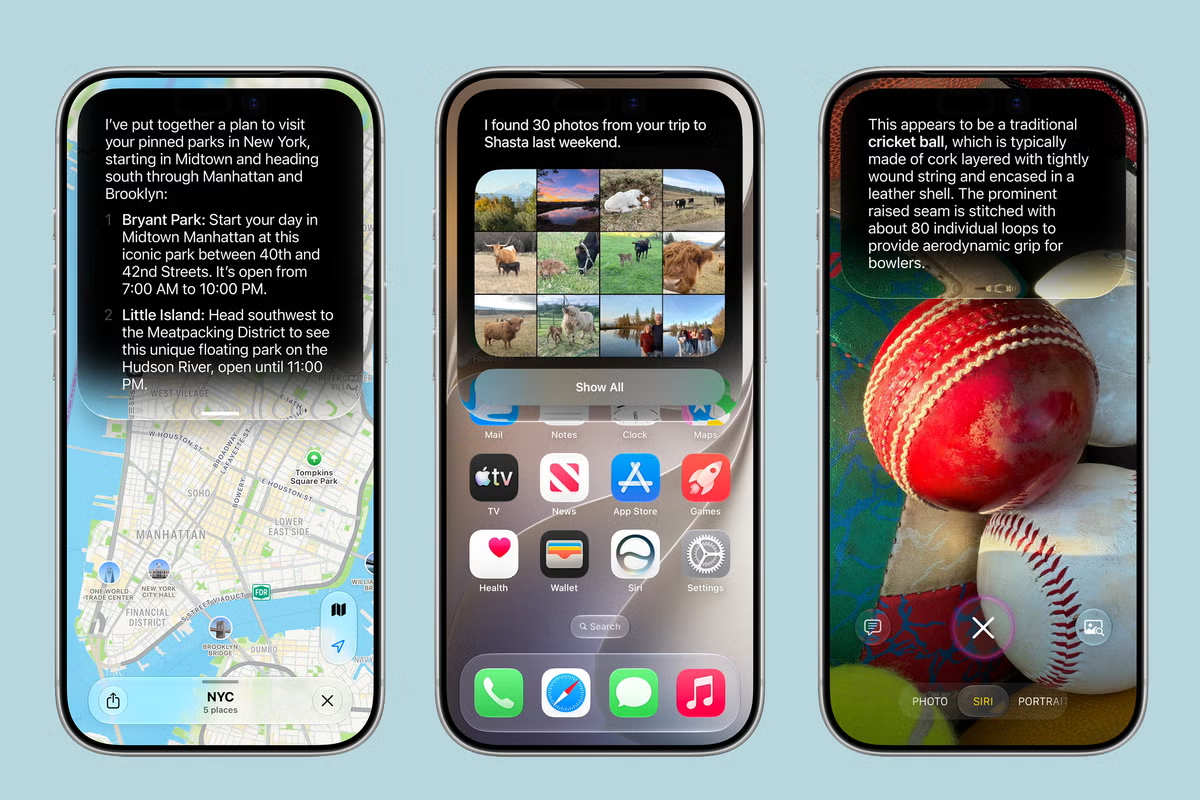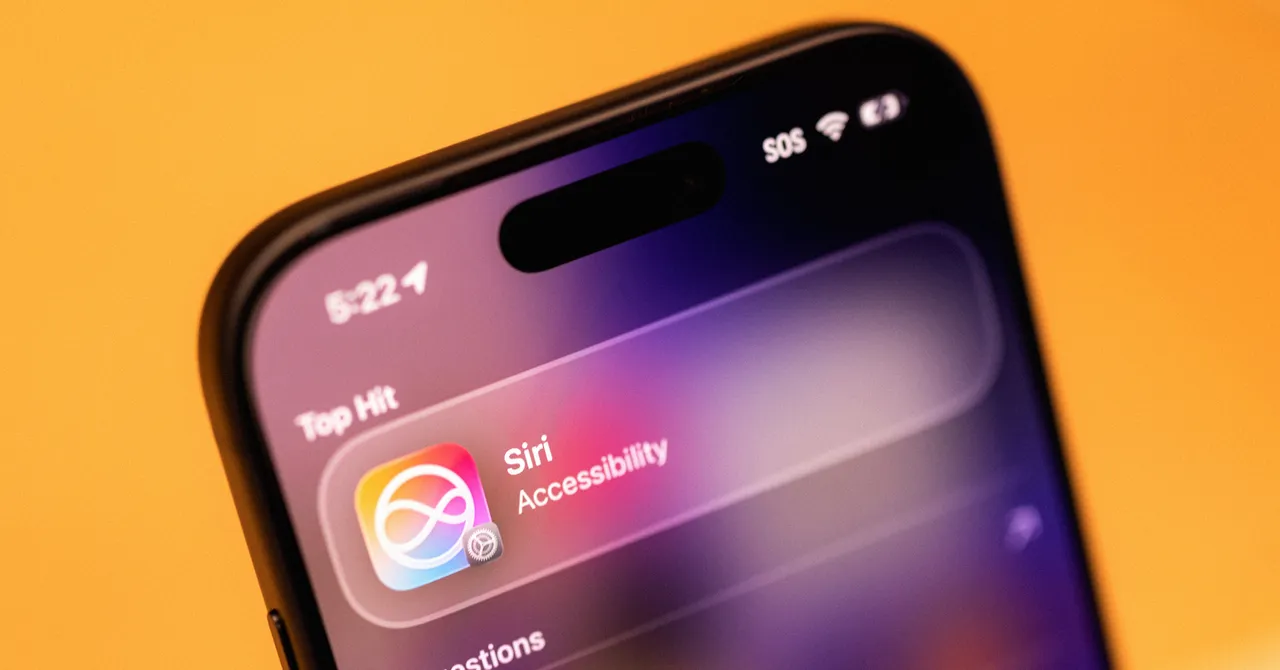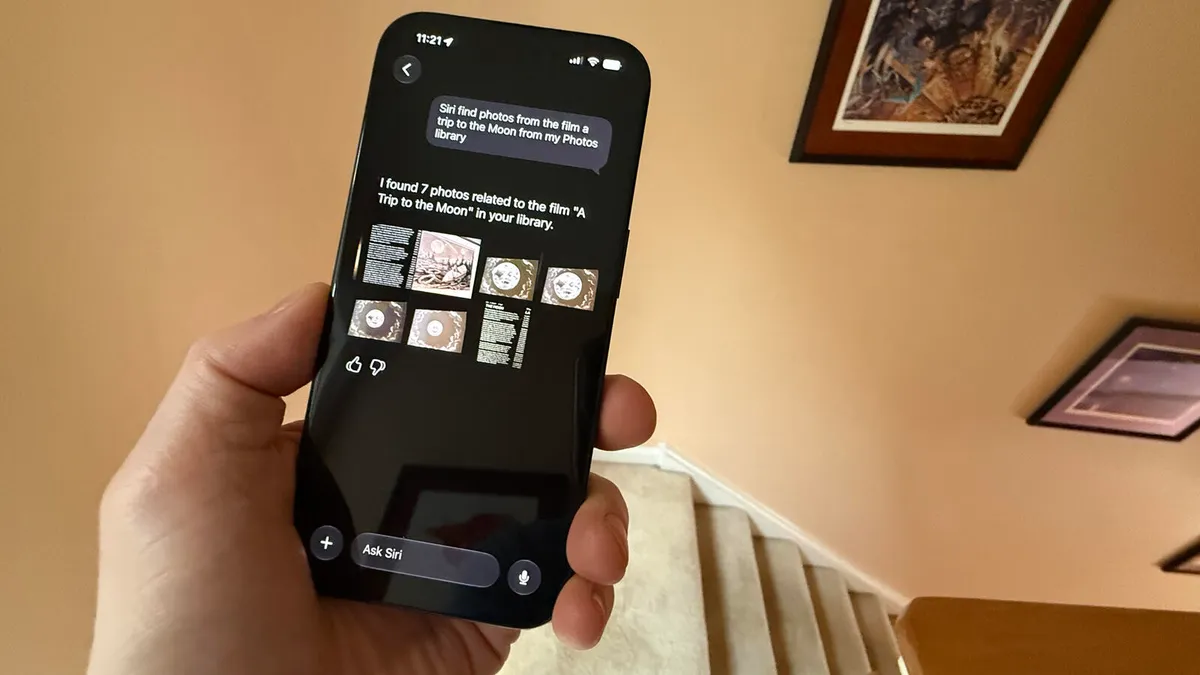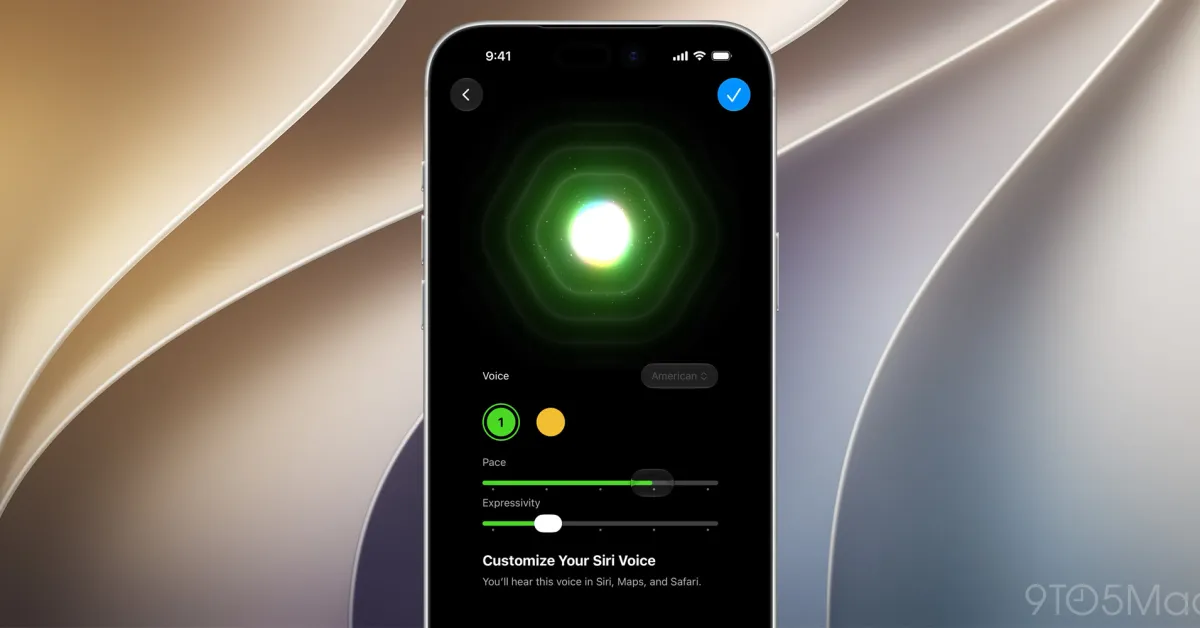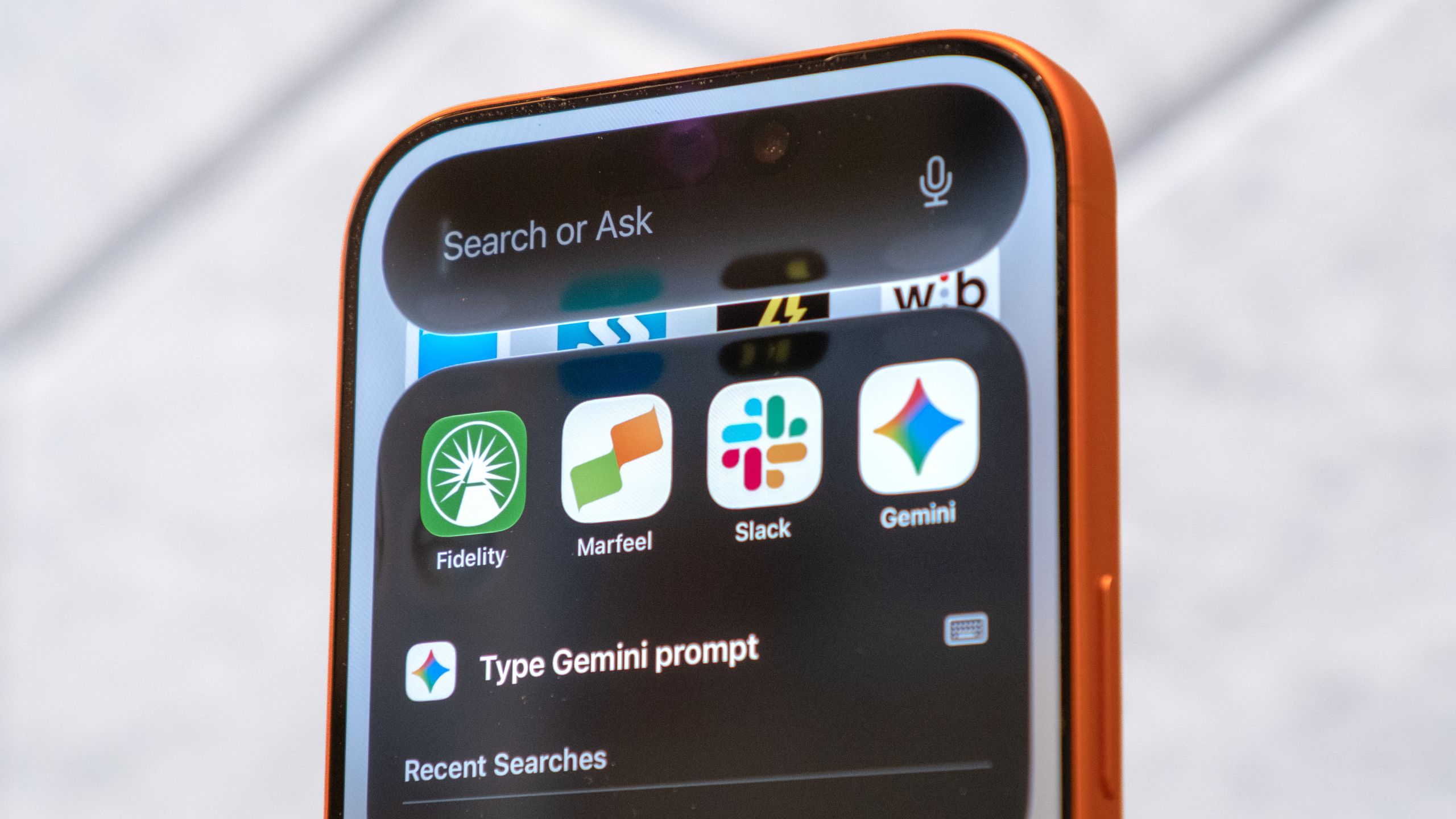
For years, Siri's mechanical stutter was a dead giveaway that you were talking to a robot. Not anymore. With iOS 27, Apple has overhauled its virtual assistant using advanced generative audio models that mimic natural human speech patterns.Providing you're using an iPhone 17 Pro, iPhone 17 Pro Max or iPhone Air, your daily interactions will soon feel like a fluid, back-and-forth conversation. This translates to a much smoother, lifelike tone whenever your assistant speaks.Ready to give your compatible iPhone a voice lift? Here is how to enable and customize the new Siri.Make sure your iPhone's running iOS 27 Beta 2If you haven't updated your iPhone yet, you'll need to do that before you can try out the new Siri. Before you download anything, back up your iPhone first by going to Settings, Your Name, iCloud, iCloud Backup and tapping Back Up Now.If you’ve never used an Apple beta before, you will need to register for a free developer account to get started. Once you’re signed up and off the Apple Intelligence waitlist, you can update your phone.However, if you’ve used any Apple beta in the past, you can skip the registration entirely and download the software. Just open Settings, go to General, Software Update, Beta Updates, and select the iOS 27 Developer Beta to begin the installation.How to customize your Siri voice in iOS 27
The robot voice is gone: How to make Siri sound truly human in iOS 27
Your iPhone’s Siri just got a massive voice upgrade in iOS 27, here is how to try it.
582 words~3 min read