Skip to content
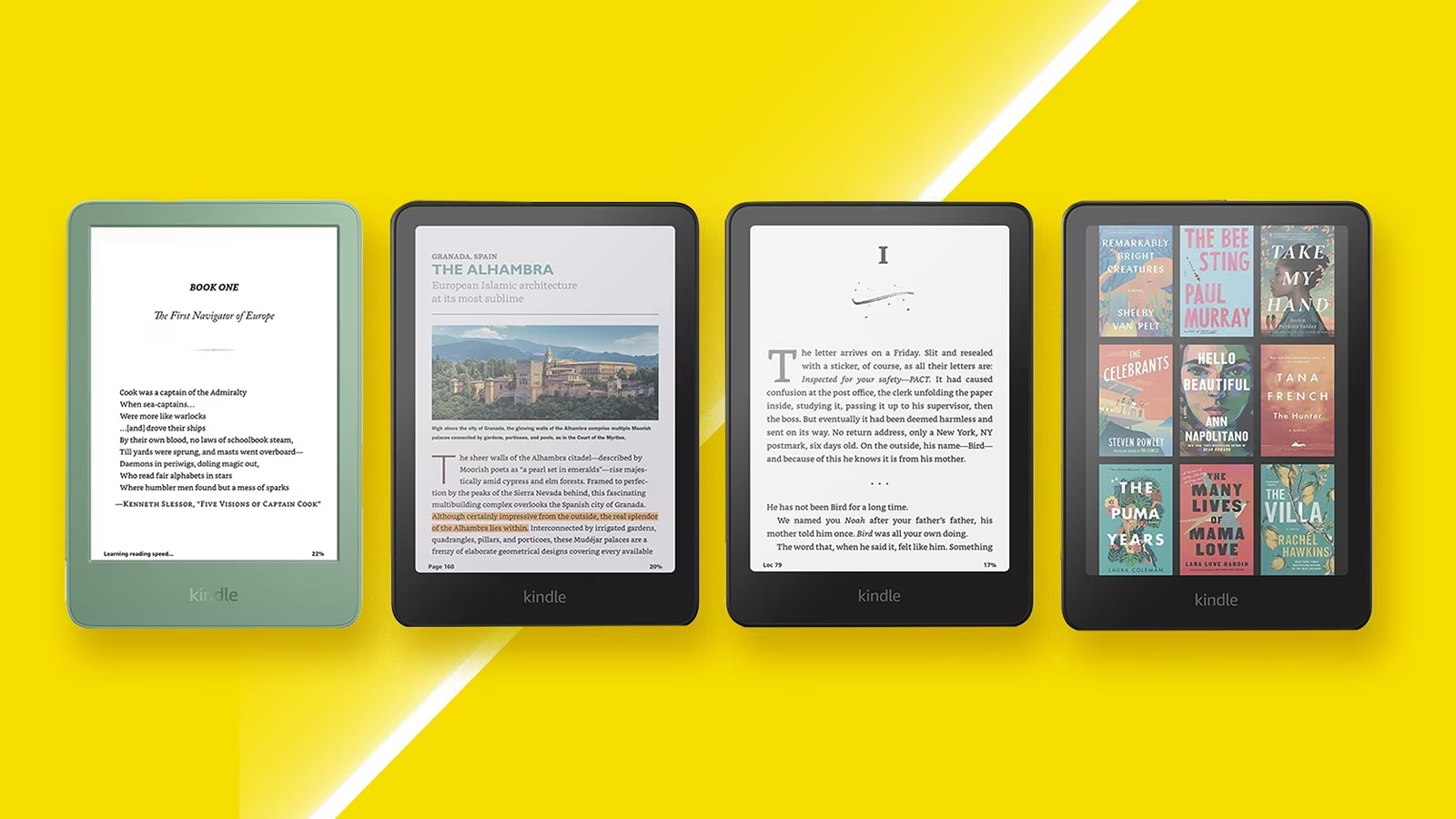
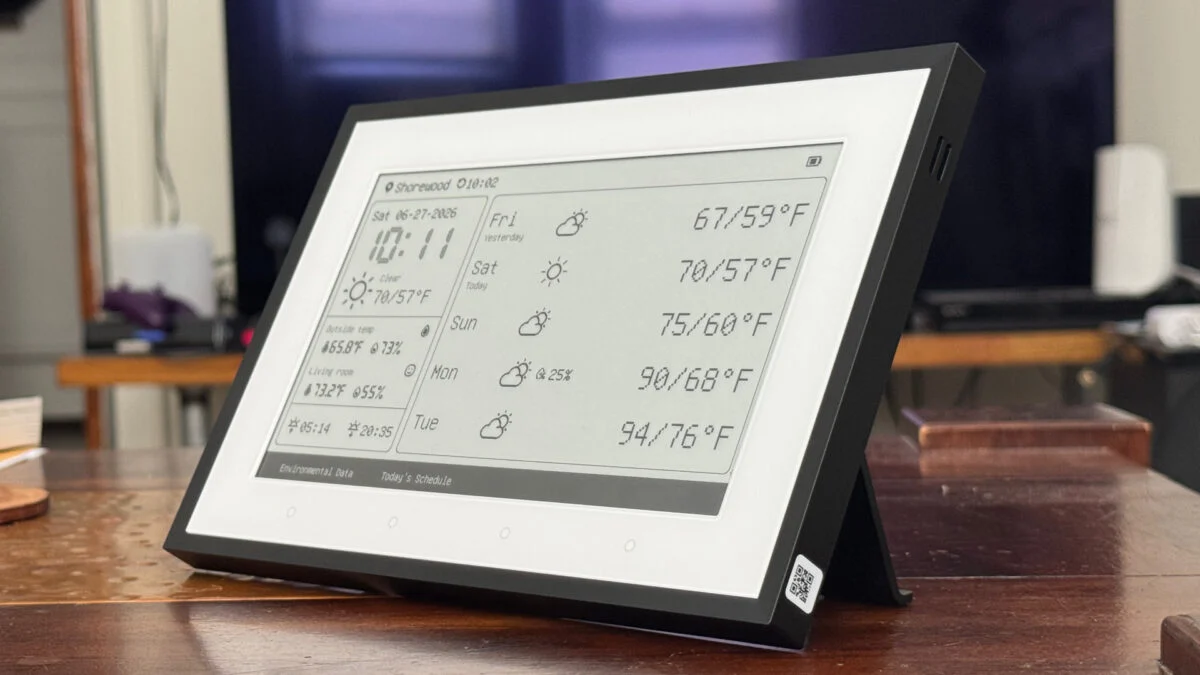
People have been attempting to turn Kindles into more than e-readers since the first devices came out nearly two decades ago. The e-ink displays are low-power and great for displaying information that doesn’t refresh too often, and with Amazon continuing their trend of bricking their older devices there will be more of these devices available. [Hemant] built a weather dashboard with one of his, but since then had requests for other types of e-reader dashboards and has a guide for making more general-purpose use of an old Kindle.
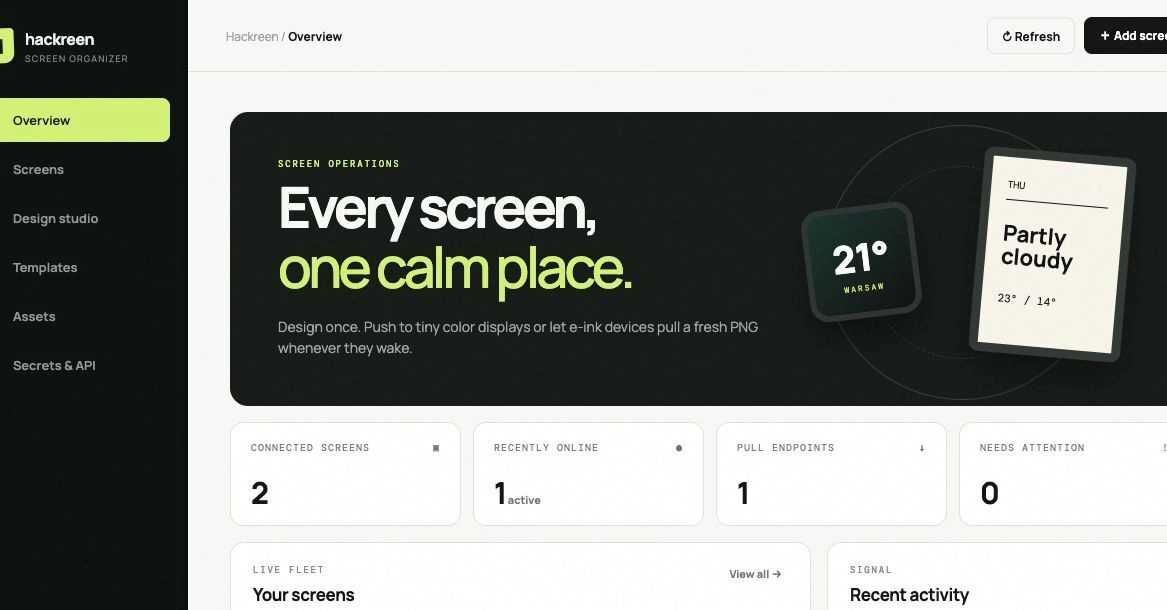
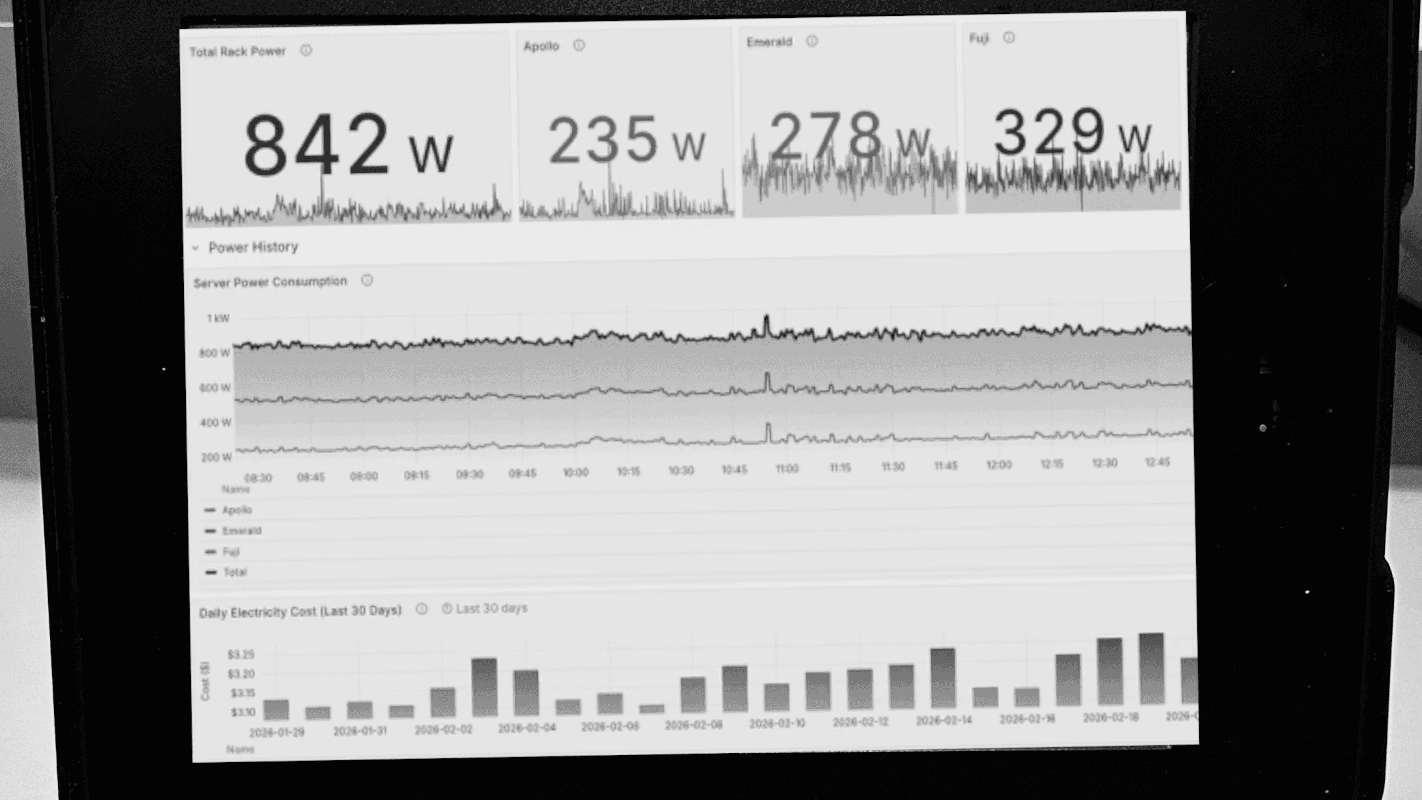
The first approaches outlined here involve the installation of a dashboard client on the Kindle and pointing it at a server that hosts a PNG image of whatever information needs to be displayed. The client simply displays that image and refreshes it at predetermined intervals. There are a number of options for creating that server as well, including using Home Assistant for those who already have a home automation system deployed. The benefit of using Home Assistant is that it’s much more straightforward to gather data for the dashboards from sensors and other peripherals that are already installed.
Installing a client like this might seem straightforward, and it can be, provided that the Kindle involved is jailbroken or capable of being jailbroken. An Amazon update recently broke many modern devices’ ability to execute the jailbreak, so not every Kindle can do this anymore. But [Hemant] goes into detail about this and also outlines some methods for using generic e-ink displays instead, and also dives into the hardware and software behind building a server to host the dashboard images for those without Home Assistant already running. It’s a great overview for those who have always wanted something like this but never knew where to start.