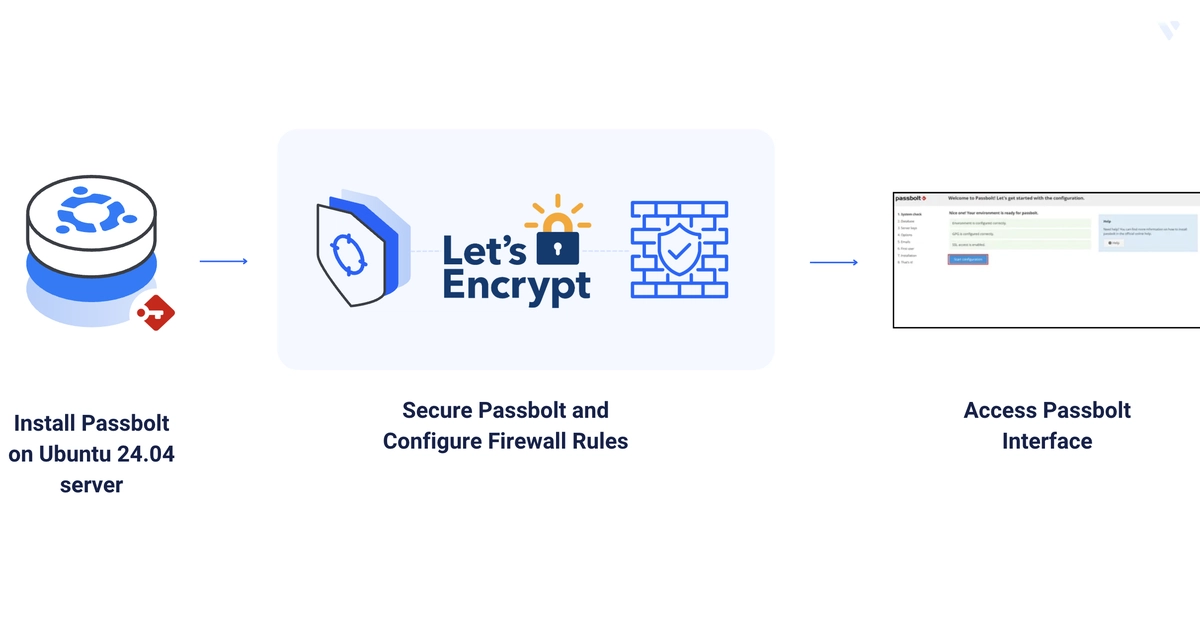
Passbolt is an open-source password manager built around end-to-end encryption with OpenPGP and browser extensions for Chrome and Firefox. It supports login automation, role-based access control, and credential sharing across teams. This guide deploys Passbolt CE on Ubuntu 24.04 using the official APT installer, configures Nginx and Let's Encrypt during install, and walks through the web-based setup wizard. By the end, you'll have Passbolt managing encrypted credentials securely at your domain.
Prerequisite: Ubuntu 24.04 server (also works on Debian 12, Rocky Linux 9, Alma Linux 9 — see notes below), non-root sudo user, and a domain A record pointing at the server.
Open the Firewall
$ sudo ufw allow 80,443/tcp
Enter fullscreen mode